


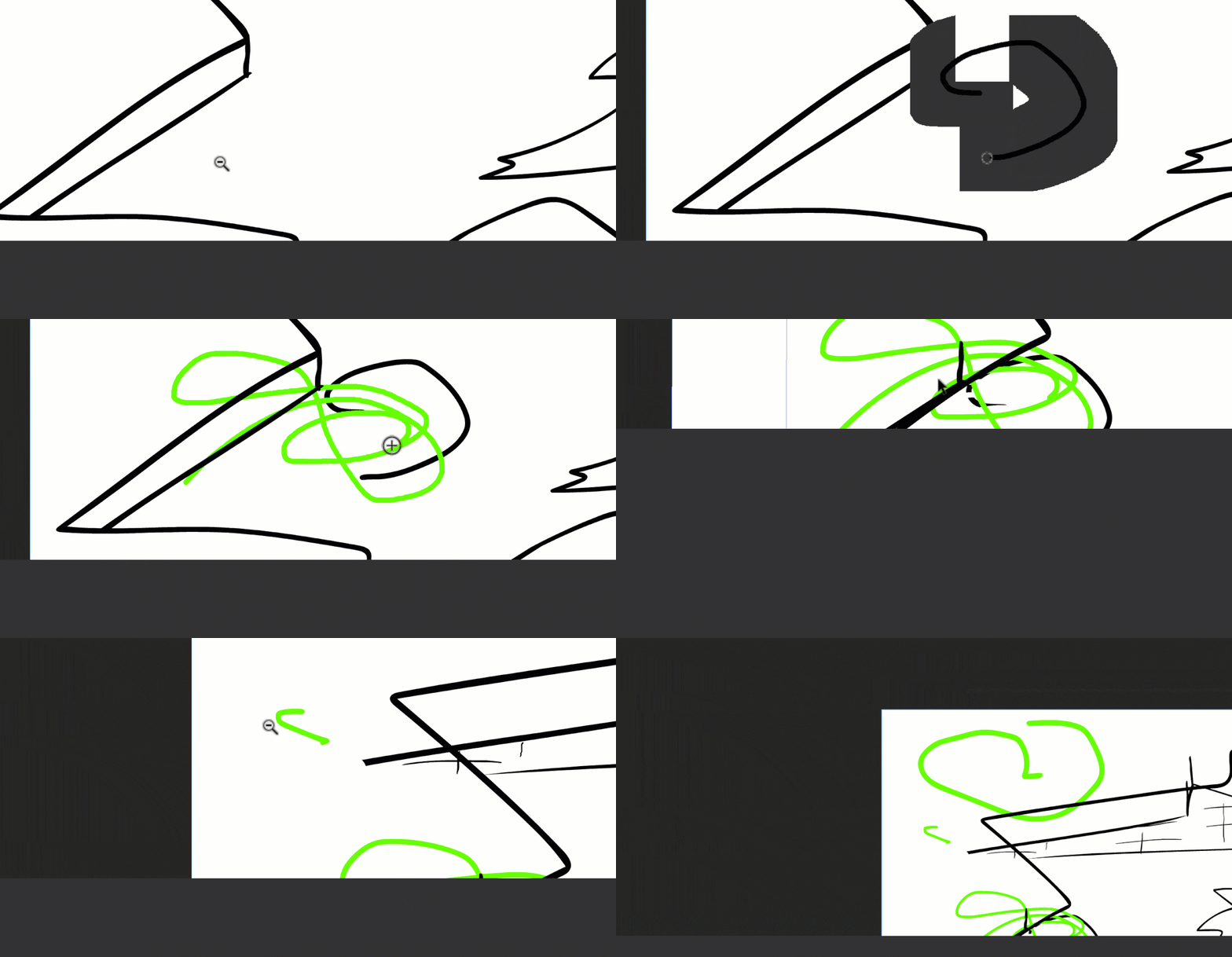
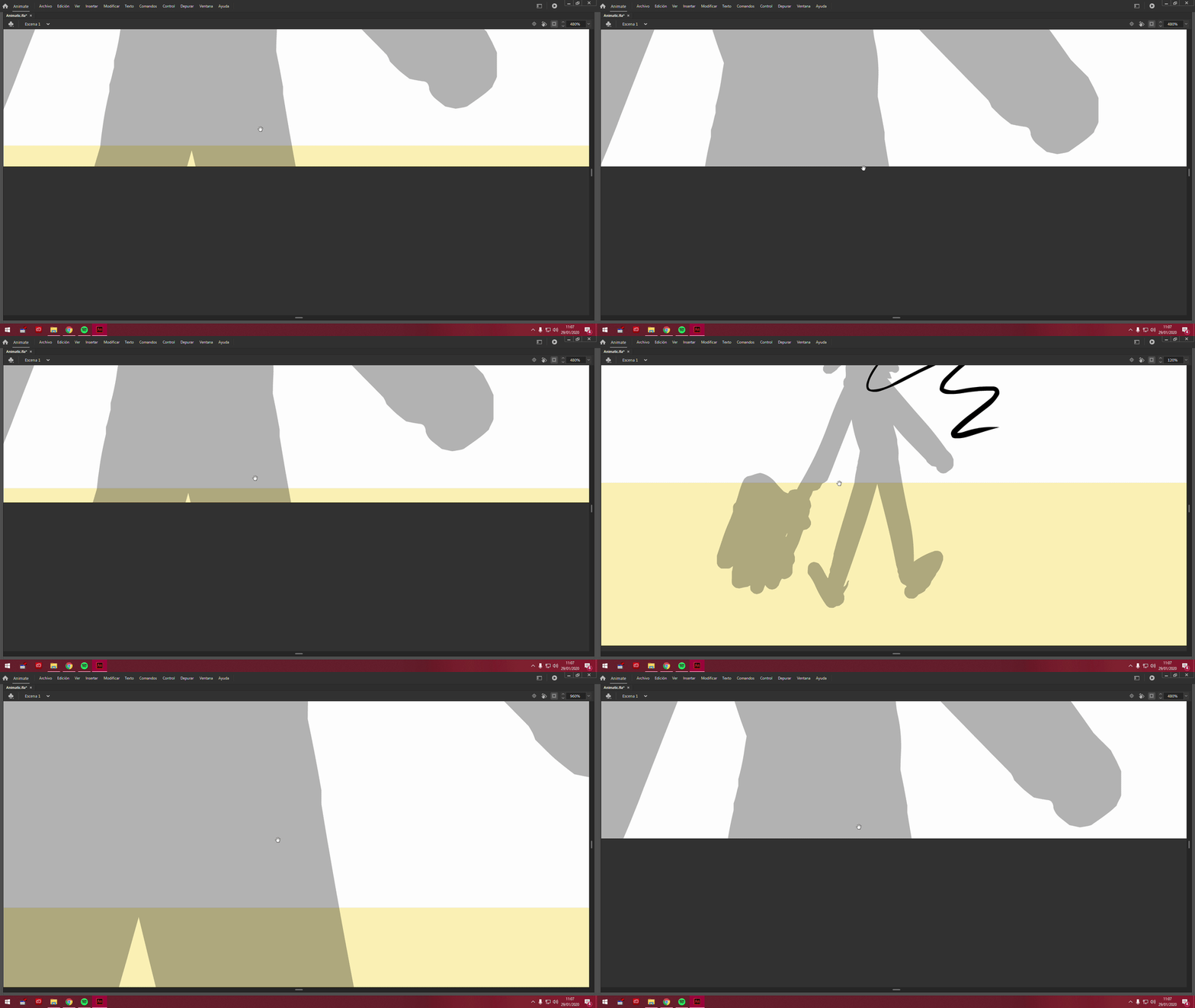
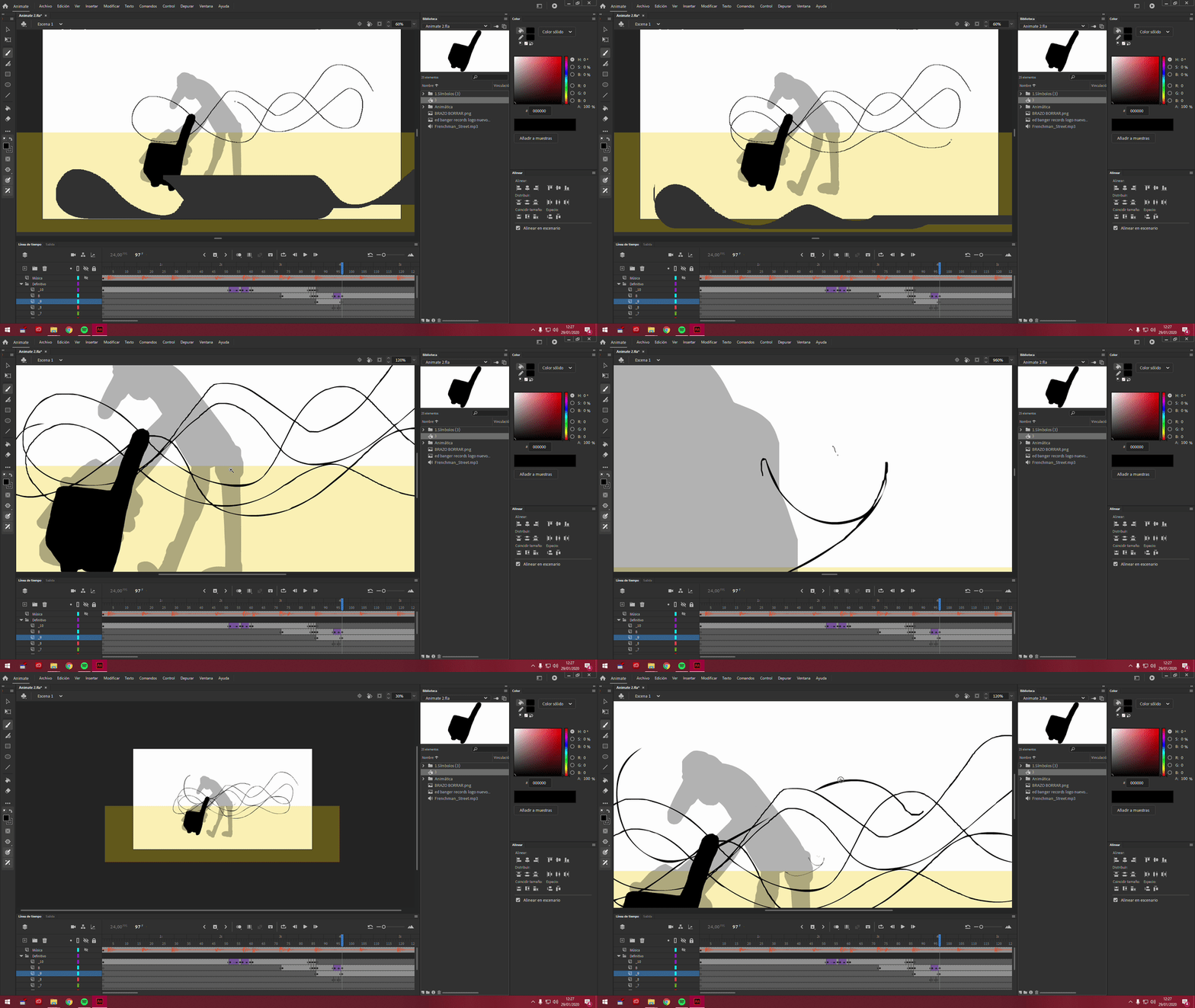
Gray boxes glitches all over screen when zooming, brushing, clicking objects, or moving the screen.
I have gray boxes appearing in a glitchy mess all over my screen, making drawing impossible. I’ve had this problem for over 4+ years. It happens randomly, interrupting and completely halting process on animations, newly created (like currently) or older projects. I even tried copying all layers from a project I created 10 mins ago (before this begun occuring) to a new project, and it still happened. If I zoom, draw, or click objects or move the screen this happens.
And I’ve found other documented cases of this very same problem listed at the bottom of this post.
This but has persisted for over 4 years, I’ve updated drivers, updated animate, reinstalled windows etc over the years, this is just becoming rediclousy and has halted all my animation progress. Even now, I finally get back into animating again, and within 10 mins of starting my momentum is halted due to this issue.
Here are gifs of the issue I’m facing and others I found on this very board. No one has ever given a solution. I’ve searched in the past 6 years of documentation of this issue. No one can ever help fix the problem.
 AdChoices