
Participant
December 10, 2017
Question

Gray Triangle With Exclamation Mark Adobe Animate CC ??

  • December 10, 2017
  • 5 replies
  • 2126 views

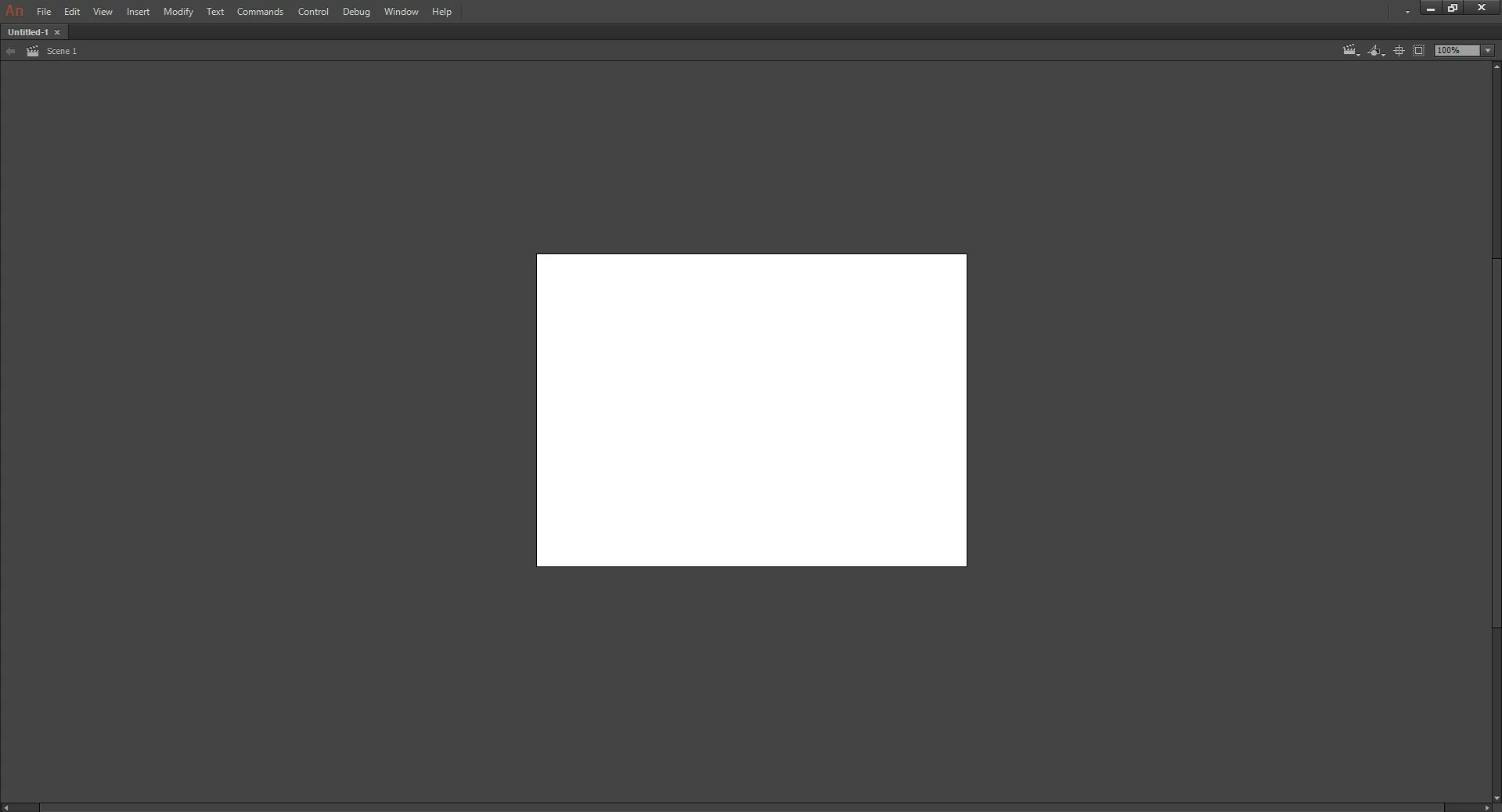
Any project I open up on Animate CC 2018 will not let me edit it, open any windows, draw or do anything. The cursor is just a gray triangle with an exclamation mark in it and will not change to any tool. The solution I found online explained how to fix it with CS6 and earlier windows versions, but nothing with Animate CC or Windows 10. I've updated all my drivers, updated my computer, and even the flash player. I didn't want to go editing any files without knowing for sure what the solution is, and one of the solutions was the recreate the preferences for the application. Any info would be great on any solutions, what the problem is, and how to recreate the preferences would be great if that would even help me out. I'm not sure if you would need any more information to help out, but let me know and I'll help any way I can
This topic has been closed for replies.

5 replies

snowy shadou
Participant
August 24, 2020

were you able to fix it, I am having the same issue

Colin Holgate
Inspiring
August 25, 2020

On Windows you can get a situation where a window is off screen, and you are looking at the other windows in the application, with no hint as to why you can't do anything. That may be what is happening here.

The solution is to retrieve the offscreen window. You can do that with these steps:


Alt-spacebar, then press M, then any arrow key. Now move your cursor. Is there a window attached to it?


snowy shadou
Participant
August 26, 2020

that didnt really help-, it just opened the options on the bar above but I still cant open the tools neither draw, the triangle exclamation mark thing next to the cursor is still there too


cas389
Participant
December 19, 2017

Did you figure out the solution?! I am having the same problem!!

Participant
December 12, 2017

Anyone know how to reset the preference files? That seems like the best option but all the tutorials are for out of date versions.

Participant
December 10, 2017

Anyone even know what the issue is? Could it be something with my computer, because I logged onto my account on a different pne and it worked. Just looking for any information or help

Participant
October 12, 2023

did you ever figure out how to fix it??


Community Expert
December 10, 2017

Try uninstalling and reinstalling. Could just be a glitch from when it was installed.

Participant
December 10, 2017

No luck the gray triangle is still there