pete142
Known Participant
April 2, 2022
Answered

HELP! Animate won't export my video (Warning Duplicate Label)

  • April 2, 2022
  • 1 reply
  • 1564 views

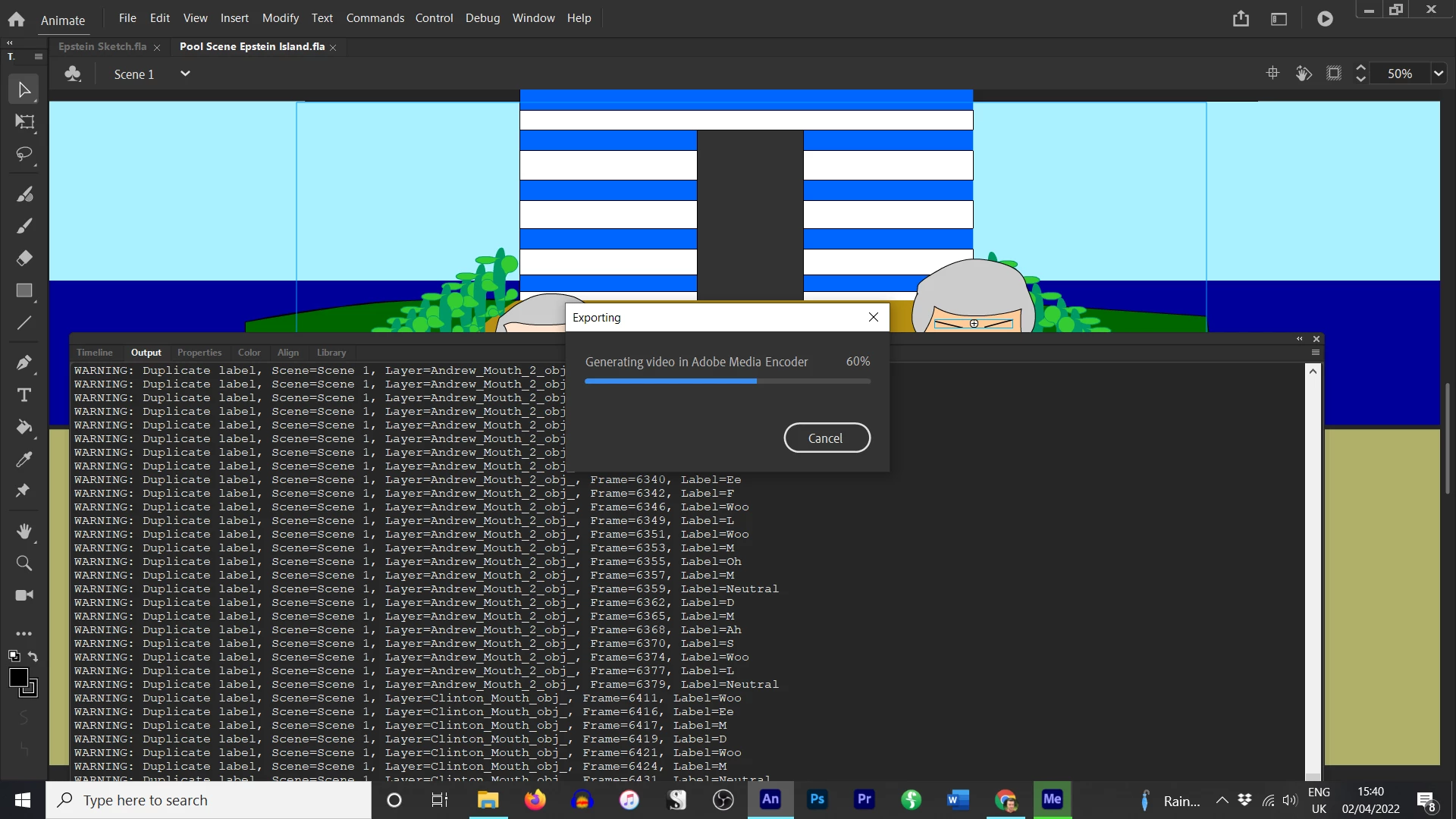
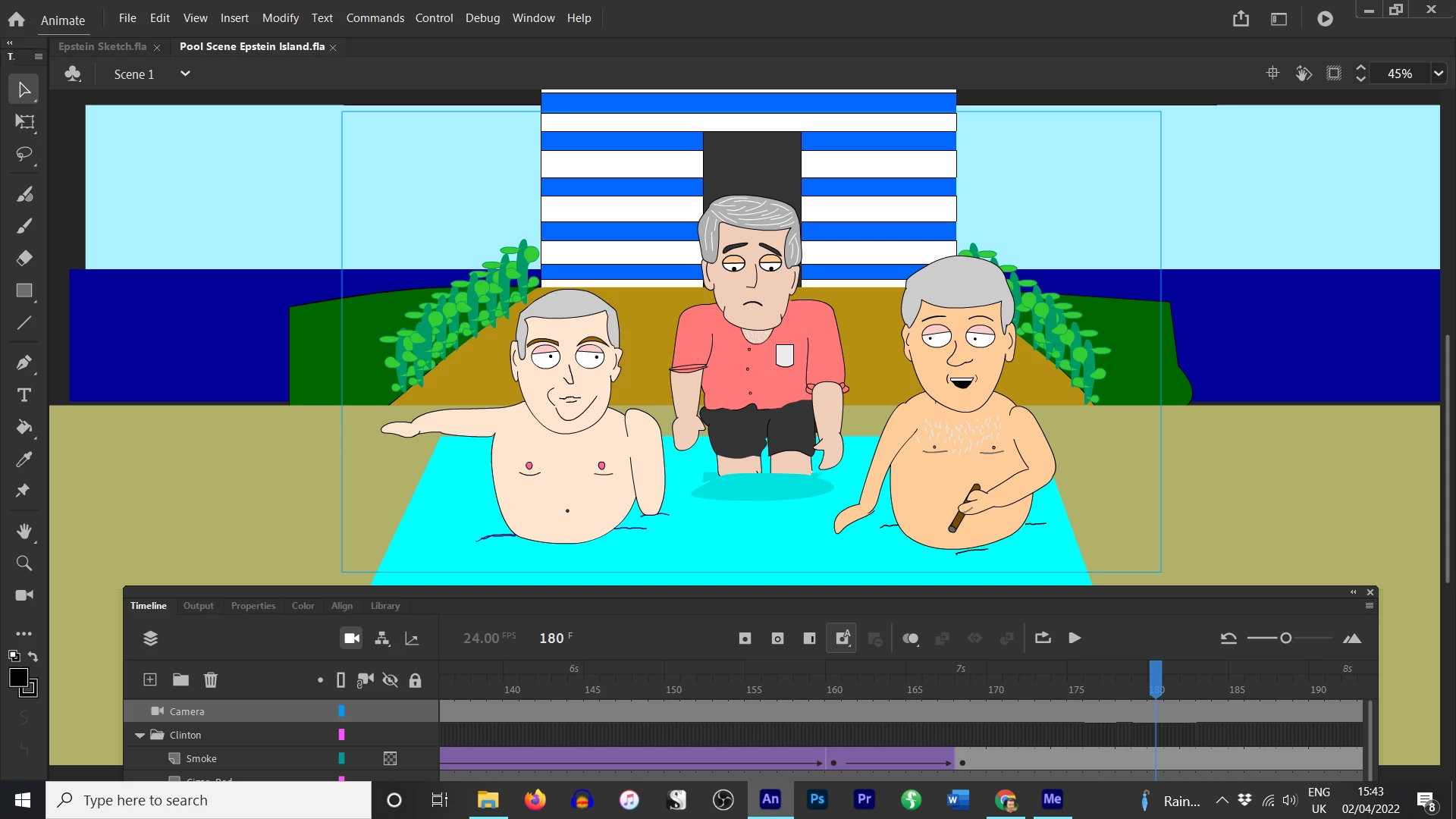
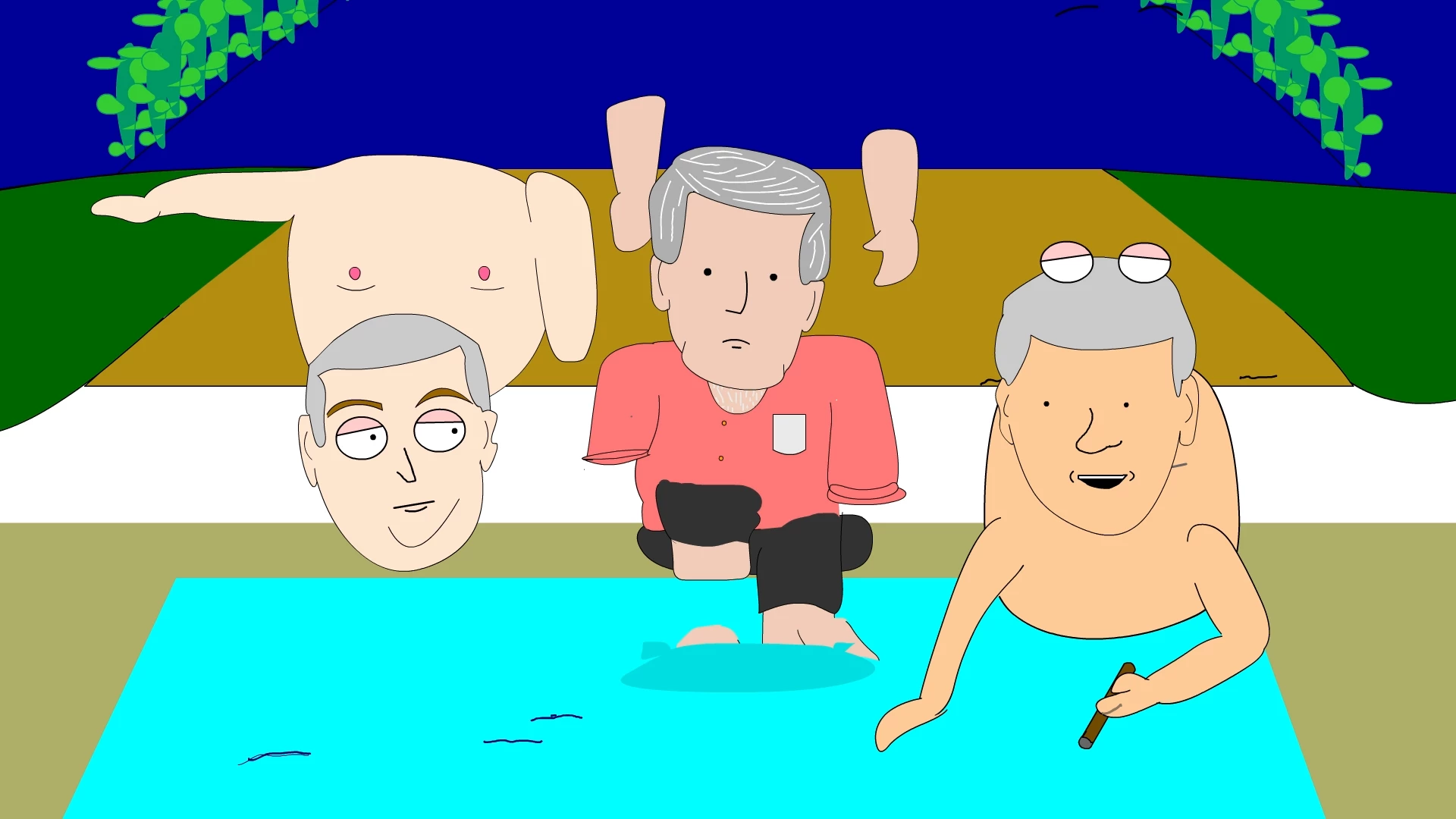
Hello, I have made an animation that is 273 seconds long. In the timeline, everything looks and plays correctly. The output is empty. However, when I Test Movie or Export the video, the file completely jumbles up, the output gets filled with warnings. The exported file's audio plays fine but the visuals catapult all over the screen. I have no idea why.


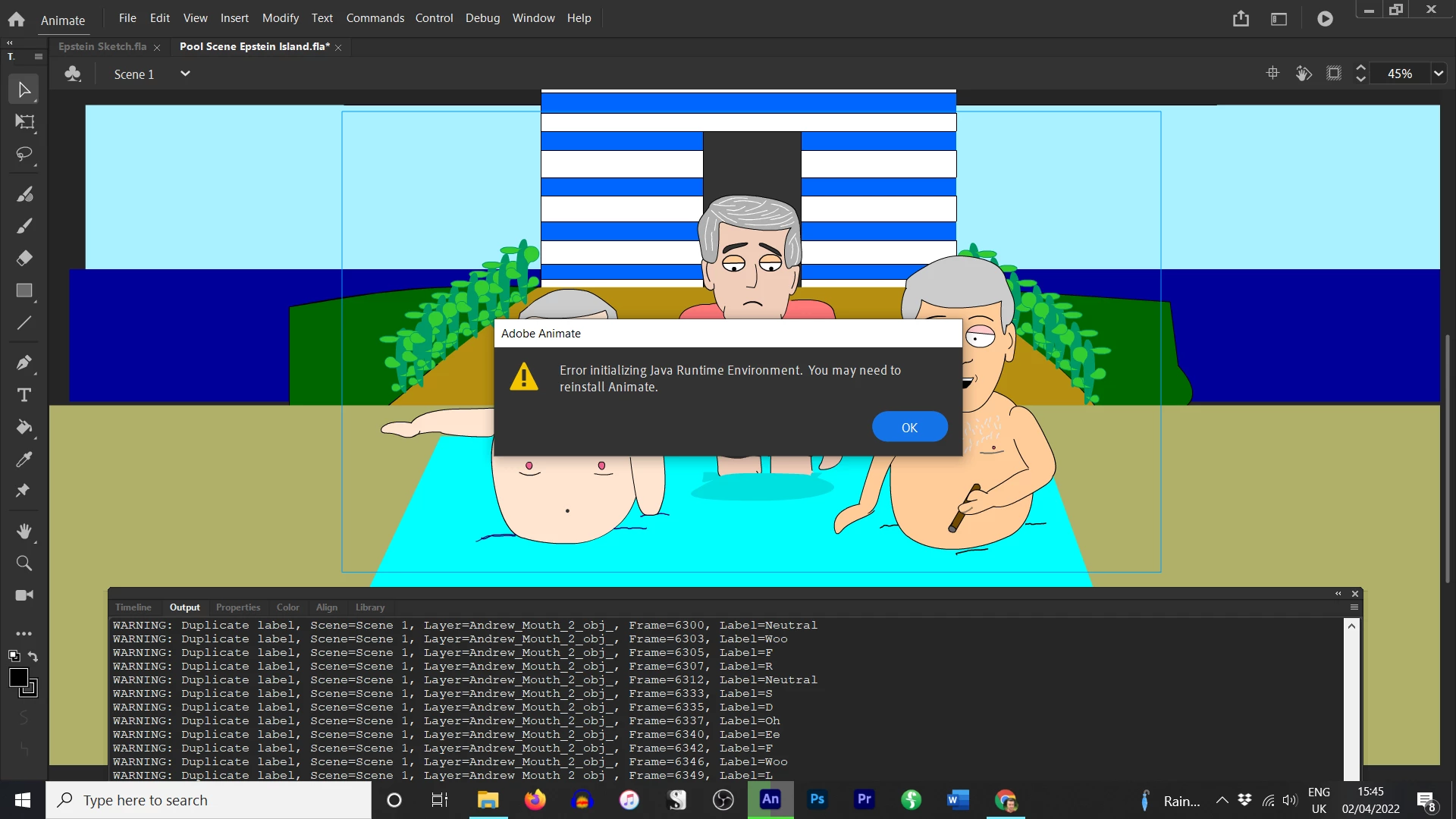
I have tried re-installing Animate as at one point it told me to consider that. Any help welcome. Thanks!

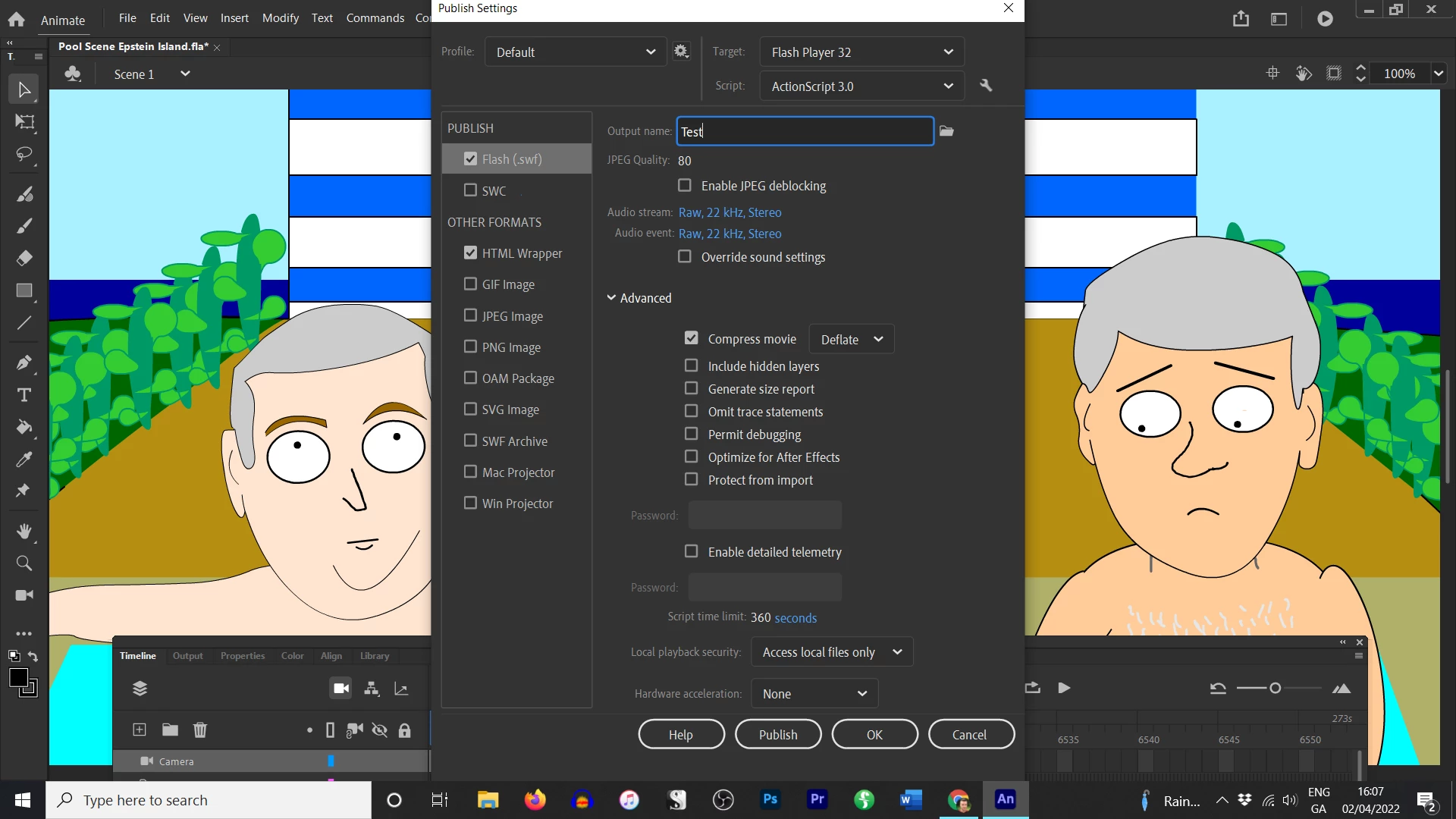
Image 1: My Publishing Settings

Image 2: The outpout warnings

Image 3: How the video looks in the Timeline

Image 4: How the video looks Exported

Image 5: Animate suggesting reinstalling
 

    This topic has been closed for replies.
    Correct answer kglad

    close animate

    rename jvm.ini* (eg, $jvm.ini)

    restart animate and retest


    *C:\Users\<USERNAME>\AppData\Local\Adobe\<ANIMATE_VERSION>\en_US\Configuration\ActionScript 3

    1 reply

    kglad
    Community Expert
    kgladCommunity ExpertCorrect answer
    Community Expert
    April 2, 2022

    close animate

    rename jvm.ini* (eg, $jvm.ini)

    restart animate and retest


    *C:\Users\<USERNAME>\AppData\Local\Adobe\<ANIMATE_VERSION>\en_US\Configuration\ActionScript 3

    pete142
    pete142Author
    Known Participant
    April 2, 2022

    Thank you for responding. I can't seem to find this file or any App Data folder in my C or Username drive.