


HELP. ERROR. Big grey areas in the stage view and auto-complete layers with nothing.
Hello, without reason, animate started to look very strange, the brush created horizontal lines:
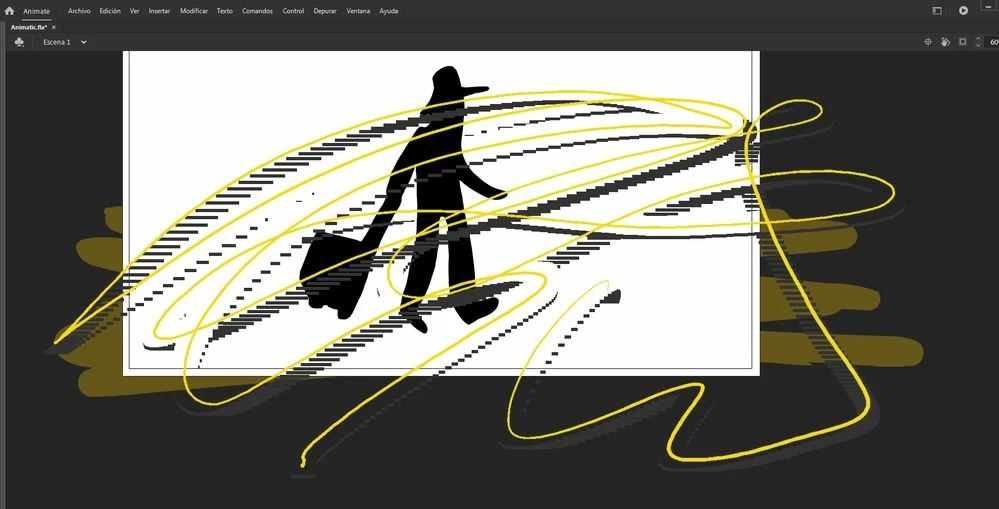
It seems it fixes disabling "zoom size with stage", but now in the stage view it creates a big grey area:
(Edit: after a while, even with "zoom size with stage" disable, the error appears with another form (a little bit farther of the brush):
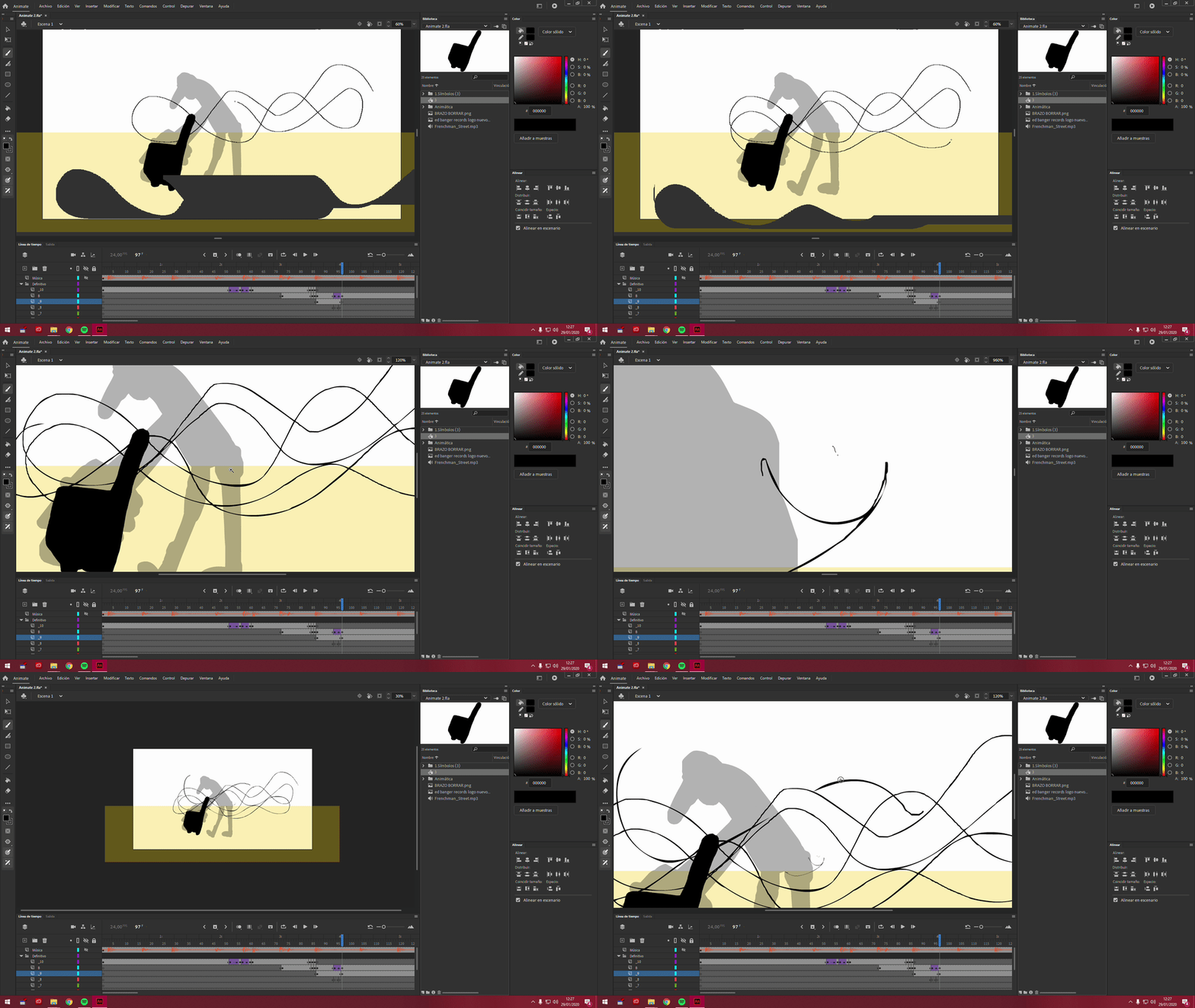
This is the big grey area mentioned:
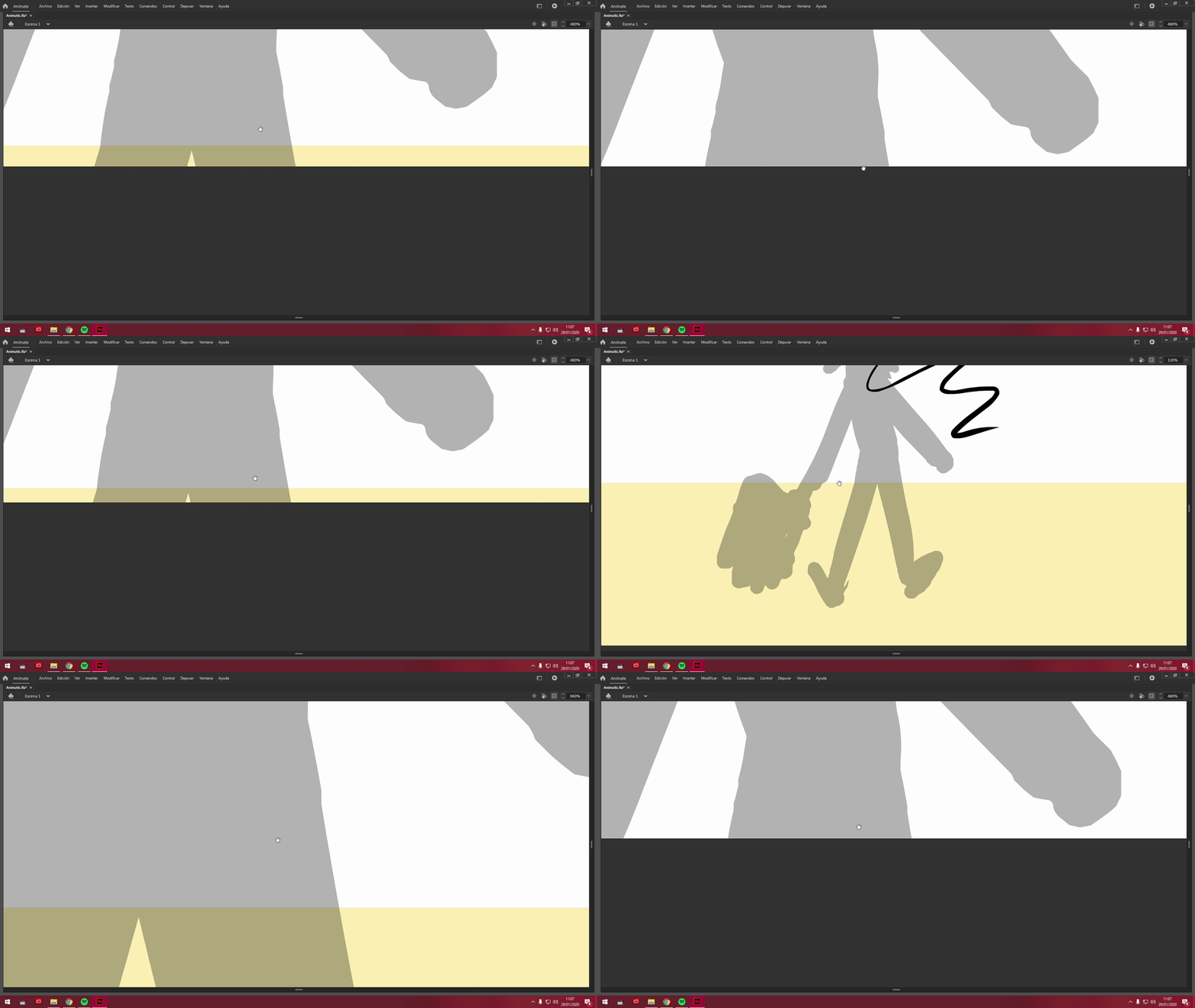
Edit: Another error appears, Animate shut out and when I opened it all the layers auto-complete with nothing, even the keyframes where have a symbol on it or a draw, they put a "nothing" thing.
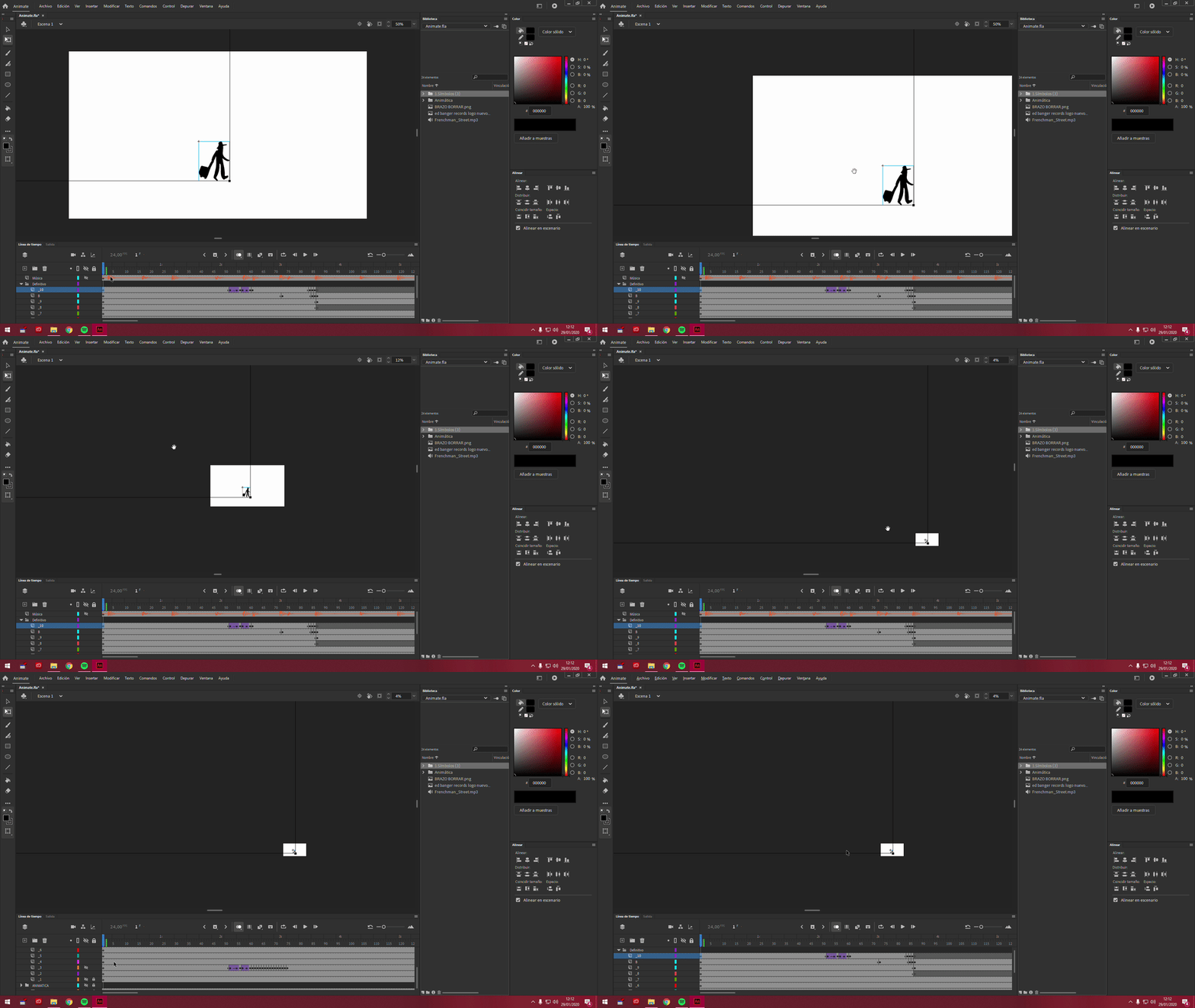
Hopefully, it seems you can delete them creating empty keyframes and dragging it into the holes of the layers you didn't use, but is really annoying.
I have Windows and Adobe Animate and Creative Cloud are updated.
Hope someone can help me, thanks!
 AdChoices