



Help exporting an interactive map that works on Vimeo
I'm brand new to Animate and am trying to make a simple map with one frame. The end result I'd like is an embed code or something that can be put into Weebly so this map will function.
The way it's supposed to work is when I hover over a button (the pink box with a number in it) a movie clip appears which is a white box with a title and photo. When I click on the button it goes to a website. I've finally figured this all out and it works fine when I test it in Animate, on a browser, or in an SWF file. The plan is to create buttons with different info for each tent, but not until I find a way to make it useable on the web. Help please!
The problem comes when I make a mp4 file. https://vimeo.com/441067927 I get a 5 second long movie and only the white box with title and photo shows up. There are no button and no actions. I've tried saving as an animated gif and that doesn't work either. What do I need to do differently? I first made it in HTML5 Canvas and got frustrated trying to create files I could upload, so I made it over using Action3.
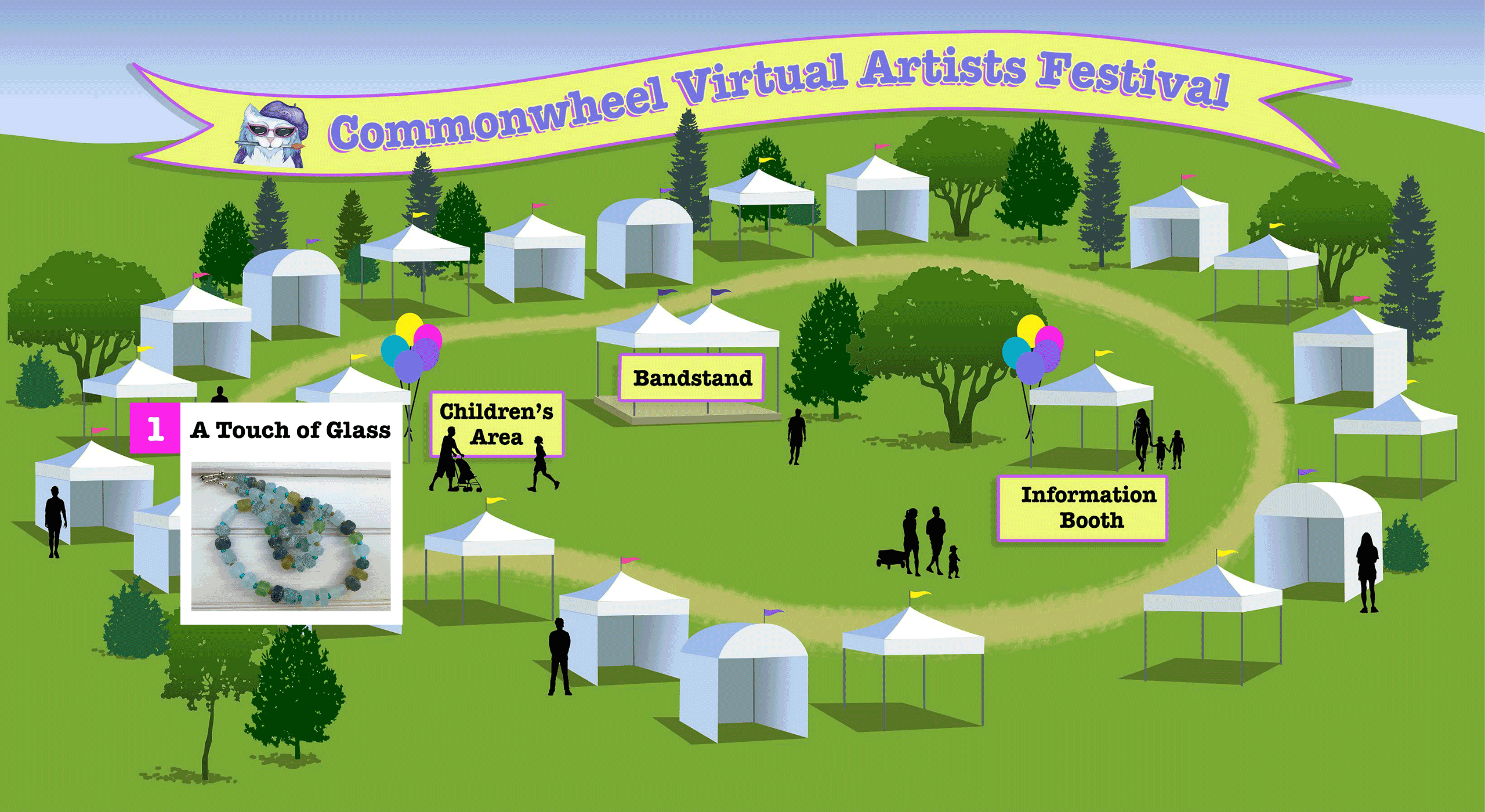
Edit: I think the answer is to use the HTML5 Canvas platform, export as an HTML page with Java script files and images to somehow incorporate into a website. If you don't know how to use the Code Editor in Weebly to add such things, you're out of luck. Am I right?
 AdChoices