Kirbomas1
Known Participant
December 23, 2021
Answered

help, my animation wont fully export

  • December 23, 2021
  • 1 reply
  • 420 views

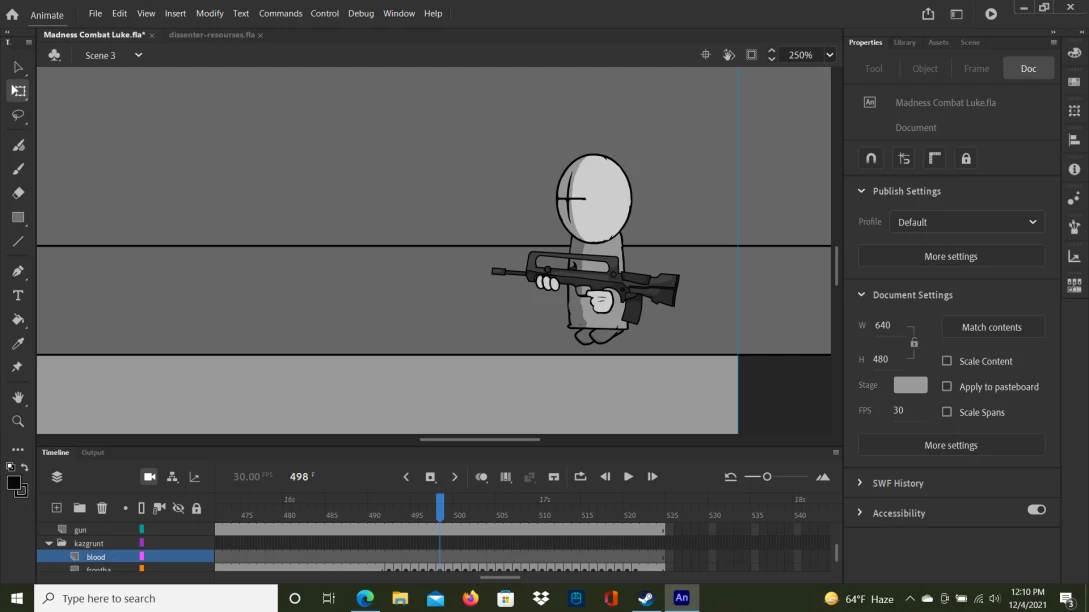
I've made a 1:30ish minute animation, but after trying to export it, it stops at about 32 seconds and wont go past that

    This topic has been closed for replies.
    Correct answer n. tilcheff

    Most likely you need to go into settings and adjust how images are treated.

    By default it may be so that for static images you have a setting to keep them on screen for 5 seconds. This must be changed to 1 frame.

    I've never even seen premiere rush, so I don't know. There should be documentation you can look into.


    Basically any video editor can be fed an image sequence and will be able to produce a video out of that.


    You can do it even in Media Encoder - add source, point to the sequence and render video. You might have to add the audio later though, using rush.


    1 reply

    n. tilcheff
    Legend
    December 23, 2021
    Nick - Character Designer and Animator, Flash user since 1998 | Member of the Flanimate Power Tools team - extensions for character animation
    Kirbomas1
    Kirbomas1Author
    Known Participant
    December 23, 2021

    is it possible to do this with premier rush? I tried doing it with premier rush but it only did 1 frame every 5 seconds, and I tried right clicking sequence but either I'm looking at the wrong sequence button and can't find the right one or it doesn;t work with premier rush

    n. tilcheff
    n. tilcheffCorrect answer
    Legend
    December 23, 2021

    Most likely you need to go into settings and adjust how images are treated.

    By default it may be so that for static images you have a setting to keep them on screen for 5 seconds. This must be changed to 1 frame.

    I've never even seen premiere rush, so I don't know. There should be documentation you can look into.


    Basically any video editor can be fed an image sequence and will be able to produce a video out of that.


    You can do it even in Media Encoder - add source, point to the sequence and render video. You might have to add the audio later though, using rush.


    Nick - Character Designer and Animator, Flash user since 1998 | Member of the Flanimate Power Tools team - extensions for character animation
