mesilyfe
Participating Frequently
May 18, 2021
Question

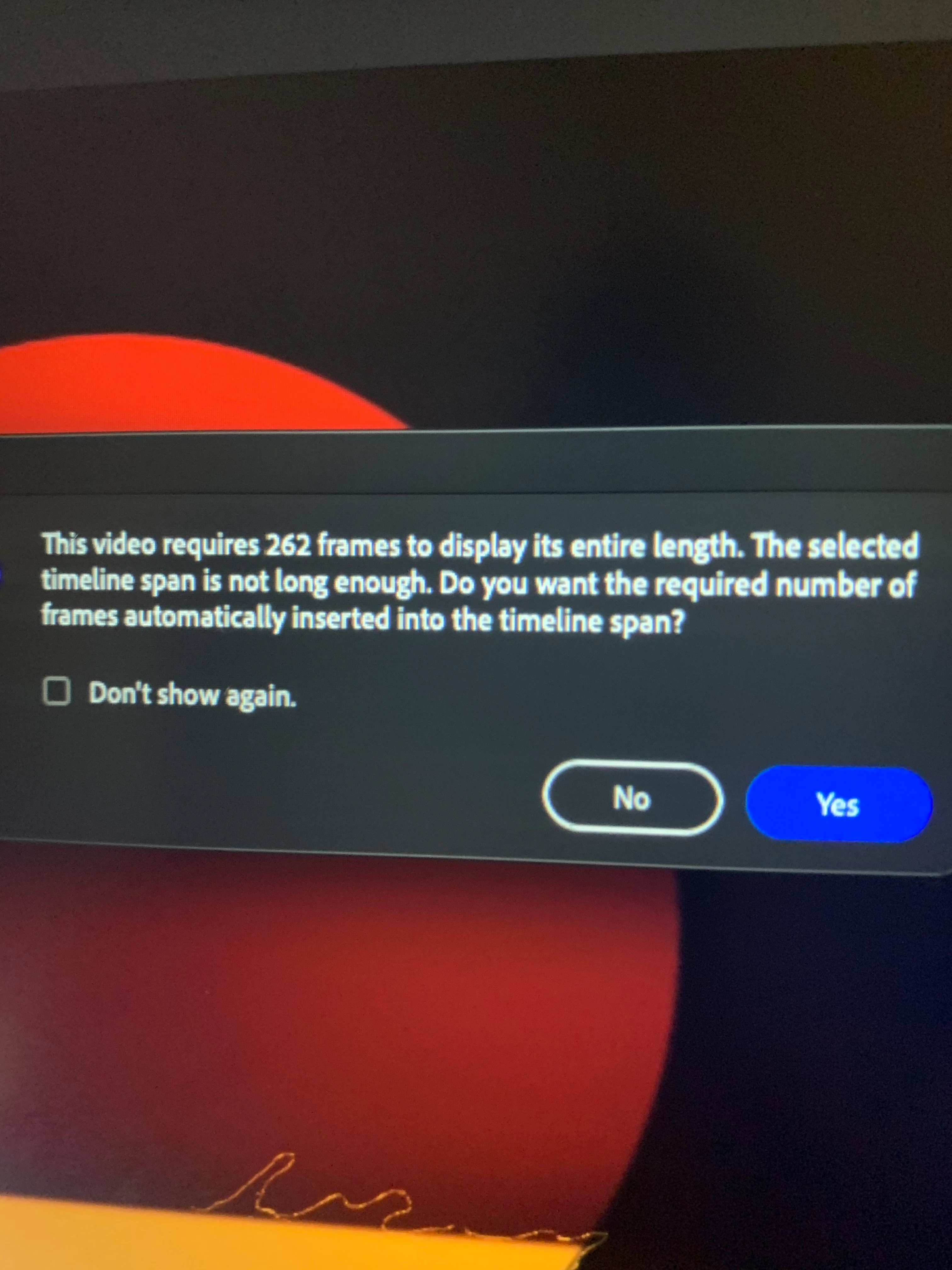
how can i fix this timeline span issue

  • May 18, 2021
  • 1 reply
  • 743 views

    This topic has been closed for replies.

    1 reply

    JoãoCésar17023019
    Community Expert
    Community Expert
    May 18, 2021

    Hi.


    You can just click "Yes" so that Animate will automatically insert the required number of frames.


    Regards,

    JC

    mesilyfe
    mesilyfeAuthor
    Participating Frequently
    May 18, 2021

    i did that multiple times and did nothing so i want to know if there is something other going on it make no sense for me and im also disable so im just kind of confused 

    JoãoCésar17023019
    Community Expert
    Community Expert
    May 18, 2021

    No problem. We are going to help you.


    Have you tried creating the 256 frames first and then importing the video?


    You can insert the frames by moving the horizontal scroll bar in the bottom of the Timeline panel, right-clicking in the desired frame and choosing Insert Frame (F5) from the context menu.


    Here is a demonstration (GIF):


    Please let us know if this solves your issue or if you need further assistance.

     

    Regards,

    JC