


Answered
How can i fix unwanted "click" sound on rollover button
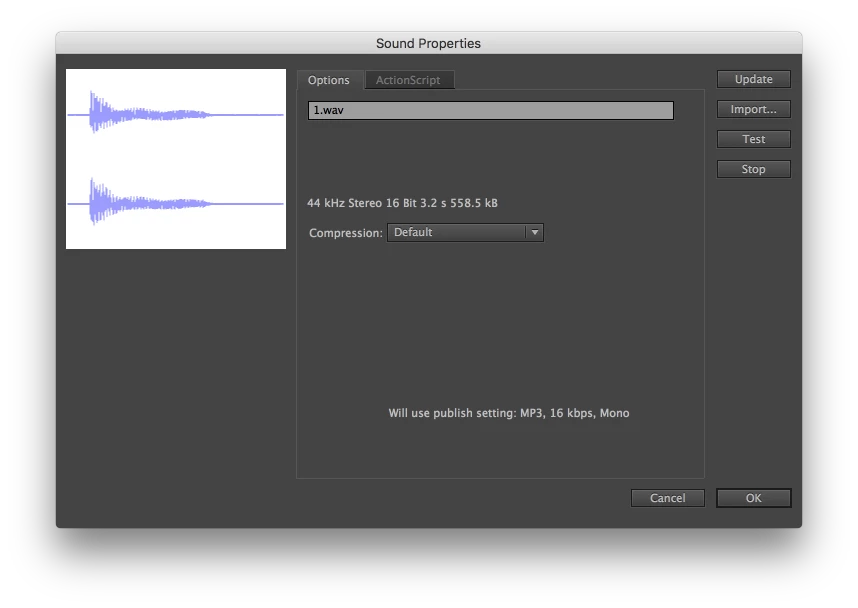
The homepage of my website includes 9 rollover buttons which link to the site's main page. The rollover buttons play a series of bass notes when the user rolls over them, however the sound is followed by an unwanted clicking sound a second or two after the button is activated. This sound is not present in the actual audio clip so the problem is happening in animate cc. Has anyone encountered a similar problem? How might I go about fixing this issue? Thanks.
Animate CC 2017.5 release
MacBook Pro (Retina, 13-inch, Late 2013)
OS X El Capitan version 10.11.6
Processor: 2.4 GHz Intel Core i5
Memory : 8 GB 1600 MHz DDR3
 AdChoices