Answered
How do I change the fatness of the layers?
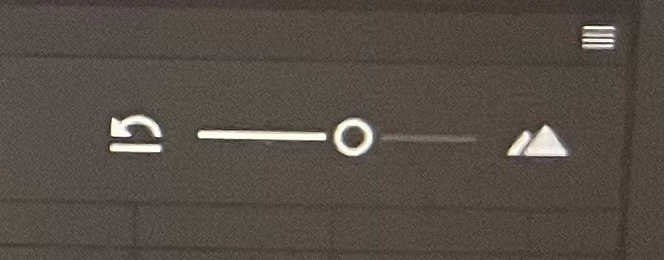
Hi, so I have two pictures below. One has really fat layers and one has really thin. How do I change the fat one showing what's drawn on the frame to the thin layers any help would be great thanks
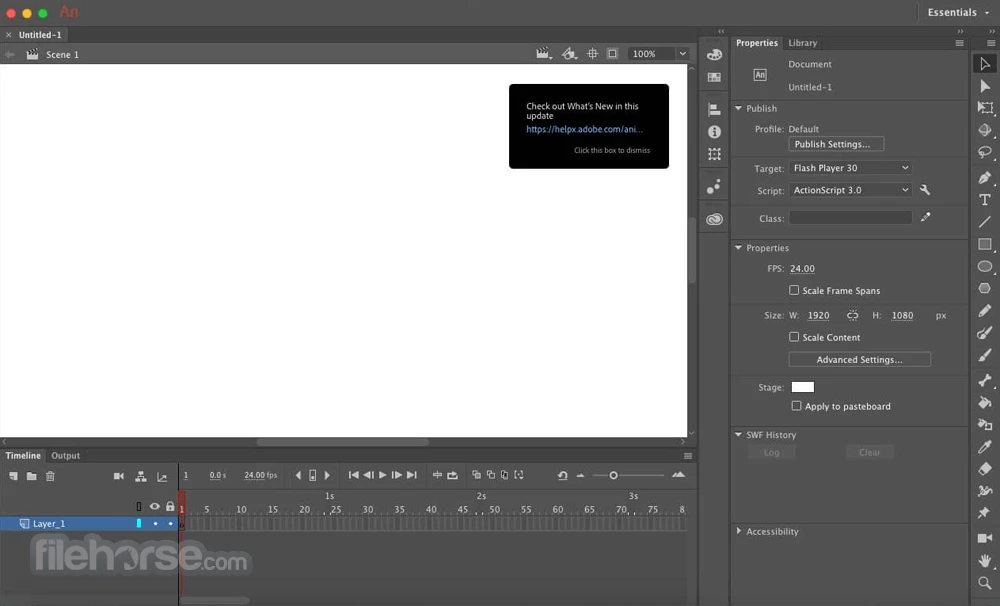
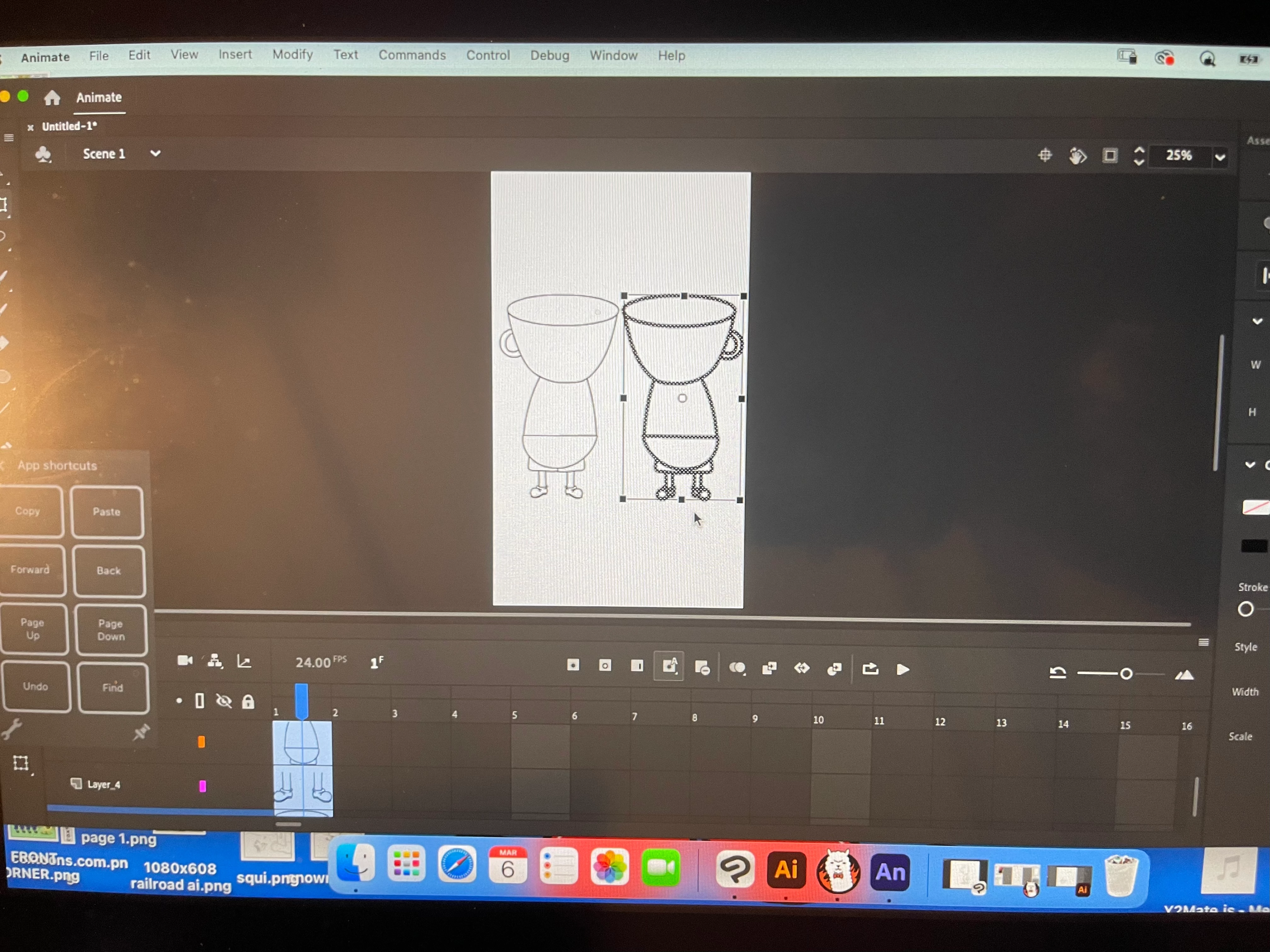

Hi, so I have two pictures below. One has really fat layers and one has really thin. How do I change the fat one showing what's drawn on the frame to the thin layers any help would be great thanks
Already have an account? Login
Enter your E-mail address. We'll send you an e-mail with instructions to reset your password.



 AdChoices