
Answered
How do I maintain the position of layers when scaling them?
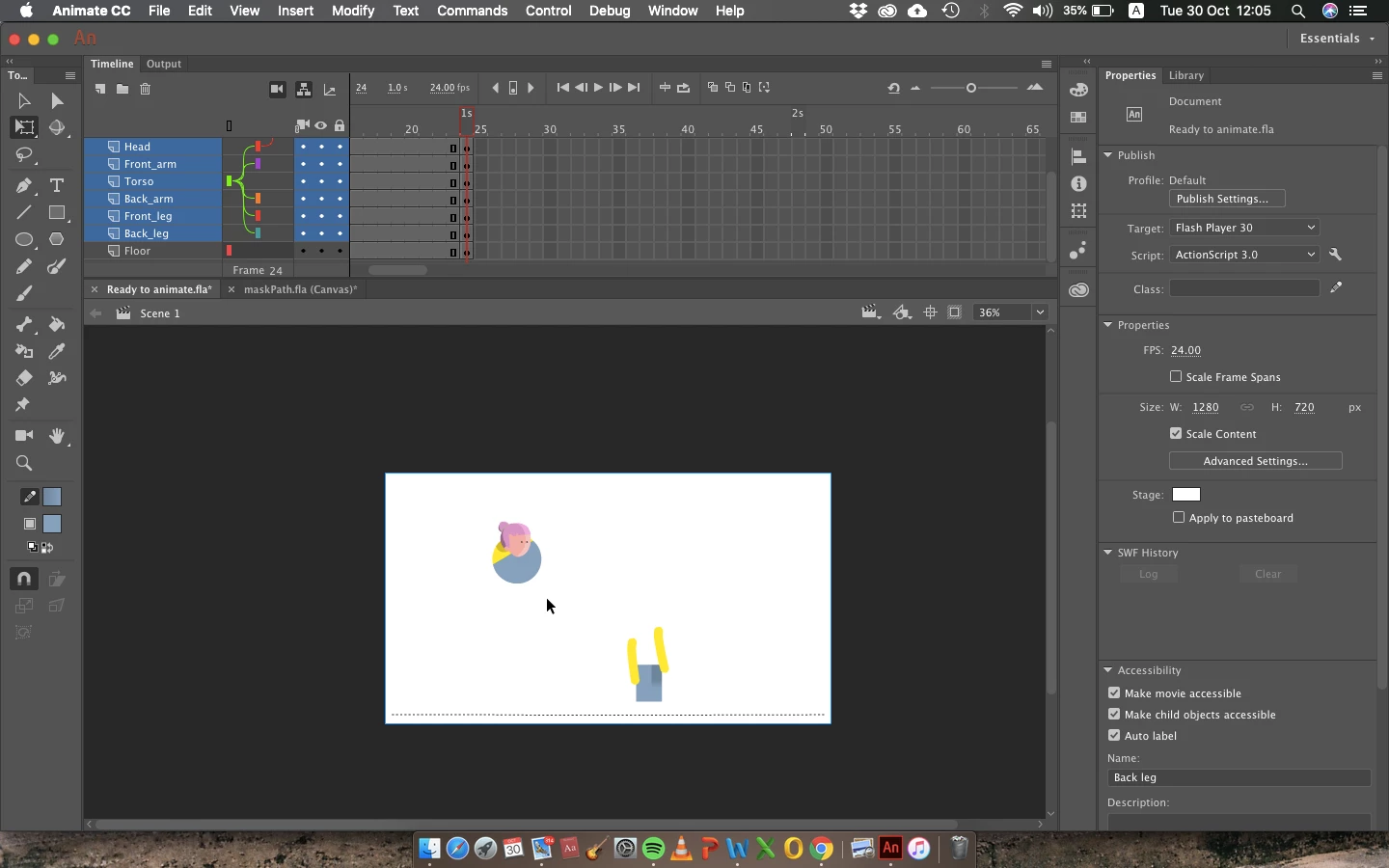
I need to make the character in image 1 smaller but when I do, it goes all crazy (as shown in image 2)
Image 1 -
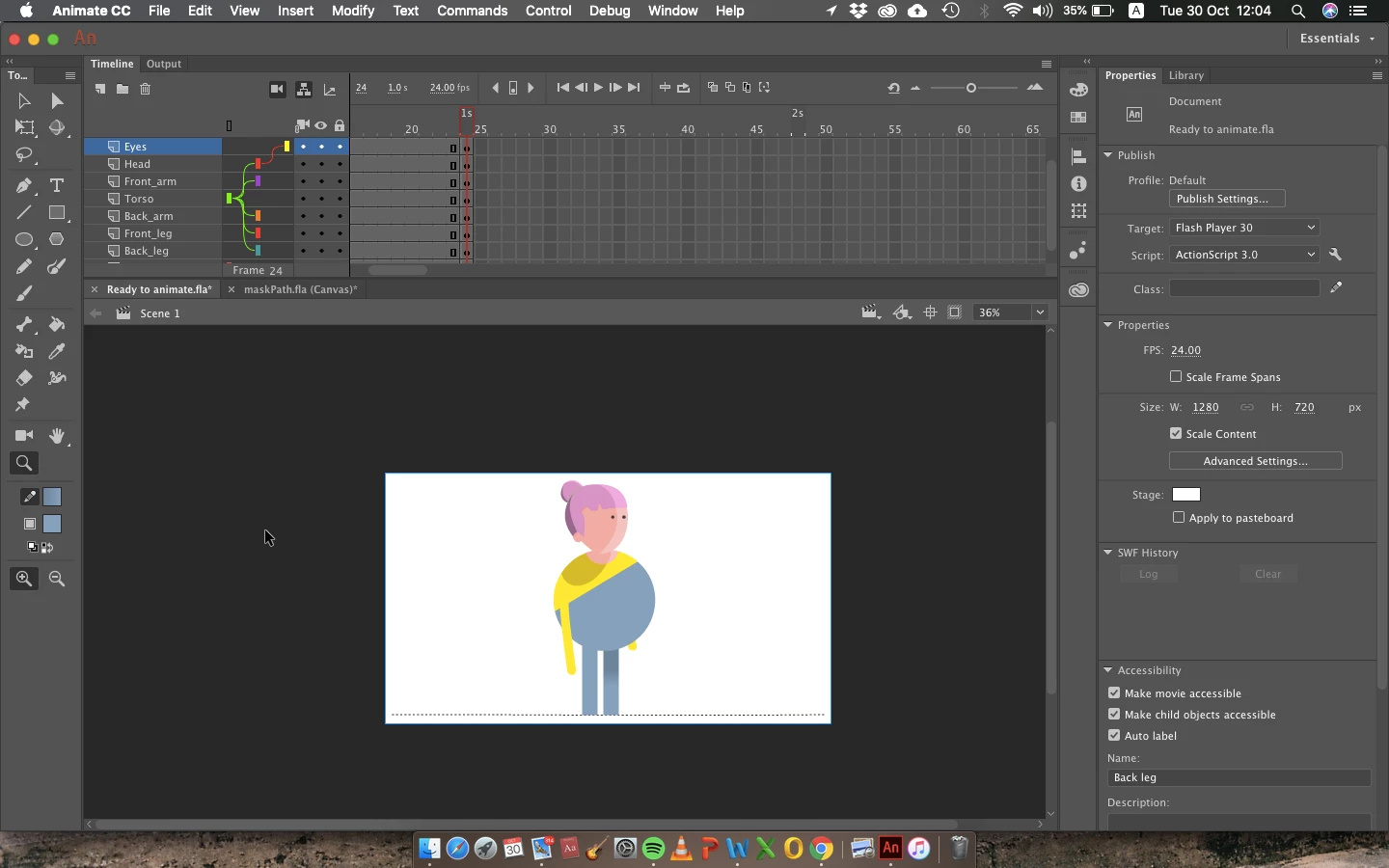
Image 2 -
Someone please help!
Thanks

I need to make the character in image 1 smaller but when I do, it goes all crazy (as shown in image 2)
Image 1 -
Image 2 -
Someone please help!
Thanks
If you select all the objects together that are connected through layer parenting, moving or scaling them might give you unexpected results. You'll need to scale the parent separately and then select the child objects and scale them.
What Greg suggested above is to copy all the layers and paste them inside a new Symbol. Now you should be able to scale the Movieclip symbol.
Already have an account? Login
Enter your E-mail address. We'll send you an e-mail with instructions to reset your password.


 AdChoices