
Participating Frequently
September 19, 2022
Question

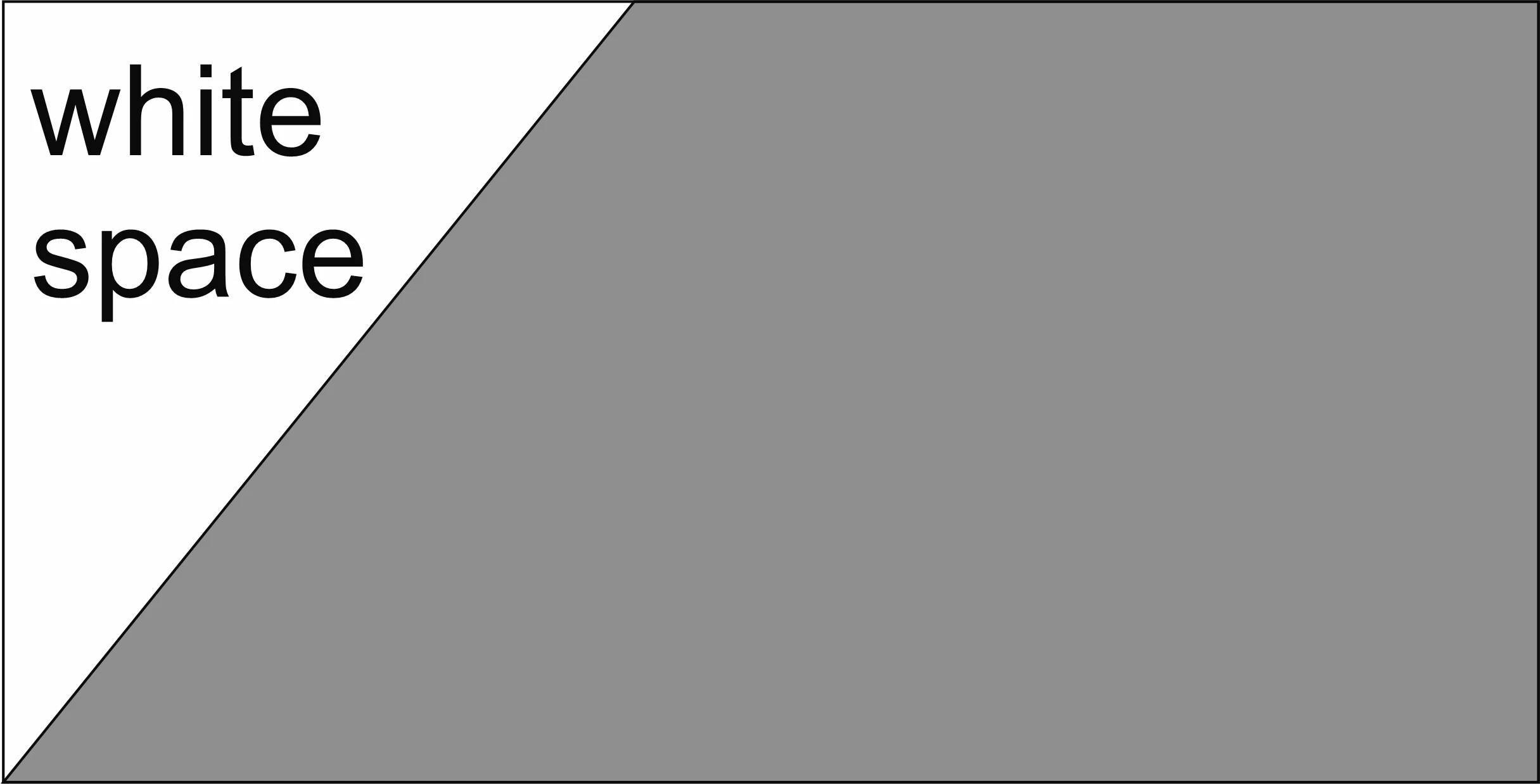
how do I remove the whitespace that occurs on a jpeg of an object with a diagonal?

  • September 19, 2022
  • 2 replies
  • 286 views

When I export a drawing of half a trapezoid, for instance, the jpeg is rendered as a rectangle, and the empty area outside the diagonal is filled with whitespace. So, when I import it into Animate, I need to crop out that whitespace. The lasso tool will not work.....how is this accomplished?
    This topic has been closed for replies.

    2 replies

    n. tilcheff
    Legend
    September 19, 2022

    Just to add to what João suggested.

    Convert your bitmap to a symbol. Mask the bitmap inside the symbol to get rid of the unnecessary stuff.


    Nick - Character Designer and Animator, Flash user since 1998 | Member of the Flanimate Power Tools team - extensions for character animation
    JoãoCésar17023019
    Community Expert
    Community Expert
    September 19, 2022

    Hi.


    JPEGs don't support transparency. You should use PNG instead.


    Regards,

    JC