Participant
November 13, 2022
Answered

How do I stop Adobe Animate overlapping sprites?
  • November 13, 2022
  • 1 reply
  • 498 views

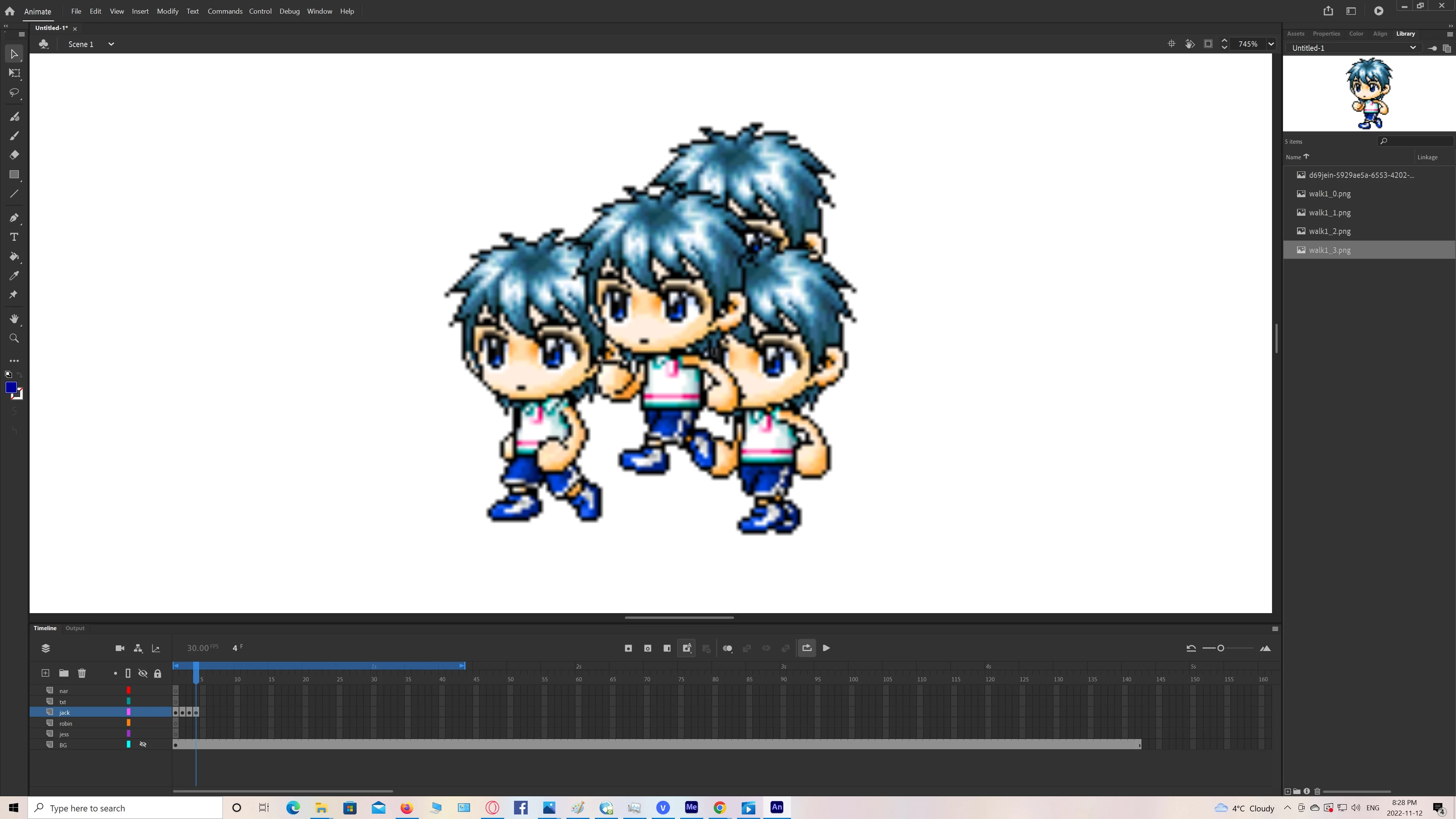
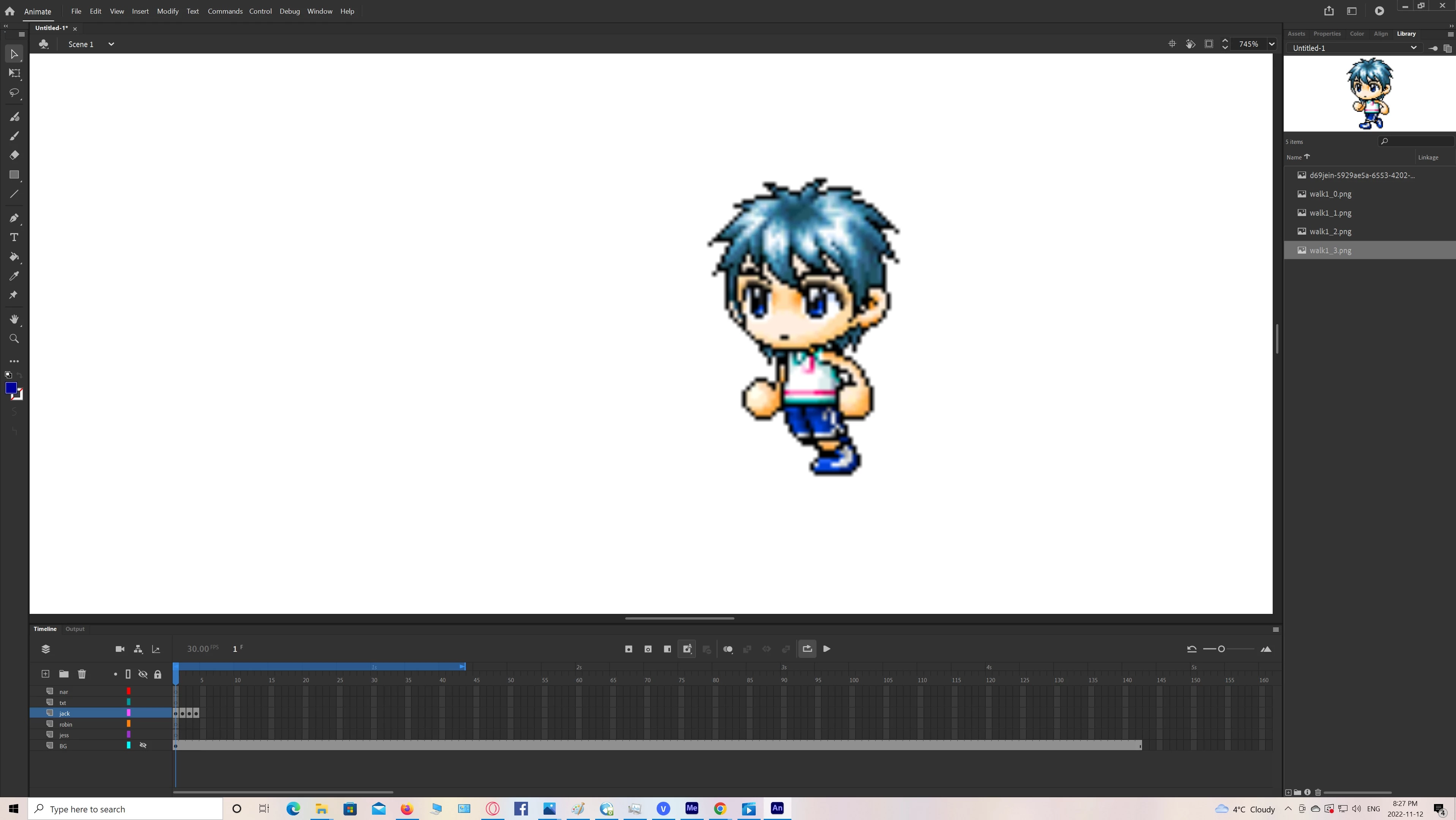
I'm making a maplestory animation, but I ran into a snag: the walk sprites seem to re-appear even though I paste each picture into a seaparate frame onto the same layer. How do I stop that? Has anyone else experienced this while using AA?

    This topic has been closed for replies.
    Correct answer kglad

    after adding an object to a keyframe, IF you do not want that object to be seen in a subsequent frame, insert an empty keyframe in that subsequent frame. 


    or, if there's already a keyframe at that location, select the object you do not want to appear and tap the backspace key (or right click the object > click cut).

    1 reply

    kglad
    Community Expert
    kgladCommunity ExpertCorrect answer
    Community Expert
    November 13, 2022

    after adding an object to a keyframe, IF you do not want that object to be seen in a subsequent frame, insert an empty keyframe in that subsequent frame. 


    or, if there's already a keyframe at that location, select the object you do not want to appear and tap the backspace key (or right click the object > click cut).