



christineavatar
Legend
February 17, 2021
Answered

How do you change the color during an animation?

  • February 17, 2021
  • 1 reply
  • 7542 views

I need to gradually change the color of the object from white to pink. I want the color 'fade into' pink. I have looked over all the aids that tell you how to animate in Animate and they all say you can do it. I even vaugley remember doing it a hundred years ago or so, but I cannot remember the particulars and none of the listed 'how to's' tell me HOW to do that. They just say it can be done.

Help!
This topic has been closed for replies.
Correct answer christineavatar

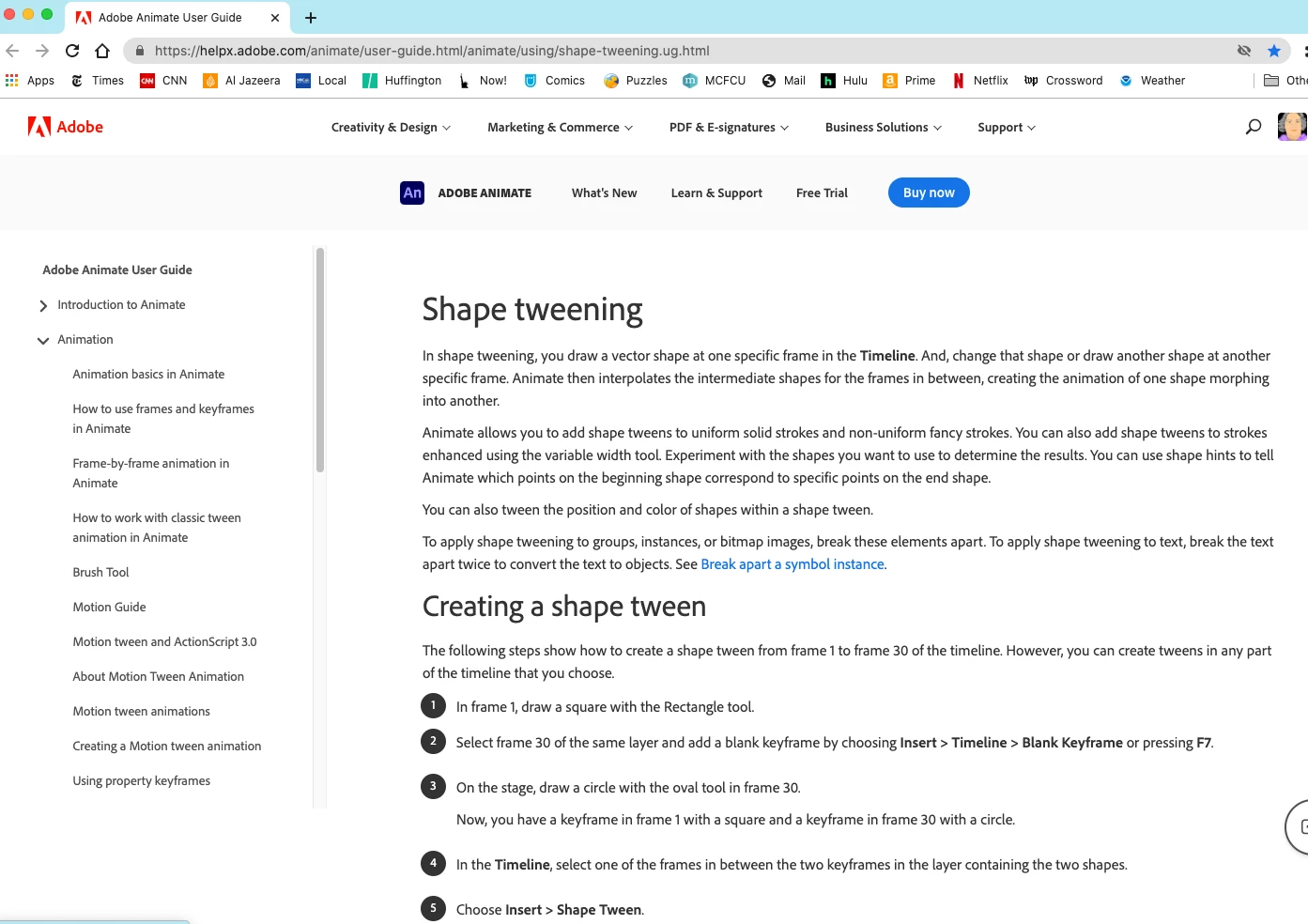
I finally found how to do what is a very simple step. It has to do with Shape tweens. I needed to make a shape tween to change the color. There was an item on YouTube and showed me how.

https://www.youtube.com/watch?v=3mkMj6vYgfI

That has done the trick! Thank you JC for all your help.


I would like to add that the page used by Adobe does not show up on the site, which means there is no way to find out how to do what you have to. I used a YouTube tutorial from 2017 to find the information. I went back to Adobe and listed shape tween to find it on the site at all.

It never came as an option to learn from the Adobe site.

1 reply

JoãoCésar17023019
Community Expert
Community Expert
February 18, 2021

Hi.


Do you want to create this animation using a timeline or code? And do you have an example?


Regards,

JC

christineavatar
Legend
February 18, 2021

I am just using the timeline.

JoãoCésar17023019
Community Expert
Community Expert
February 18, 2021

For more complex objects, one way is to overlap the two objects, each with a different color. Then you can animate the opacity of the top object from 100% to 0. This will create the effect of the color change.


For simple shapes (raw vectors), you can use shape tweens.


For instances with tint applied (select a symbol instance and then go to Properties Panel (Ctrl/Cmd + F3) > Object > Color Effects> Tint) you can create a Classic Tween or Motion Tween.


I hope these help and please let me know if it's still not what you want.


Regards,
JC