
Participant
February 14, 2019
Answered

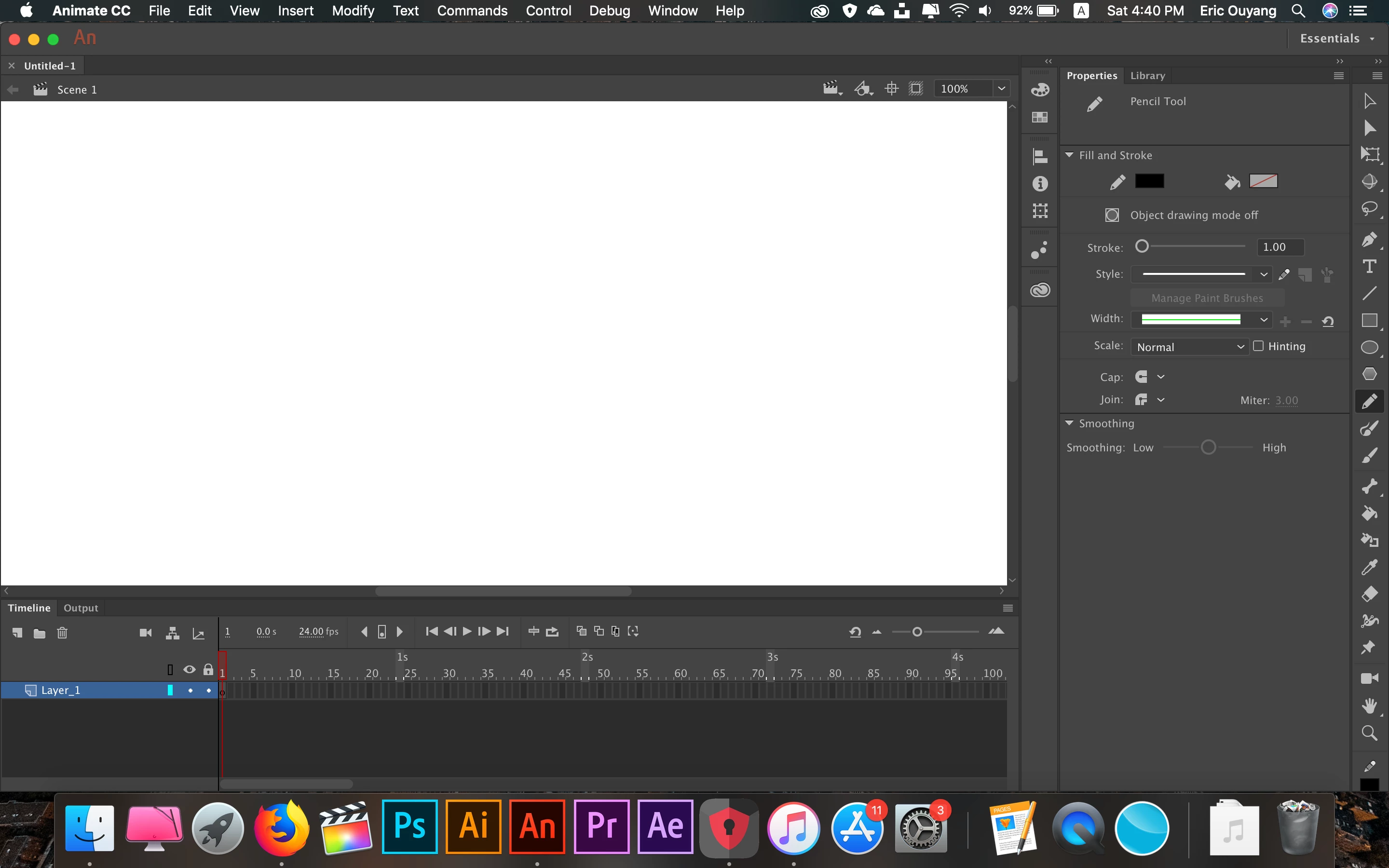
How do you find the pencil mode in Adobe Animate CC 2019?

  • February 14, 2019
  • 2 replies
  • 9304 views

I've been searching all around the internet and I still can't find a way to unstraighten my drawing with the pencil tool. I use a mac so if anyone has a solution to this problem please answer me.

    This topic has been closed for replies.
    Correct answer GoryGreg

    I have selected the pencil tool but I cant find the pencil mode tool at the bottom of the Tools Bar.


    Yeah, as Clay says drag your Tool bar out so that it turns into 2 columns like this (what you need to smooth your lines is circled in red)...

    Cheers.

    2 replies

    Inspiring
    February 14, 2019

    Hi,

    when using the Pencil look for

    in the Tools bar- at the bottom.

    Click on this and select 'Smooth' from the drop down menu that pops out.

    This will stop your lines going straight.

    Participant
    February 15, 2019

    I can't seem to find that button.

    Inspiring
    February 15, 2019

    Hi, select the Pencil tool first. Then you will see it at the very bottom of your Tools on the right panel.

    Cheers.

    Legend
    February 14, 2019

    What on earth is unstraightening? You're looking for a jaggedizer?