TaylorA2228
Participant
February 6, 2018
Answered

How does coloring work in Animate

  • February 6, 2018
  • 3 replies
  • 9505 views

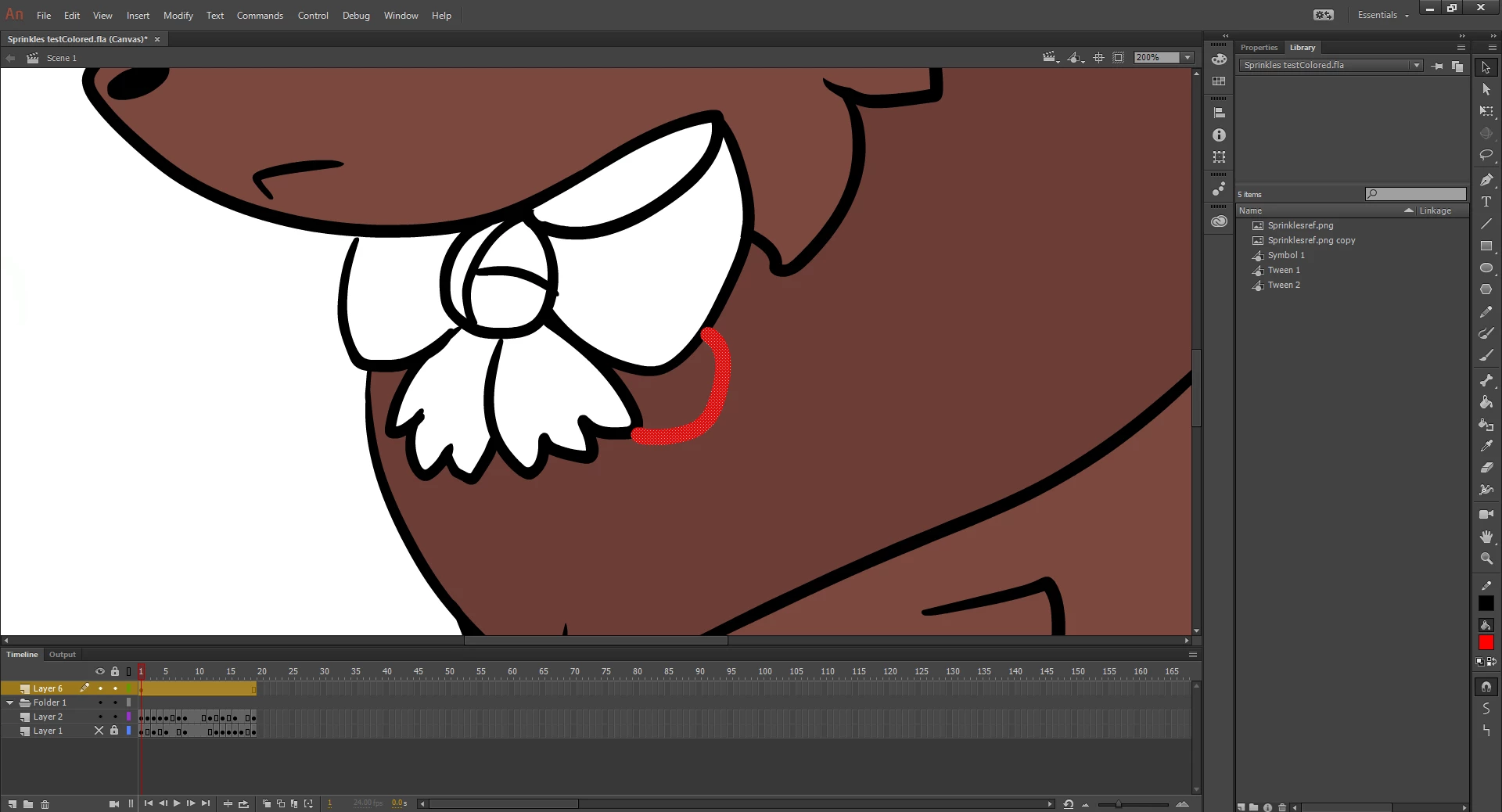
So I'm just starting Animate and I can't quite grasp the concept. Why can't i color my (closed) character in a new layer? why does it automatically paint in the lineart layer? Am I missing something as i lock the lineart layer in and I cannot color in my character at all now.

Edit: I'm trying to color in the lineart layer to test this but sometimes it won't color in at all, what is going wrong?

This topic has been closed for replies.
Correct answer _keyframer

I apologize if I'm not making much sense. But this character I'm animating has spots. So I thought i could layer it lineart > markings > color like you can in Photoshop. But it appears that is not the case and coloring is done on the lineart layer. But this character has spots like a dog would and I can't seem to add them without it overlapping the lineart. And I cannot move their position backward or forward as its greyed out so the coloration becomes sloppy if i colored it that way. I am also using the brush tool.


If you are trying to draw the dog on a single layer and want to add spots to an area that already has color - there's a very cool sub-selection of the Brush tool you can use:

Select the Brush tool and select Paint Inside.
Select the spot color and START painting inside the brown color fill of the dog.
Even if you paint OUTSIDE this brown color, the spot will only get applied INSIDE the brown fill.


3 replies

Legend
February 7, 2018

TaylorFoz2228  wrote

...i lock the lineart layer...

Well there's your problem. How are you expecting to fill an area if you've locked it?

TaylorA2228
Participant
February 10, 2018

how am i suppose to color a character with markings then if i am just going to color over the lineart?

_keyframer
Community Expert
Community Expert
February 10, 2018

Not sure I understand what you mean by "markings". You mean the line art? There is no "right" way or "exact" process to doing anything in animate. You can develop your own system of drawing that suits you. If you are asking how to draw different colored lines, then you can select from several different ways:

1. Draw each line using a different color as you go.
2. Draw all lines in a single color (easier than method 1) and then select the brush tool, select sub-selection to paint fills or paint inside and change the colors to the existing artwork as needed.

3. Are you using the Pencil tool to make strokes? If so, draw using a single color and then select each segment and change it's color afterward.

Animator and content creator for Animate CC
_keyframer
Community Expert
Community Expert
February 7, 2018

Animate is vector based. Based on that, there could be lines that aren't connected completely (even tho it may look like they are). The Bucket tool has sub-selections that allow you to fill shapes that have some spaces. It could also be your artwork is nested in a symbol - if so, you need to double click the symbol to edit the artwork within it.

Animator and content creator for Animate CC
kglad
Community Expert
Community Expert
February 7, 2018

is your character a movieclip or graphic? if so, double click it so you can edit the underlying shape.
