
Participant
January 6, 2025
Answered

How to animate the position of an animated GIF in Animate (for HTML5)

  • January 6, 2025
  • 1 reply
  • 428 views

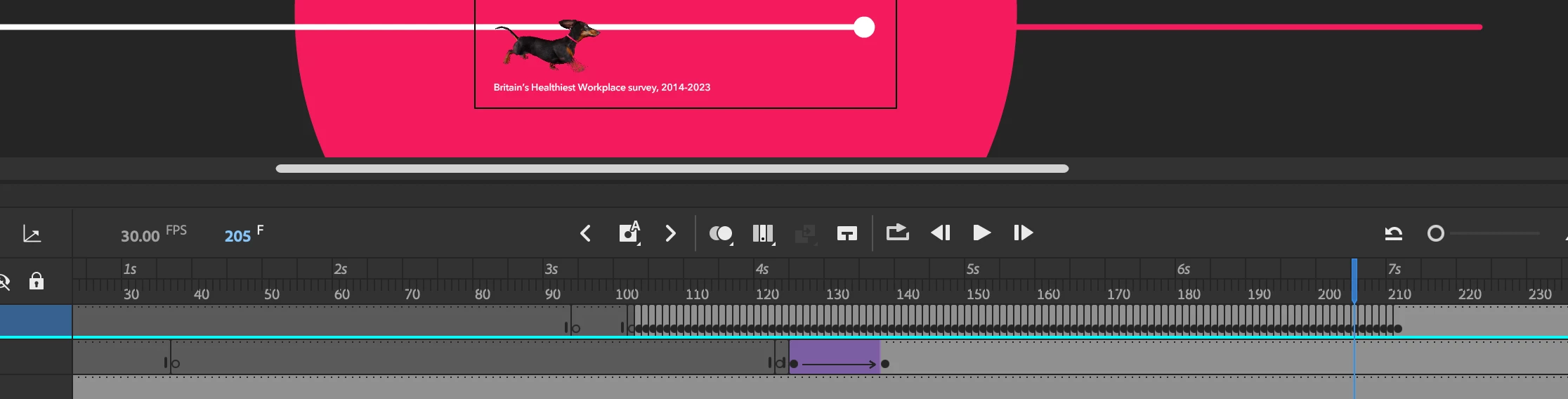
I have brought an animated GIF into Animate, I want to make this GIF move accross the screen. Is it possible to animate an already animated GIF?

I dont know how to do this as the frames have already been used to animate the dog running... how do I animate the dog so its also moving forwards?

(for HTML5)
    Correct answer JoãoCésar17023019

    Hi.


    There's a few different ways to accomplish this. One way is to copy the frames, create a new Graphic symbol (Ctrl + F8 / Cmd + F8) and paste the copied frames inside of this newly created symbol.


    Then you just need to drag an instance of this Graphic symbol from the Library into the desired timeline.


    Regards,

    JC

    1 reply

    JoãoCésar17023019
    Community Expert
    JoãoCésar17023019Community ExpertCorrect answer
    Community Expert
    January 6, 2025

    Hi.


    There's a few different ways to accomplish this. One way is to copy the frames, create a new Graphic symbol (Ctrl + F8 / Cmd + F8) and paste the copied frames inside of this newly created symbol.


    Then you just need to drag an instance of this Graphic symbol from the Library into the desired timeline.


    Regards,

    JC

    kglad
    Community Expert
    Community Expert
    January 6, 2025

    ..and animate the symobl moving across the screen.

    JoãoCésar17023019
    Community Expert
    Community Expert
    January 6, 2025

    Oh, yeah! That's important too! 😄