
Participating Frequently
January 27, 2018
Answered

How to avoid overlapping of different areas using shape tweens

  • January 27, 2018
  • 2 replies
  • 724 views

Hello.. I would like to create shape tweens with a couple of ellipsoid areas. Sometimes it works but sometimes they overlap... I know that I can put them each in their own layer. But this seems a lot of work to me switching the layers. And a lot of layers. Is there maybe an easier way?

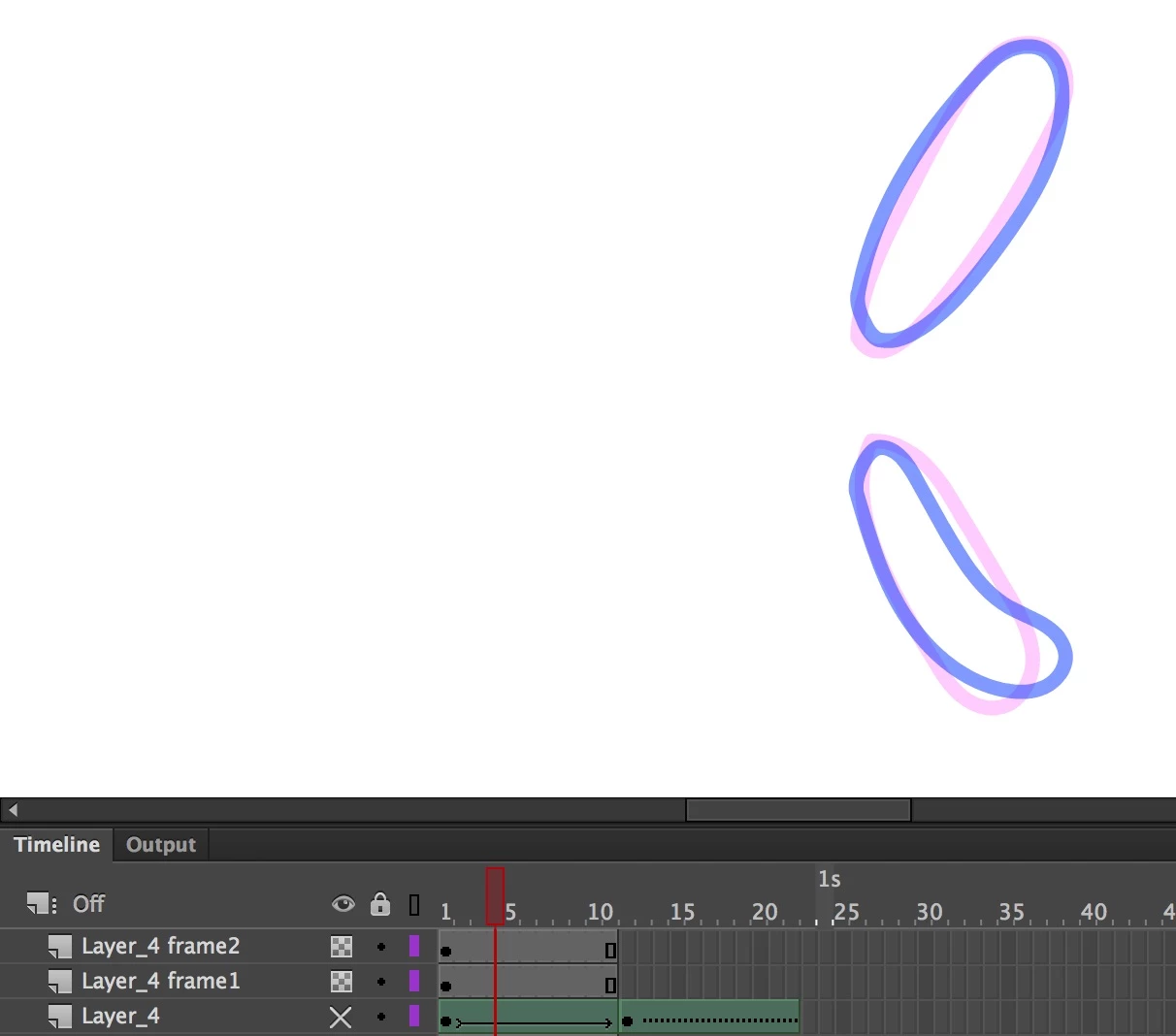
Here is how the original ellpsoids are placed..
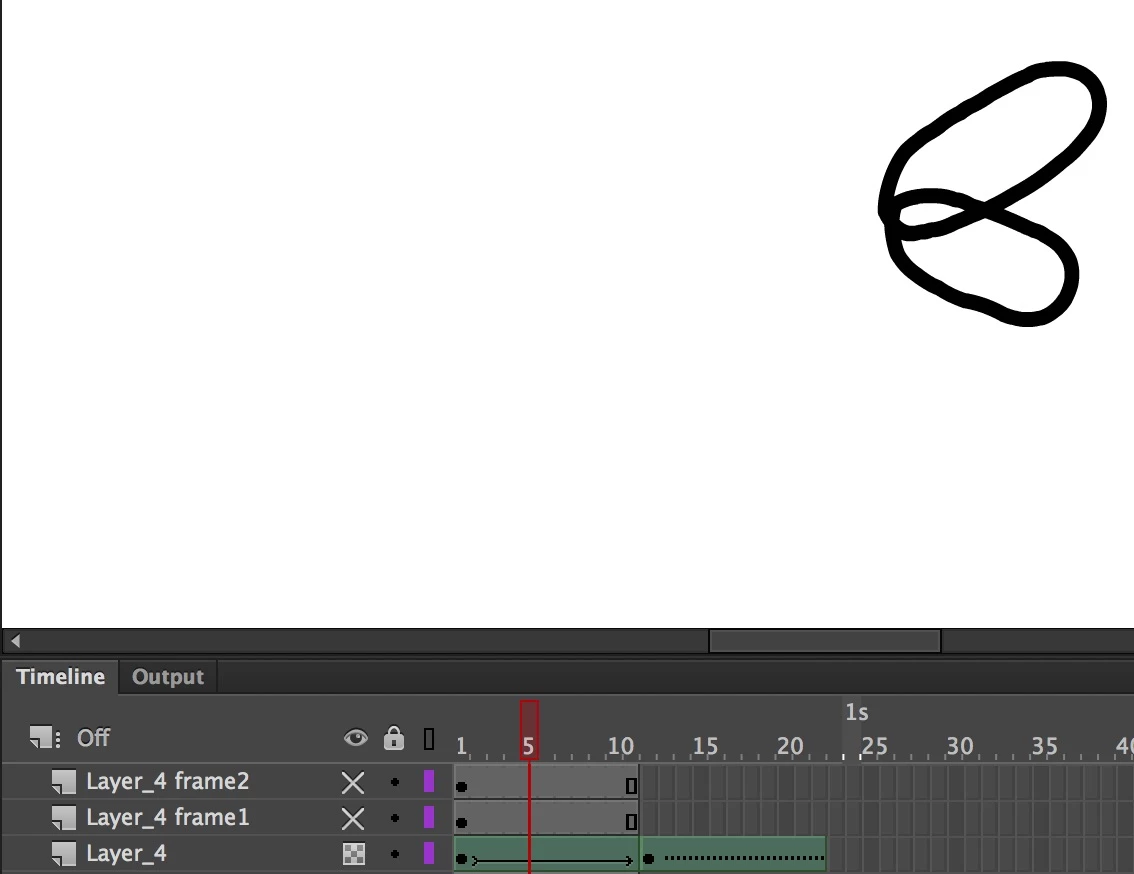
And this is it how the overlap looks like when I play the the shaped tweeted version...
Thanks for any help.

This topic has been closed for replies.
Correct answer macpawel

Try to use Shape Hint,

Go to first keyframe of your animation and Add Shape Hint (CTRL+Shift+H) to pin your object in place.Then go to second keyframe and again Add Shape Hint to pin obiect and "tell the Animate" to animate from first to second point.

You can (should) add some Shape Hints to one animation

Reperat these steps to second object/animation

pawel

2 replies

Legend
January 27, 2018

But seriously, just put them each in their own layer. Shape tweens are designed to work with a single shape each.

Work with Animate, not against it.

macpawel
macpawelCorrect answer
Participating Frequently
January 27, 2018

Try to use Shape Hint,

Go to first keyframe of your animation and Add Shape Hint (CTRL+Shift+H) to pin your object in place.Then go to second keyframe and again Add Shape Hint to pin obiect and "tell the Animate" to animate from first to second point.

You can (should) add some Shape Hints to one animation

Reperat these steps to second object/animation

pawel