


How to change the colors in a gradient, or create a custom one.
For the life of me, I cannot figure this out, I've searched to see if anyone else is having this same problem and It seems like I'm the only one.
In the 2020 version, this was extremely easy, I'd just tap one of the default gradients and edit it from there. But now I see no place for me to do that. This is leaving me with the default block colors and it is extremely limiting.
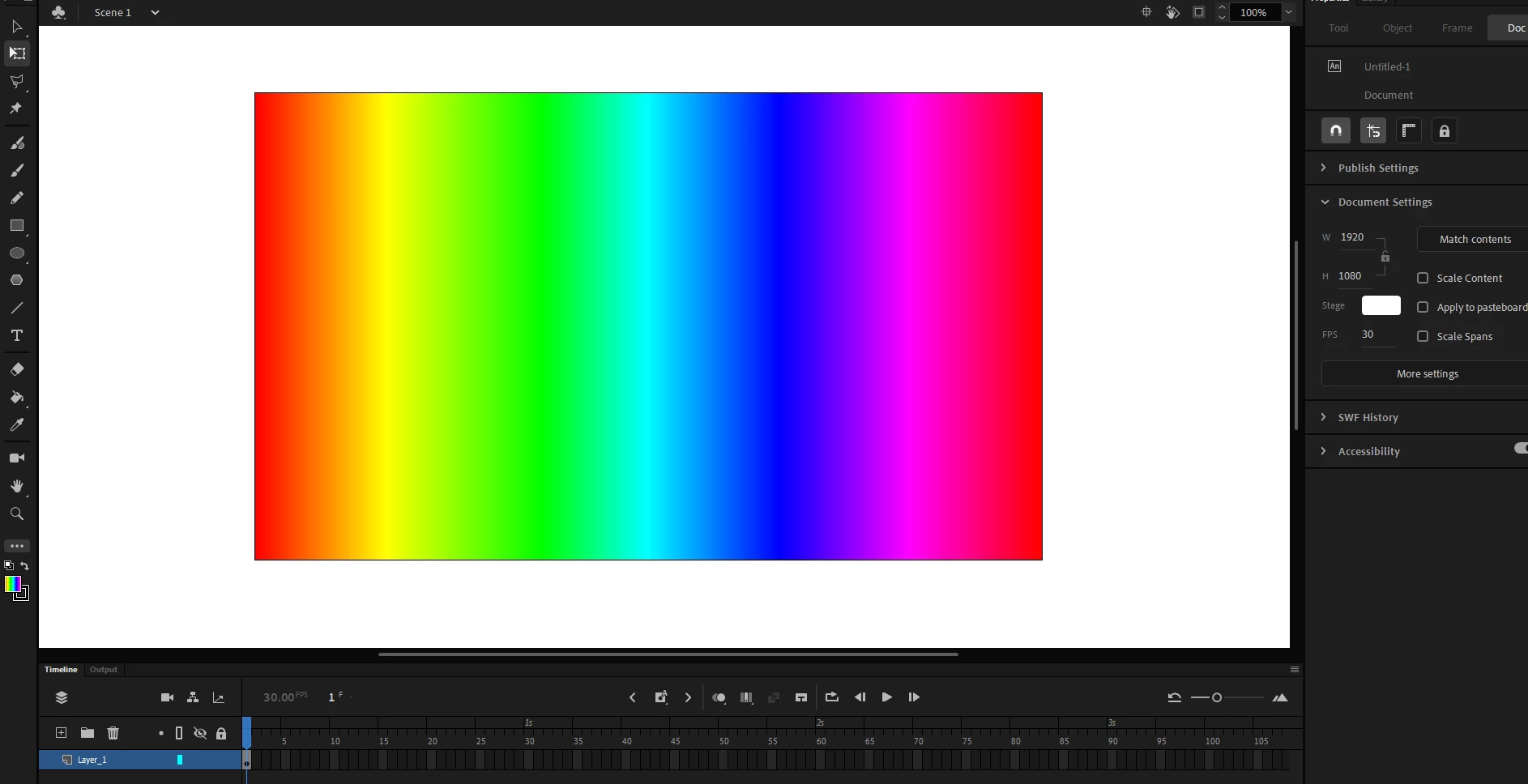
Usually, I'd insert something like this and then be able to change it, but after the update, it looks like I'm stuck with using these defaults, and changing the colors isn't an option.
Is there a panel I'm missing? Even with the gradient transform tool, all I can do is move the gradient around, changing the colors just seems like it was a feature removed for no apparent reason.
 AdChoices