


Participant
Sep 17, 2023 6:38 PM UTC
Answered

How to edit a warped asset

Hey there. I'm brand new to Animate, and I'm running into an issue. 

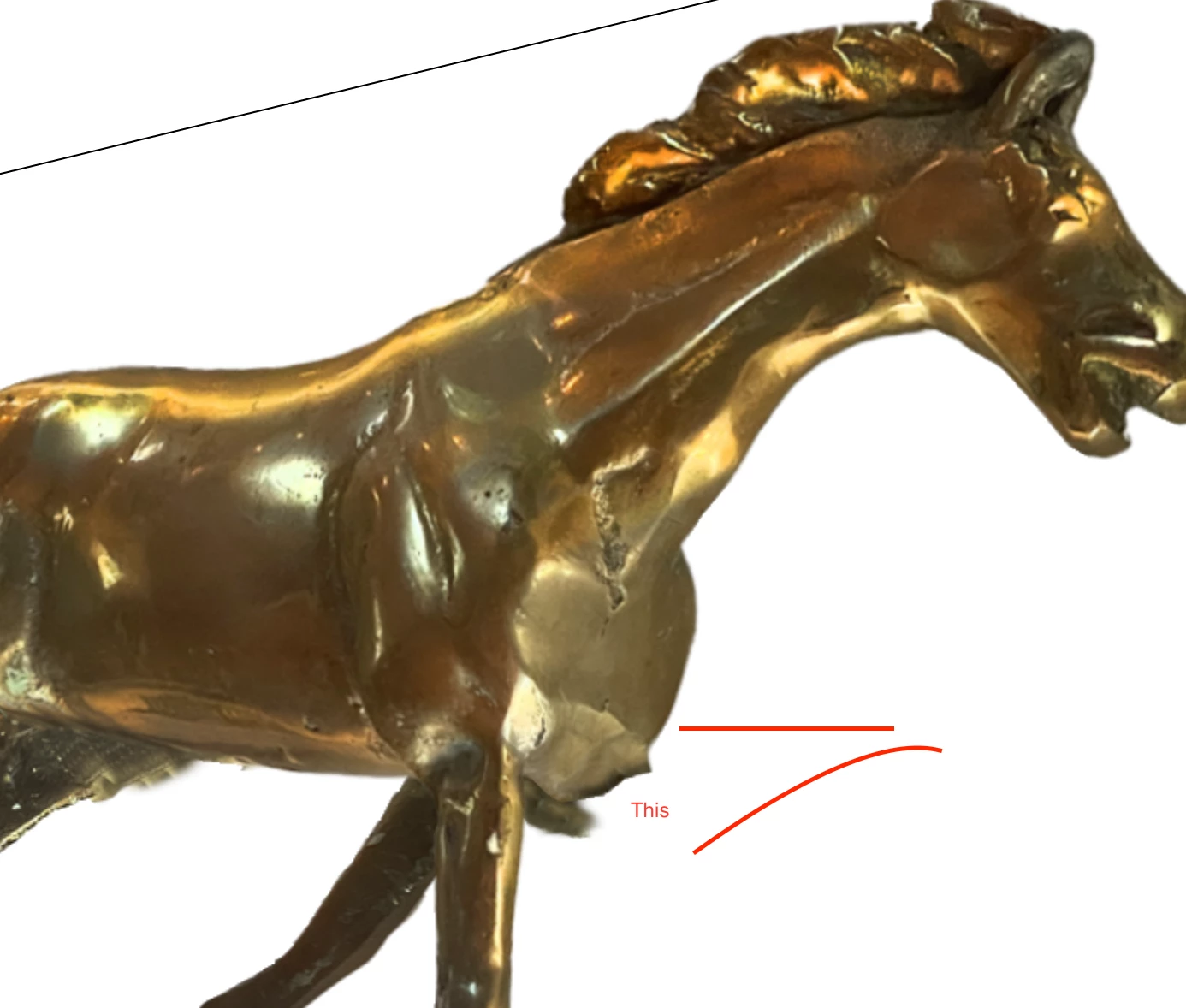
I'm working on a project where I've split a photo of a brass horse into a few constituent parts and animated those to make it look like its galloping. 

I'm using the rigging structure in Animate, and it's looking pretty cool. 

The issue is that the way I split the legs on the opposite side of the horse from the viewer. There are weird points that stick out, parts that I should have clone brushed, etc, to make it look right. 

My question is this: is there a way to edit the images contained in those warped objects so I don't have to do my rigging all over again?

 

    This topic is closed to new replies. Start a new post to keep the conversation going.
    Mario_CR
    Mario_CRCorrect answer
    Community Expert
    Sep 17, 2023 7:21 PM UTC

    There is.

    Locate the warped asset in the library, right-click and select Edit. Once inside the asset, select the bitmap, right-click and choose 'Edit With'... or 'Edit with Photoshop' if available.

    Open Photoshop.exe and make your edits; when you're done, save your image and it should automatically update in Animate.

    3 replies

    Mario_CR
    Community Expert
    Mario_CRCommunity ExpertCorrect answer
    Community Expert
    Sep 17, 2023 7:21 PM UTC

    There is.

    Locate the warped asset in the library, right-click and select Edit. Once inside the asset, select the bitmap, right-click and choose 'Edit With'... or 'Edit with Photoshop' if available.

    Open Photoshop.exe and make your edits; when you're done, save your image and it should automatically update in Animate.

    Translate
    Participant
    Sep 17, 2023 7:50 PM UTC

    Holy crap. Mario_CR, you just saved me so much time. I was about to import a whole other layered PSD and do my animations all over again, and horses are complicated! Thanks so much!

    Translate
    Mario_CR
    Community Expert
    Community Expert
    Sep 17, 2023 10:29 PM UTC

    Glad it worked out. You're welcome.

    Translate