
Question
How to export own asset with the layers hidden
Hi, Adobe Community.
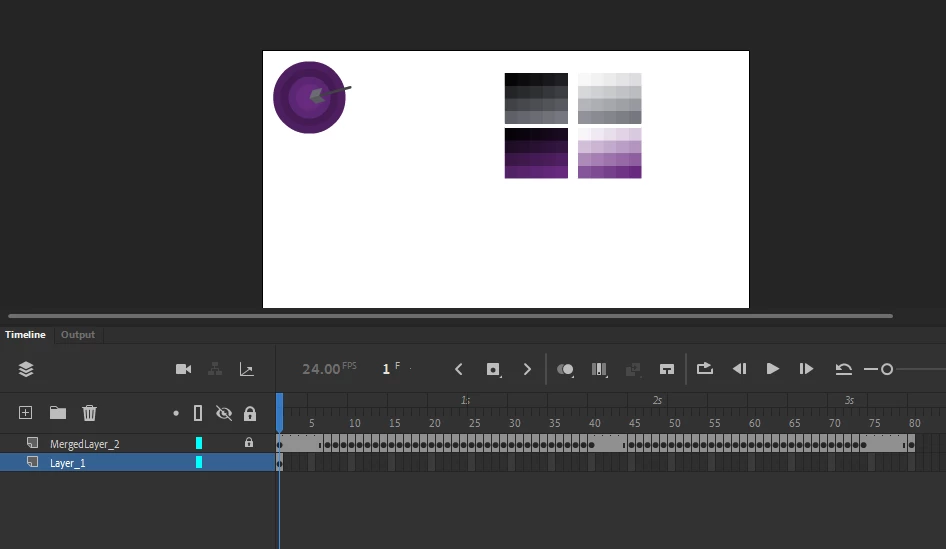
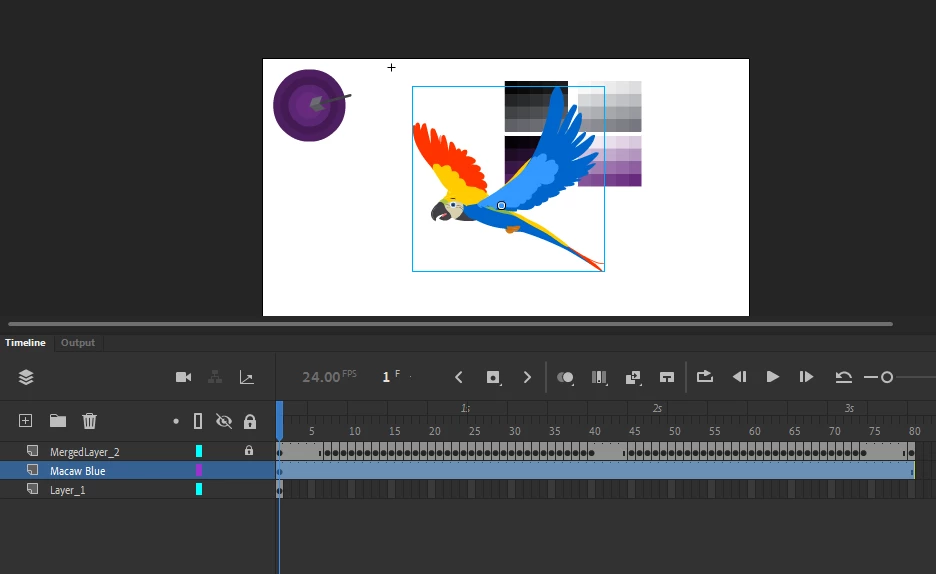
I am total newb to using Adobe tools and I was working on creating my own very simple-looking assets in Adobe Animate. However, whenever I export and try to use it, the layers are showing and I cannot move it around the slide. The complete opposite to downloadable assets where the layers are hidden (you can only see them when you double click) and you can move it as you please.
Asset I exported:
Downloadable Asset:
I'd appreciate anyone's help and support. Thanks!


 AdChoices