

Question
How to insert multiple keyframes including inside Symbols at the SAME TIME
Dear Adobe,
I have been working with Adobe Animate CC for 1 and a half year. I'm working on a 16-Bit sprite animation and I have been wanting to know that I Insert frames inside Adobe Animate, is there a button or a easy trick to insert the keyframe AND insert the other keyframe inside the symbol at the same time? That way I won't have to keep going inside it to keep inserting it too.
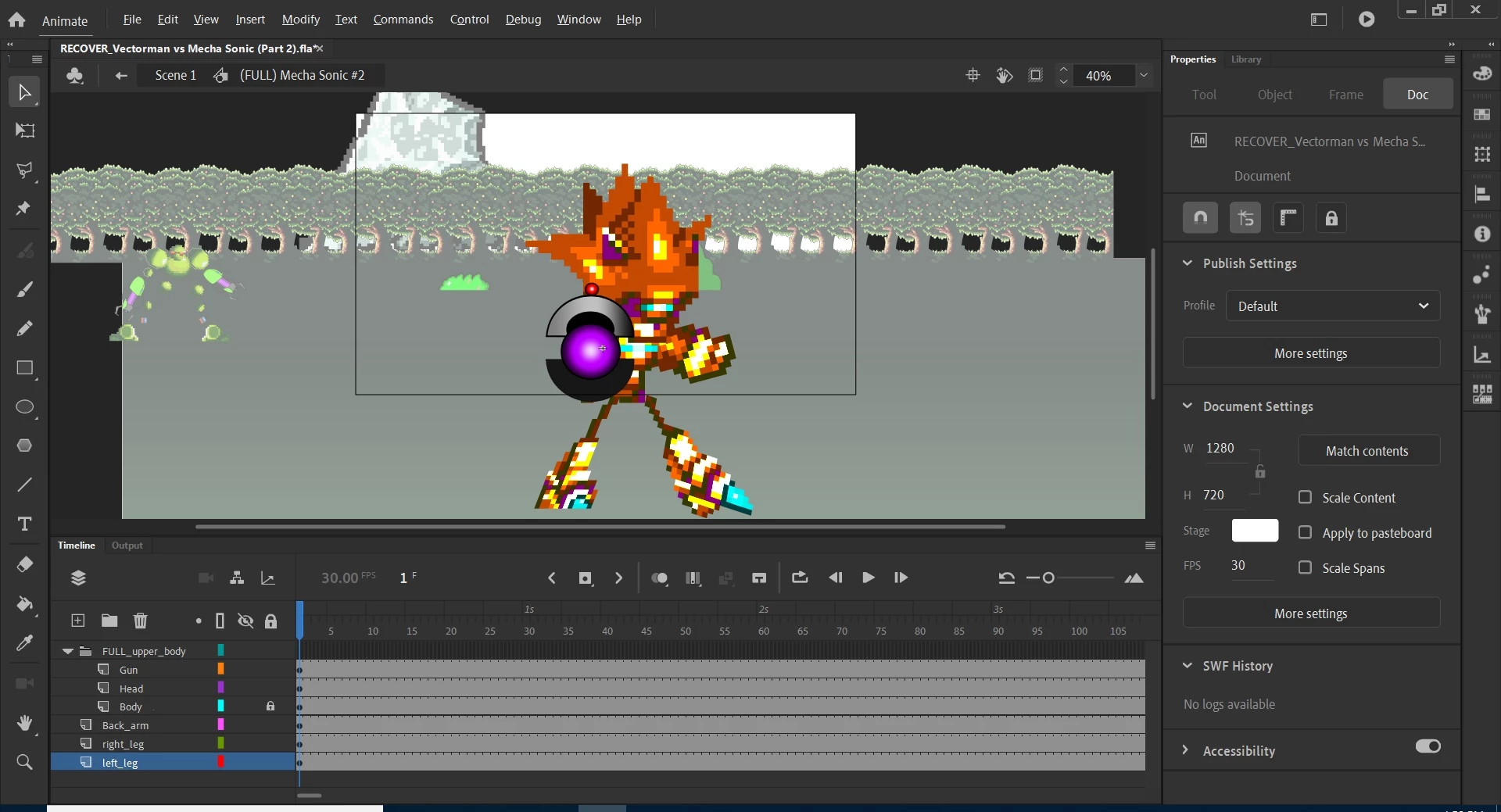
Like look at these two animation screenshots for example: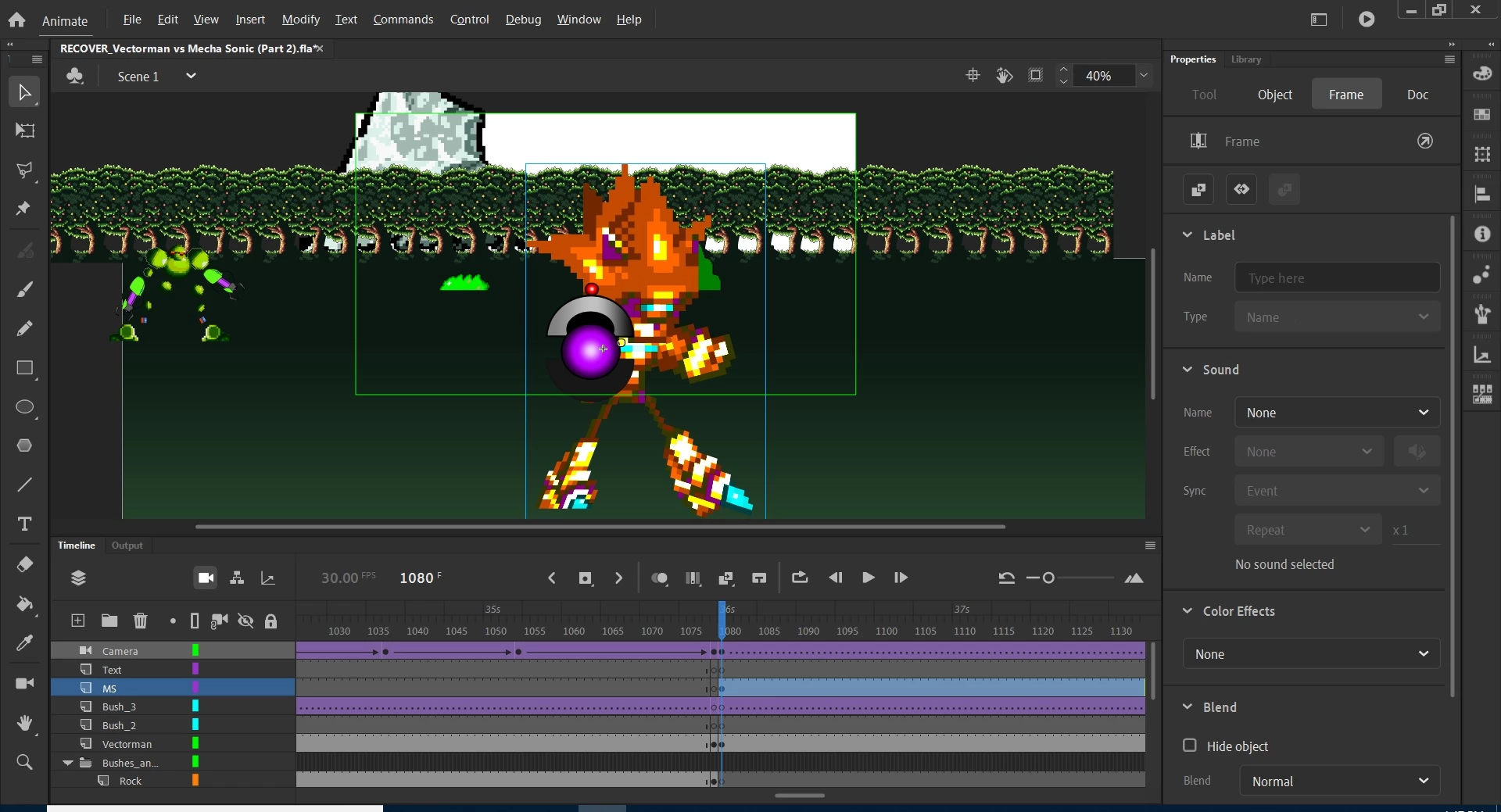


 AdChoices