

How to start the script without a pause, for a Quick Time Event? Simple Question?
For a Quick Time Event or any code, I think...
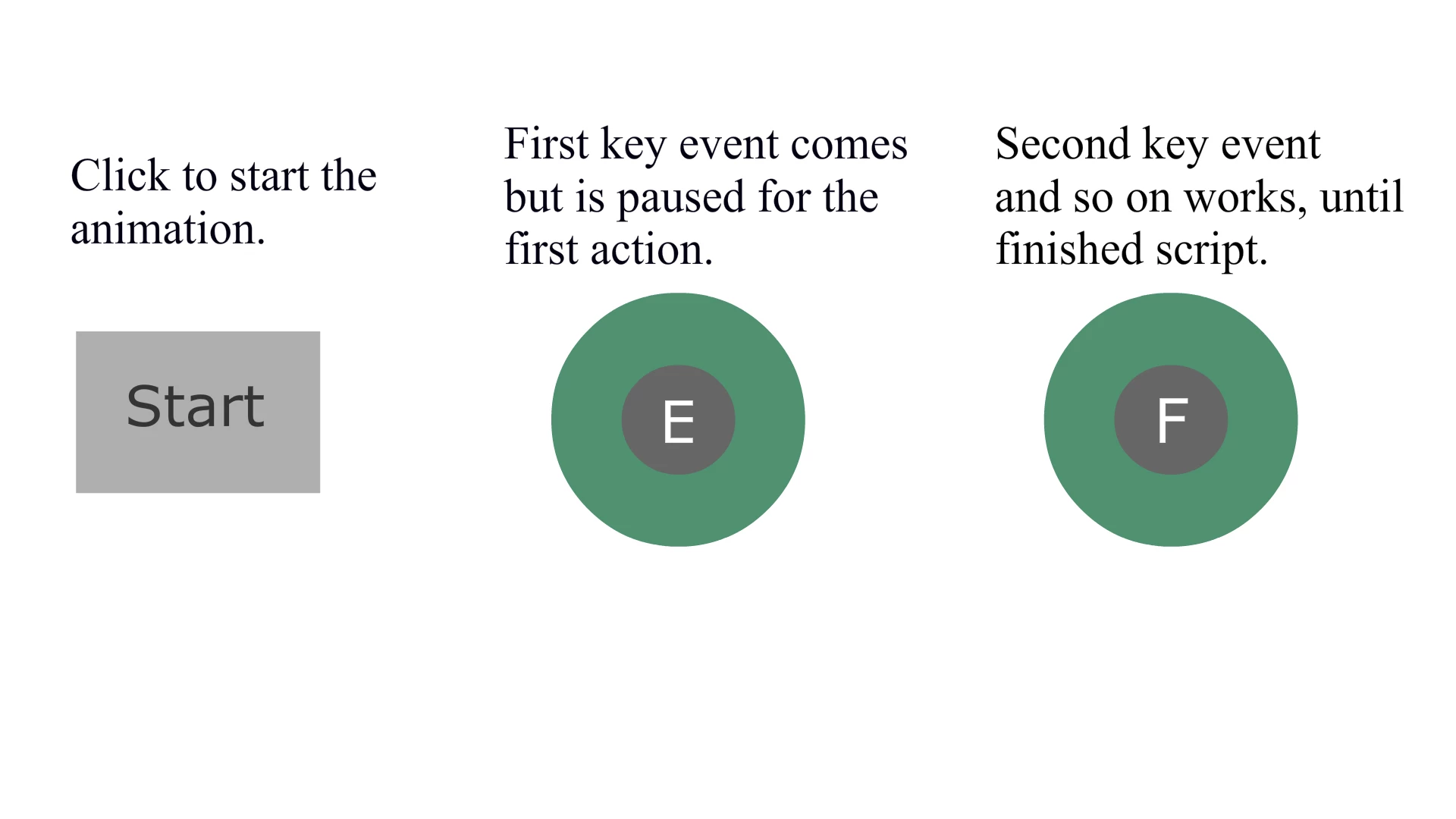
For some reason, the first keyboard event starts off with a pause. How do I let this script starts off without it having to be pressed the first time? I already wrote the instructions for the player about how it works.
import flash.events.KeyboardEvent;
import flash.ui.Keyboard;
function keyDownHandler(e:KeyboardEvent):void
{
if (currentScene.name == "Scene 1")
{
if (e.keyCode == Keyboard.E)
nextScene();
}
else if (currentScene.name == "Scene 2")
{
if (e.keyCode == Keyboard.F)
nextScene();
}
else if (currentScene.name == "Scene 3")
{
if (e.keyCode == Keyboard.G)
nextScene();
}
}
stop();
if (!stage.hasEventListener(KeyboardEvent.KEY_DOWN))
stage.addEventListener(KeyboardEvent.KEY_DOWN, keyDownHandler);
Image example (start button not included in the above code)
 respect points on the line!


 AdChoices