
Participant
June 22, 2021
Question

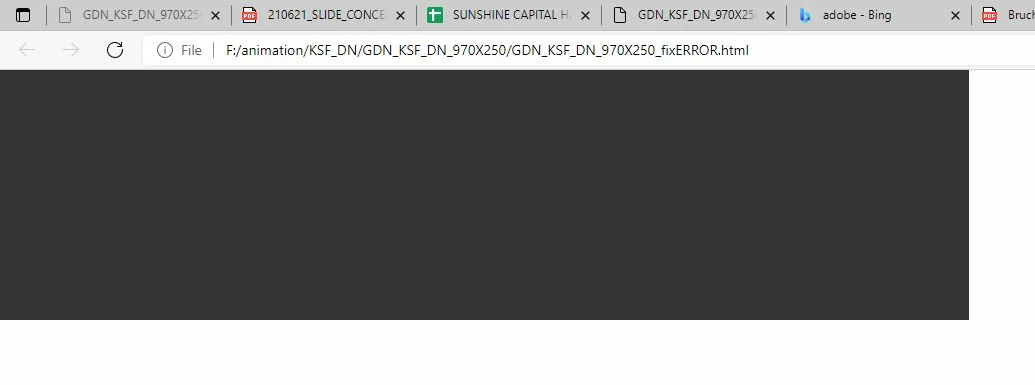
HTML files are not displayed in the browser

  • June 22, 2021
  • 2 replies
  • 1134 views
Hi, please help me.
I design animated banners (.html5 canvas document file).
my way:
1. export photos from photoshop to JPEG or PNG.
2. import into the software
3. pretty simple animation ( scale. positon. opacity. overlay Blend)
4. output .html5 file (I get: 1 java file. 1 html file. 1 image set).
but my .html5 file doesn't show products. it is a black color. The software does not report any errors. 
I redo it 5 times to find the error. I guarantee the error is not caused by search engines or materials.
I make 5 products, 2 products are not defective. 3 products not displayed.
support team worked but they couldn't come up with a cause. please tell me why this error occurs.
This is my product:
https://drive.google.com/file/d/1wQJn_kRHVnPF0Dzyhn8jWUja2f-9rtMx/view?usp=sharing
Thank guys
 

    This topic has been closed for replies.

    2 replies

    JoãoCésar17023019
    Community Expert
    Community Expert
    June 23, 2021

    Hi again.


    Thanks for allowing me to download the files.


    Here is working fine.


    What version of Animate are you using?


    If you're using an old version, are you able to update to the latest one?


    Alternatively, the issue may be related to the banner/ad platform you're using.


    Regards,

    JC

    Participant
    June 24, 2021

    i am getting this error on browser. it's very difficult for me. I don't know how to fix it.

    JoãoCésar17023019
    Community Expert
    Community Expert
    June 24, 2021

    This error generally happens if you try to execute the .html directly from the local file system without using the test feature of Animate or without using a server.


    Some features, for security reasons, don't work when the html is opened from the raw file system, without the concept of domains or server level security.


    Please checkout this doc from the Phaser framework for a really nice and easy to understand explanation of why a server is needed to run most HTML files nowadays. In the link you'll also find some suggestions of how to setup a local server.


    But if you don't want or don't need to configure local servers, I suggest you to use Netlify. You can literally drag and drop a folder containing your files (HTML, JS, and so on) to Netlify and in a matter of seonds your content is live and ready to be accessed by everyone. You don't need to have any backend, cPanel or other knowledge of this kind. It's very beginner friendly. Please see this answer for more details:

    https://community.adobe.com/t5/animate/need-help-update-from-swf-files-to-html-files/m-p/11423541#M3...


    Regards,

    JC

    JoãoCésar17023019
    Community Expert
    Community Expert
    June 22, 2021

    Hi.


    What messages are being displayed in the Browser console?


    And can you authorize access to your file?


    Regards,

    JC