


tomato_lou
Participating Frequently
March 5, 2021
Question

html5 banner not sitting right

  • March 5, 2021
  • 1 reply
  • 568 views

Hi Guys,
I would really appreciate any help. I created some html5 banner ads in Animate. Two of the banners worked fine. For some reason, the 300x600 banner wouldn't work.
I tried recreating it many times, using the same method as the others, different methods, whatever I could think of, but for SOME REASON, the 00x600 banner would not sit properly once it had been uploaded.
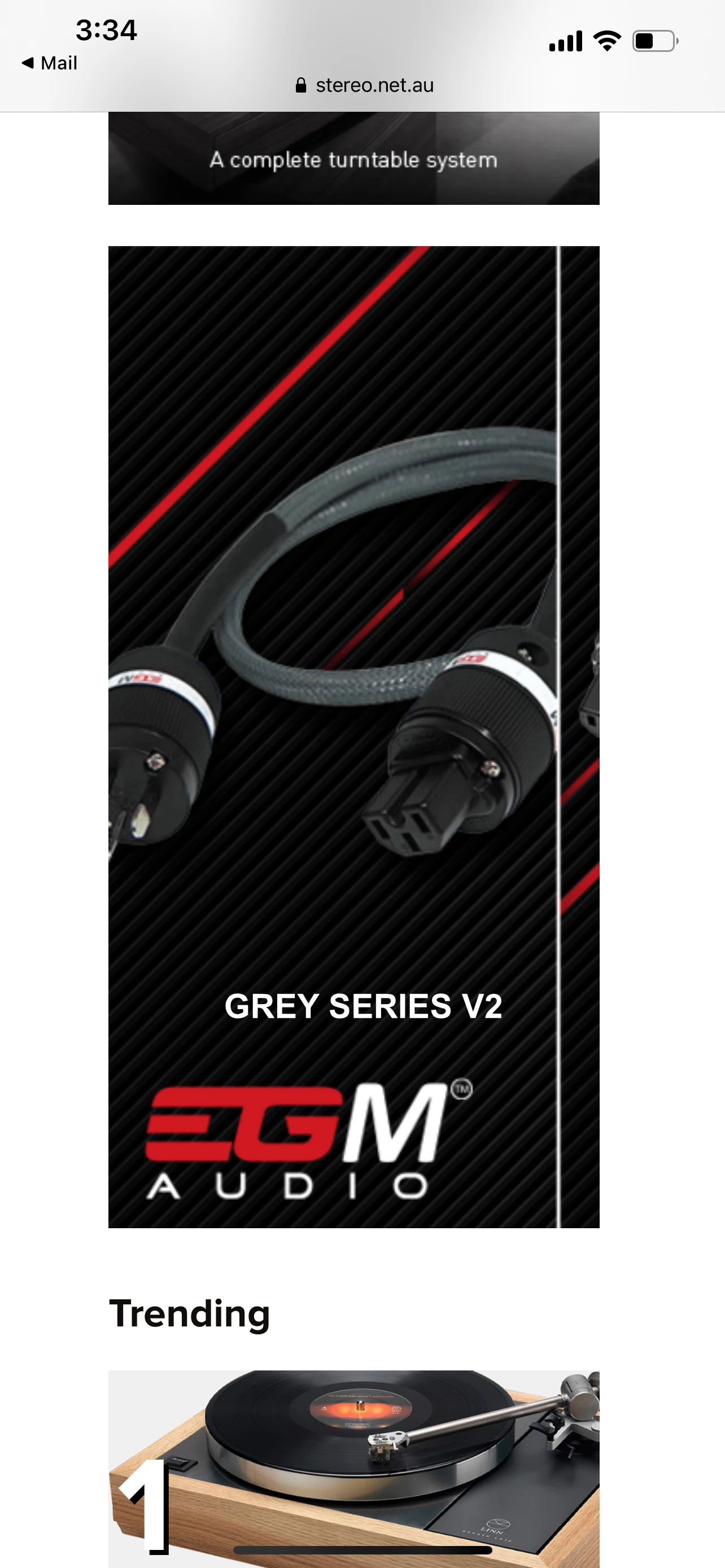
Does anyone have ANY ideas why it could be? The picture shows it not aligning properly. Could it be an issues with spritesheets? If so, why did it work on the other banners ok, but not this one??
    This topic has been closed for replies.

    1 reply

    kglad
    Community Expert
    Community Expert
    March 5, 2021

    is there one bitmap in that screenshot?

    if so, what are its dimensions when viewed outside animate?

    tomato_lou
    Participating Frequently
    March 5, 2021

    G'day,
    It is a index_atlas_1.png and the dimensions are: 2048 × 2048.

    No matter how I tried to export it (using spearate images for each frame, using spritesheets, using text within animate and not as part of an image, it still wouldnt display right once uploaded. Looked fine when I tested it, but when the client uploaded it, there were just always issues. Only with this banner ad though. None of the others set up the same way...

    kglad
    Community Expert
    Community Expert
    March 5, 2021

    edit the image in ps and make it the size (by scaling/cropping etc) of the animate stage.