
HTML5 Canvas Buttons not working
I'm new at Animation CC (never used Flash either, but did use Edge Animate for a few things).
I've searched and found some similar problems but no solutions have worked for me. This one's a bit challenging to explain so please bear with me. I can't get the buttons to work the way I need them to, which is as follows:
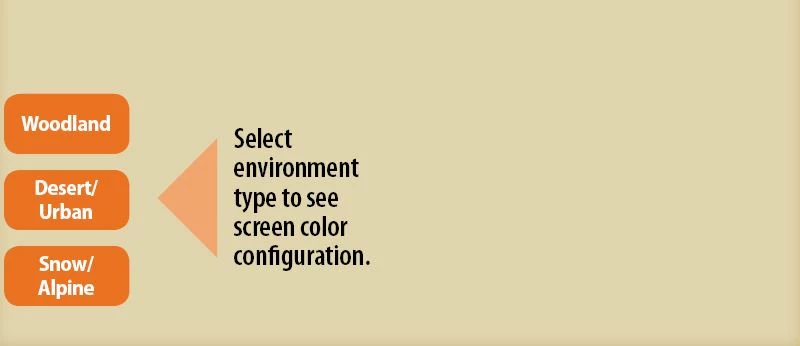
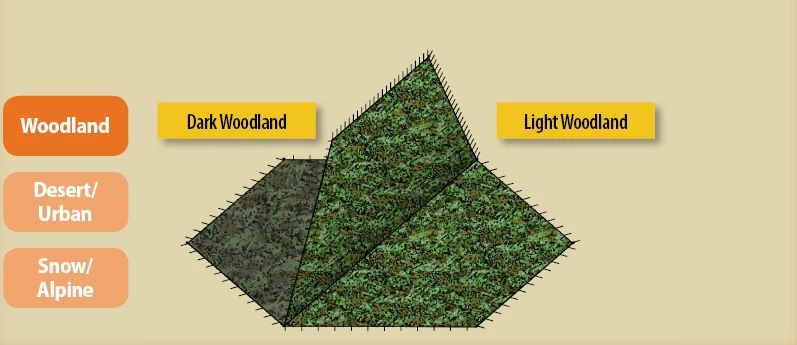
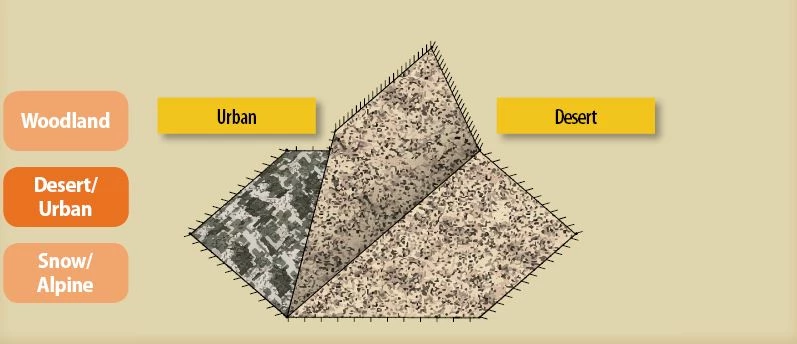
On start, three orange buttons appear on the left side, with a static image to the right. When one of the three orange buttons is tapped it should play one of three movie clips, and the button associated with the played clip remains orange while the other two gray out. When the clip concludes, I want to tap the active (orange) button again to replay the current clip, or tap one of the grayed out buttons to play a different clip. The button for the new played clip then turns orange and the other two buttons gray out.
The animation has the following layers from top to bottom:
- Actions- all actions
- Buttons - three buttons to start or replay each of three different movie clips
- Start Content - static image that displays only on initial load and disappears when any of the three movie clips are played
- Camo Animations - contains three different movie clips starting at frames 2, 127, and 252. Each clip has a 'this.stop();' on the last frame to prevent looping
The timeline looks like this (sorry if this is hard to see...):

Frames and Actions:
- Frame 1 (see screenshot 1 above) - buttons works as they should, advancing to and playing the movie clip
- three orange buttons
- static image that disappears when a button is tapped to jump to an animation
- this code:
/*Stop at buttons*/
this.stop();
/*Jump to and play Woodlands*/
this.woodlandButton.addEventListener("click", fl_ClickToGoToAndPlayFromFrame_4.bind(this));
function fl_ClickToGoToAndPlayFromFrame_4()
{
this.gotoAndPlay(2);
}
/*Jump to and play Desert/Urban*/
this.desertButton.addEventListener("click", fl_ClickToGoToAndPlayFromFrame_5.bind(this));
function fl_ClickToGoToAndPlayFromFrame_5()
{
this.gotoAndPlay(127);
}
/*Jump to and play Snow/Alpine*/
this.snowButton.addEventListener("click", fl_ClickToGoToAndPlayFromFrame_6.bind(this));
function fl_ClickToGoToAndPlayFromFrame_6()
{
this.gotoAndPlay(253);
}
- Frame 2 (see screenshot 2 above) - this is where the problems begin, none of the buttons do anything at all from here on out.
- new iteration of the orange woodland button and two grayed out buttons (second screen shot above)
- Animation 1 (Woodland)
- This button code:
/* Go to and play Woodland*/
this.woodlandButton2.addEventListener("click", fl_ClickToGoToAndPlayFromFrame_8.bind(this));
function fl_ClickToGoToAndPlayFromFrame_8()
{
this.gotoAndPlay(2);
}
/*Jump to and play Desert/Urban*/
this.desertButton_lt2.addEventListener("click", fl_ClickToGoToAndPlayFromFrame_5.bind(this));
function fl_ClickToGoToAndPlayFromFrame_5()
{
this.gotoAndPlay(127);
}
/*Jump to and play Snow/Alpine*/
this.snowButton_lt2.addEventListener("click", fl_ClickToGoToAndPlayFromFrame_6.bind(this));
function fl_ClickToGoToAndPlayFromFrame_6()
{
this.gotoAndPlay(253);
}
- Frame 126 (corresponds to the last frame of Woodlands clip)
- this.stop(); - to stop the timeline
- Frame 127
- orange desert button and two grayed out buttons
- Animation 1 (Desert/Urban)
- this button code:
/* go to and play Woodland*/
this.woodlandButton_lt3.addEventListener("click", fl_ClickToGoToAndPlayFromFrame_9.bind(this));
function fl_ClickToGoToAndPlayFromFrame_9()
{
this.gotoAndPlay(2);
}
/* go to and play Desert*/
this.desertButton3.addEventListener("click", fl_ClickToGoToAndPlayFromFrame_10.bind(this));
function fl_ClickToGoToAndPlayFromFrame_10()
{
this.gotoAndPlay(127);
}
/*go to and play Snow*/
this.snowButton_lt3.addEventListener("click", fl_ClickToGoToAndPlayFromFrame_11.bind(this));
function fl_ClickToGoToAndPlayFromFrame_11()
{
this.gotoAndPlay(253);
}
The Snow button would be the same setup. Sorry this is so long. I figure more information is better... hope so...
Thanks for any help.
Steve


 AdChoices