Known Participant
February 18, 2021
Answered

HTML5 canvas buttons problems

  • February 18, 2021
  • 1 reply
  • 1483 views

Good evening everyone!

I reallly need help with my project in HTML5 canvas. Ok, so I have created a stage with many buttons (9 to be accurate) and in timeline I have the layers Stage, Buttons and Actions. From the beginning the code for buttons was nightmare... I did not know why it does not work

(it used to be so easy in flash), at last finaly wih the code that follows I had luck...

this.pointt_button.addEventListener("click", fl_ClickToGoToAndStopAtFrame_4.bind(this));

function fl_ClickToGoToAndStopAtFrame_4()
{
this.gotoAndStop(24);
}

So as the first button worked,  I used the code, the same code, to the next 2 buttons succefully. And here is the next problem... when in the forth button I used the code, it worked but it does not work correctly for the previous buttons. It takes the frame from the forth button and redirects all the other buttons in the frame of the forth. In the console of chrome it does not appear error (but in my previous atempts in code I had a problem). I really do not understand the problem... They have instance names, I follow the most advice but I could not make it work. Also, write simple advice, please, I am not an expert in animate and I have years to make something in flash. Please, help me if you could, I have a deadline for this...

    This topic has been closed for replies.
    Correct answer JoãoCésar17023019

    Thank you again for the advice! 

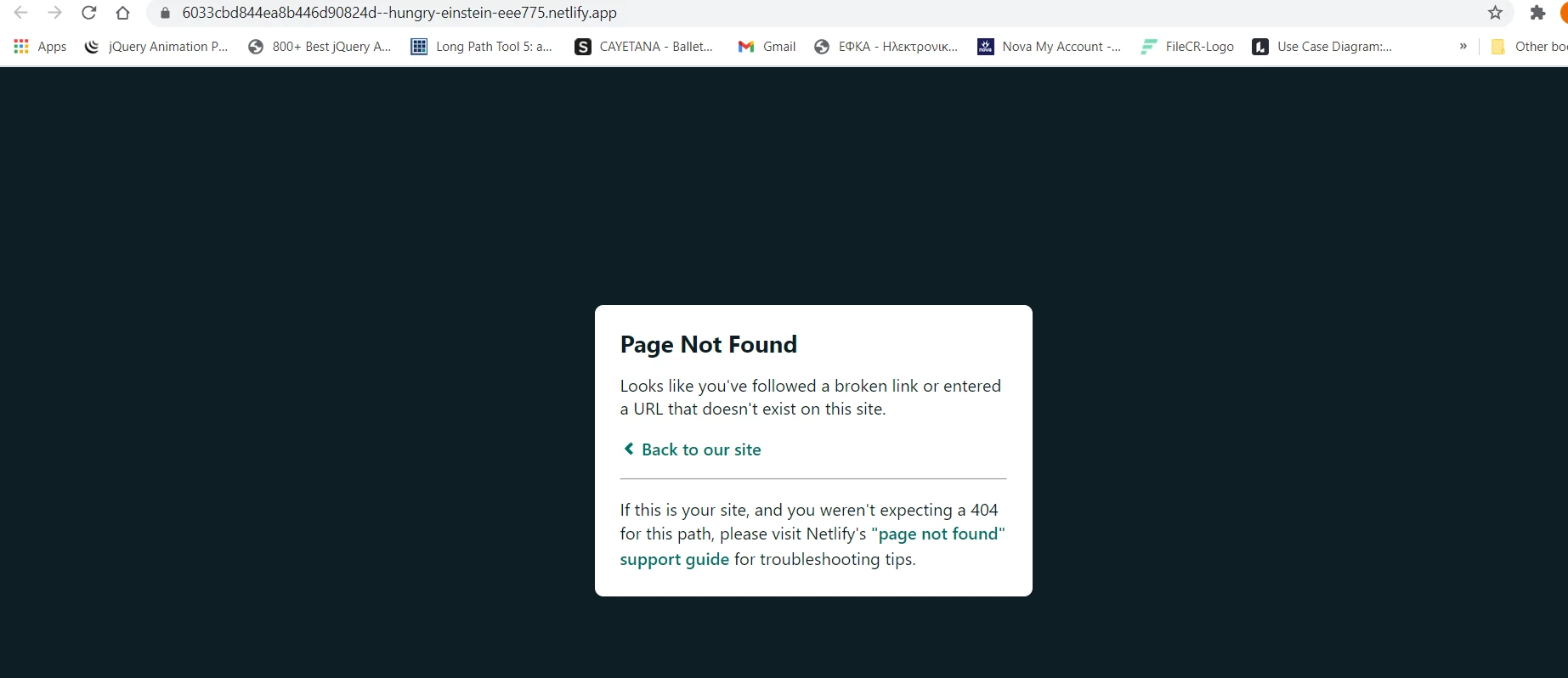
    I saw the link that you posted and I follow th advice for the Netlify, but I cannot see the result...

    Of course the content of the drag file is index.html and index.js....I also had the files of images ect. 

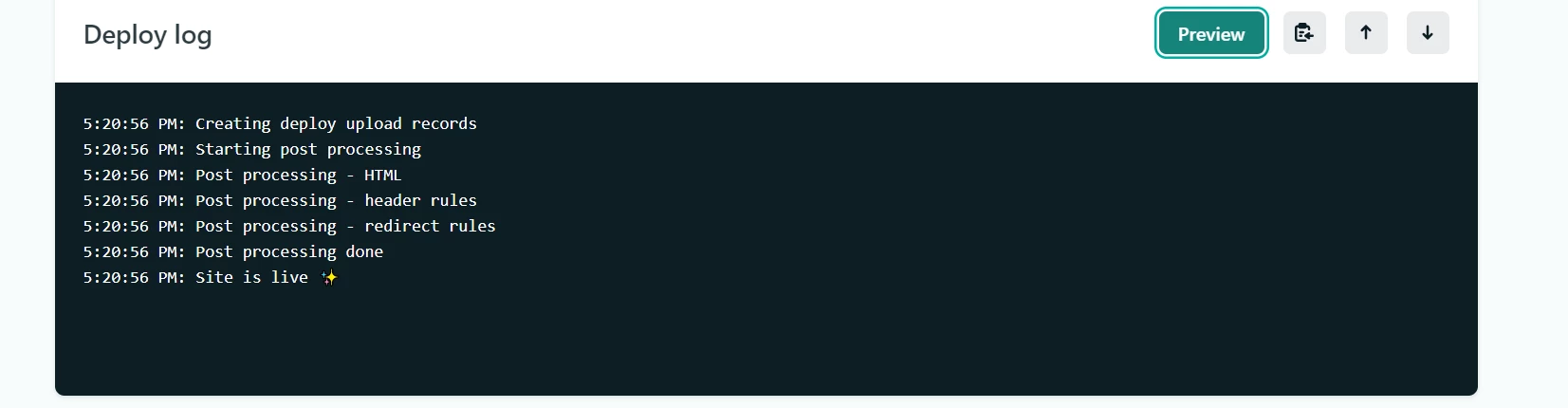
    Furthermore in the deploy everything seems ok...

    Where is the mistake?


    This should work:

    https://hungry-einstein-eee775.netlify.app/index.html


    But it gets stucked in the preloader.


    Did you change the name of the html by hand? If so, that's the problem. Because the JS file still has the old name (Test100).


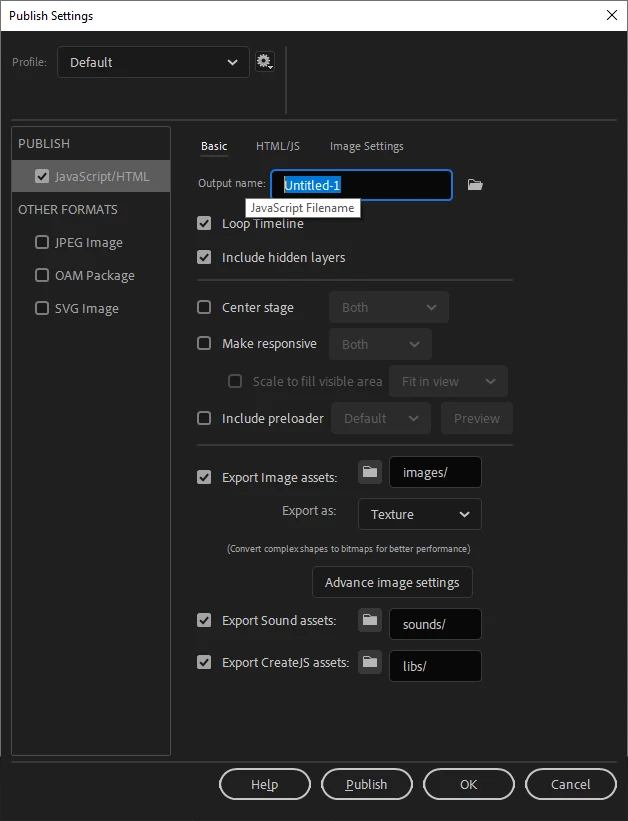
    The best way to rename your HTML is in the Publish Settings (Ctrl/Cmd + Shift + F12) > JavaScript/HTML > Output name field.


    Change this field to index (without .html).


    Please let us know.


    Regards,

    JC

    1 reply

    JoãoCésar17023019
    Community Expert
    Community Expert
    February 18, 2021

    Good evening!


    Can you show us the complete code so we can better understand what's going on?


    Regards,

    JC

    Known Participant
    February 18, 2021

    Good morning! And many thanks for the immediate response!

    Ok, so I had that code:

    this.Point1_button.addEventListener("click", fl_ClickToGoToAndStopAtFrame_6.bind(this));

    function fl_ClickToGoToAndStopAtFrame_6()
    {
    this.gotoAndStop(24);
    }

    this.Point2_button.addEventListener("click", fl_ClickToGoToAndStopAtFrame_6.bind(this));

    function fl_ClickToGoToAndStopAtFrame_6()
    {
    this.gotoAndStop(45);
    }

    this.Point3_button.addEventListener("click", fl_ClickToGoToAndStopAtFrame_6.bind(this));

    function fl_ClickToGoToAndStopAtFrame_6()
    {
    this.gotoAndStop(65);
    }

    this.Point4_button.addEventListener("click", fl_ClickToGoToAndStopAtFrame_6.bind(this));

    function fl_ClickToGoToAndStopAtFrame_6()
    {
    this.gotoAndStop(85);
    }

    I discover that if the frame of reference is the same (in this code Frame_6), it does not work after the third button... So, I experiment with that and all my buttons is working now with the following code:

    /* Logo-Button*/
    this.logoroutes_buttons.addEventListener("click", fl_ClickToGoToAndStopAtFrame_12.bind(this));

    function fl_ClickToGoToAndStopAtFrame_12()
    {
    this.gotoAndStop(0);
    }
    /* Xartodiadromi-Buttons*/
    this.pointt_button.addEventListener("click", fl_ClickToGoToAndStopAtFrame_4.bind(this));

    function fl_ClickToGoToAndStopAtFrame_4()
    {
    this.gotoAndStop(24);
    }

    this.pointt2_button.addEventListener("click", fl_ClickToGoToAndStopAtFrame_5.bind(this));

    function fl_ClickToGoToAndStopAtFrame_5()
    {
    this.gotoAndStop(44);
    }

    this.pointt3_button.addEventListener("click", fl_ClickToGoToAndStopAtFrame_6.bind(this));

    function fl_ClickToGoToAndStopAtFrame_6()
    {
    this.gotoAndStop(64);
    }

    this.pointt4_button.addEventListener("click", fl_ClickToGoToAndStopAtFrame_7.bind(this));

    function fl_ClickToGoToAndStopAtFrame_7()
    {
    this.gotoAndStop(84);
    }

    /* Xronodiadromi-Buttons*/
    this.xrono1_button.addEventListener("click", fl_ClickToGoToAndStopAtFrame_8.bind(this));

    function fl_ClickToGoToAndStopAtFrame_8()
    {
    this.gotoAndStop(24);
    }

    this.xrono2_button.addEventListener("click", fl_ClickToGoToAndStopAtFrame_9.bind(this));

    function fl_ClickToGoToAndStopAtFrame_9()
    {
    this.gotoAndStop(44);
    }

    this.xrono3_button.addEventListener("click", fl_ClickToGoToAndStopAtFrame_10.bind(this));

    function fl_ClickToGoToAndStopAtFrame_10()
    {
    this.gotoAndStop(64);
    }

    this.xrono4_button.addEventListener("click", fl_ClickToGoToAndStopAtFrame_11.bind(this));

    function fl_ClickToGoToAndStopAtFrame_11()
    {
    this.gotoAndStop(84);
    }

    I somewhat understood that, but I have some questions, if you can answer. 1. Why until the third button, the code worked (and that made me to search the mistake in other things, like more layers in a symbol-button, or the kind of graphics I used, or instance names etc.)? 2. Why the frame (for example 6) of reference accepts the 3 different symbols-buttons and who exactly are the properties in HTML5 canvas? 3. The frames that are used in my project 6,7,8,9 etc. are full frames with other content, so why that is not malfunctions?

    JoãoCésar17023019
    Community Expert
    Community Expert
    February 18, 2021

    Thanks for the code.


    Is all this code on the main timeline?


    Anyway, the problem it's because you're using the same function name several times. For example:

    function fl_ClickToGoToAndStopAtFrame_6()
    {
    	this.gotoAndStop(24);
    }
    
    function fl_ClickToGoToAndStopAtFrame_6()
    {
    	this.gotoAndStop(45);
    }
    
    function fl_ClickToGoToAndStopAtFrame_6()
    {
    	this.gotoAndStop(65);
    }
    
    function fl_ClickToGoToAndStopAtFrame_6()
    {
    	this.gotoAndStop(85);
    }


    If you want your buttons to lead to different frames, give them different functions.


    Please try this fix and let us know.


    And to learn more about the HTML5 Canvas document, please read this answer:

    https://community.adobe.com/t5/animate/play-and-stop-sound-in-html5-canvas/m-p/11613235#M337732


    Regards,

    JC