
HTML5 changing a object's color with buttons
Here's the deal. I'm converting to html5 and trying to learn it. In fact, the only script I needed to learn was go to and stop. I build an animation where people can go select a sound system pad and customize it's color. Before, in AS3, I had a movieclip with multiple frames. Each color was on one frame. So when you clicked on the red button, go to and stop frame 4 and the red pad was on that frame. Just as simple as that.
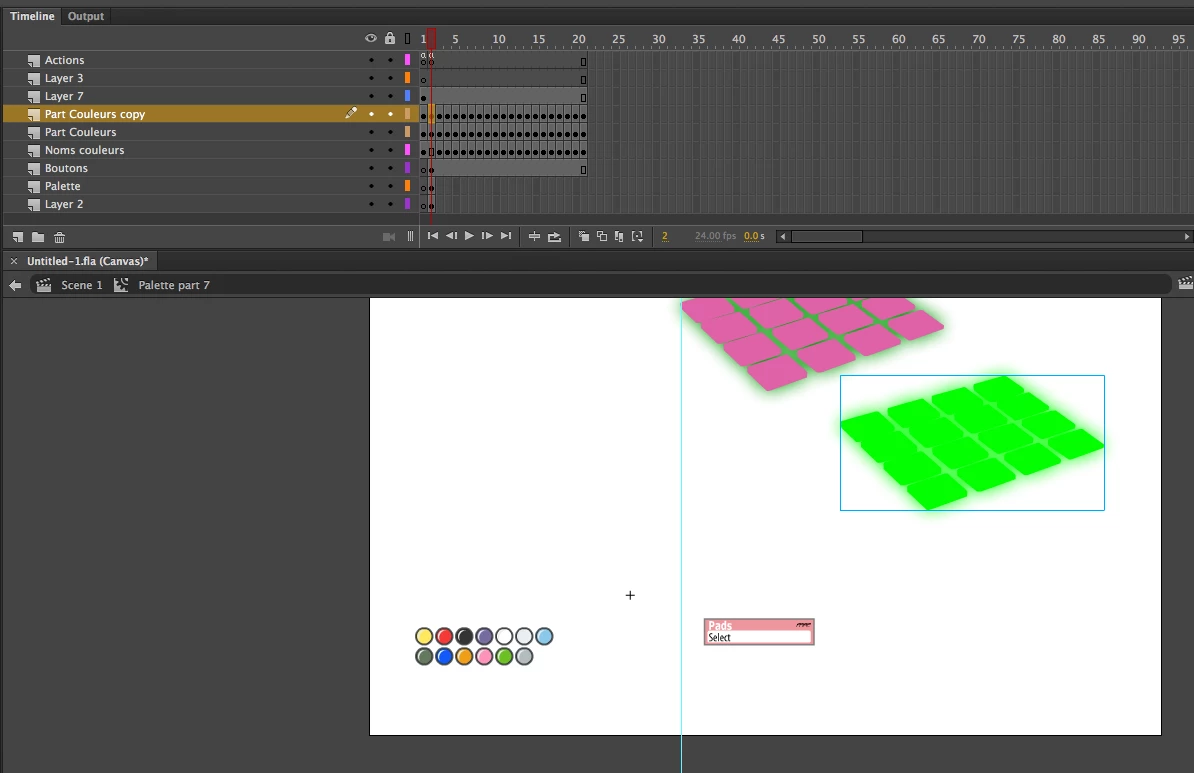
Then, I found that option in HTML5, that's no big deal. BUT!!!! there's a but for sure, HTML5 doesn't seems to understand symbols. The sound pad was 1 symbol and it was repeating on each frame. Then, with tint, I was changing the pad's color on each frame to match the customer's selection. Hope it's clear.
Well, in HTML5, it doesn't get the color applied to the symbol. So if I set the yellow frame first, well if I click on yellow, it's yellow. Perfect. But then, if I click on red, it goes to the red frame but it stays yellow. Like if HMTL5 doesn't understands that the same symbol can have a different color inside the movieclip.
So what are my options? I know I can break apart the symbol, it works when I do that. But you see, there's other parts to this and usually I just rename a symbol, open it and replace the elements inside and then, the correction is made on all the elements in that 2nd movie clip. Now, it means that I would have to replace that element in each frame one by one.
Is there a script that can change a symbol's color? Or is there a way so HTML5 allows symbols to work just like in AS3?
Thank you.


 AdChoices