

CodeDeveloperOM
Inspiring
April 23, 2021
Answered

I added a button to move to the next frame (scrollTo)

  • April 23, 2021
  • 2 replies
  • 356 views

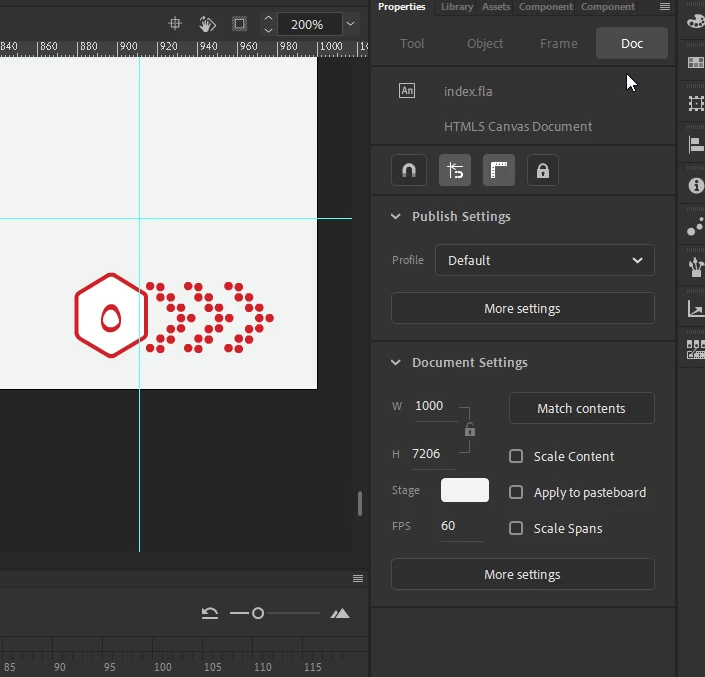
Designed (HTML5 Canvas Document)
Page long
Its length 7206 px
I added a button to move to the next frame


this.button2.addEventListener("click", fl_ClickToGoToAndStopAtFrame_2.bind(this));
function fl_ClickToGoToAndStopAtFrame_2() {
//this.stage.x=0;
//this.stage.y=0;
this.gotoAndStop(5);
}


It goes, but it is stop at the end of the page ?? why 


Not at the front of the page, but show at the end of the page ??
 

    This topic has been closed for replies.
    Correct answer CodeDeveloperOM

    The problem has been resolved
    I use


    window.scrollTo(0,0);

    2 replies

    CodeDeveloperOM
    CodeDeveloperOMAuthorCorrect answer
    Inspiring
    April 24, 2021

    The problem has been resolved
    I use


    window.scrollTo(0,0);

    JoãoCésar17023019
    Community Expert
    Community Expert
    April 23, 2021

    Hi.


    I did not understand well. What do you mean by the end of the page?


    Regards,

    JC

    CodeDeveloperOM
    Inspiring
    April 23, 2021

    When moving to the next frame in the browser
    The cursor is at the end of the page
    Not like usual at the front of the page?