
Participant
March 11, 2025
Question

I am trying have my characters parts to distubute to layers on adobe animate.

  • March 11, 2025
  • 3 replies
  • 351 views

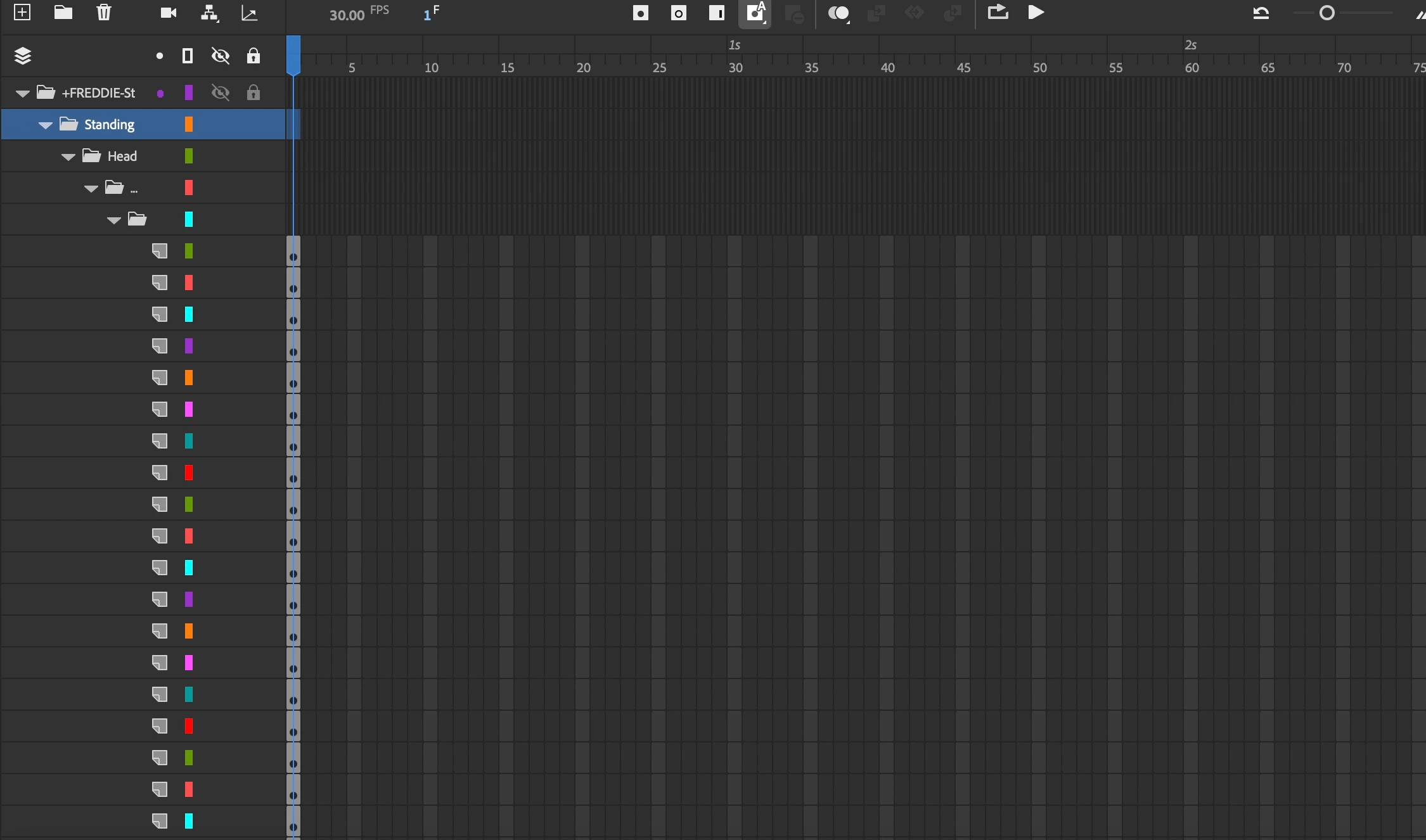
I imported a puppet created on Photoshop to adobe animate. I'm trying to animate this puppet. In photoshop the character had many layers and it showed up in ai but it was disorganized. So I coverted each part into sybomls, named them and click on the "distribute to layers" but I don't see the layers I named.  Please help.
    3 replies

    Participant
    March 14, 2025

    Check the Timeline Panel to see if the layers were renamed generically. Also, open the Library Panel (Window > Library) to confirm your symbols exist. If layers are missing, try ungrouping elements before converting them into symbols again. Lastly, ensure they aren’t nested inside a parent layer or hidden.

    kglad
    Community Expert
    Community Expert
    March 11, 2025

    why's illustrator involved?

    Participant
    March 11, 2025

    I meant Adobe animate not ai


    kglad
    Community Expert
    Community Expert
    March 11, 2025

    copy and paste here a screenshot of your import panel.

    kglad
    Community Expert
    Community Expert
    March 11, 2025

    in the future, to find the best place to post your message, use the list here, https://community.adobe.com/

    p.s. i don't think the adobe website, and forums in particular, are easy to navigate, so don't spend a lot of time searching that forum list. do your best and we'll move the post (like this one has already been moved) if it helps you get responses.


    <"moved from using the community">