
Question
Illustration lost resolution
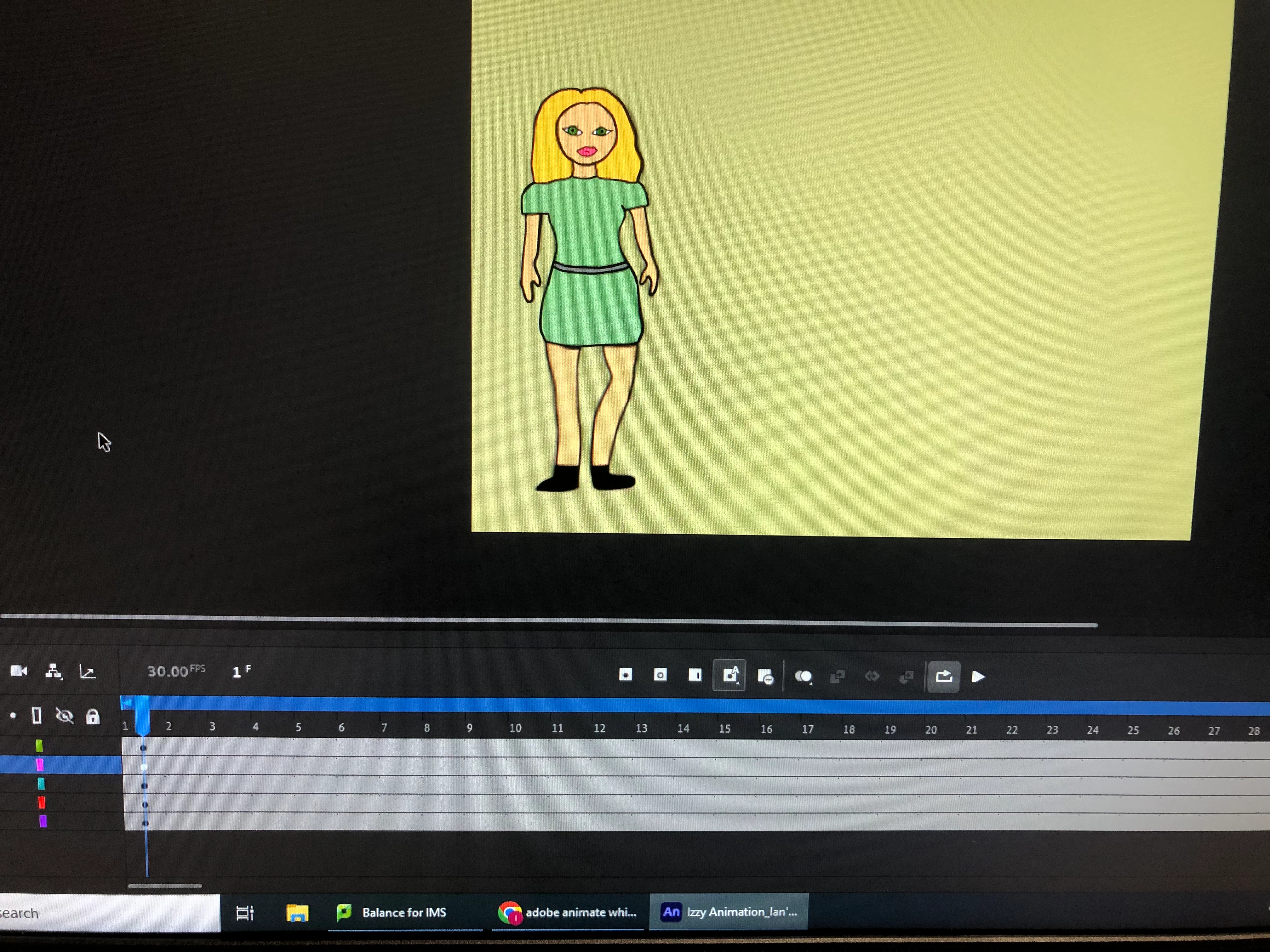
A student has drawn this character with separate body parts on different layers. For some reason, the legs have become blurry (it was sharp before). It's hard to see on the photo but the legs are noticeably less sharp than the other parts in reality. Any suggestions how we fix it? The only anomaly I can see is the white key frame on the same layer, but I haven't managed to figure out how to get the sharpness back. They have been experimenting with tweens etc. but they've all been removed.
Thanks in advance.


 AdChoices