
Participant
May 2, 2022
Question

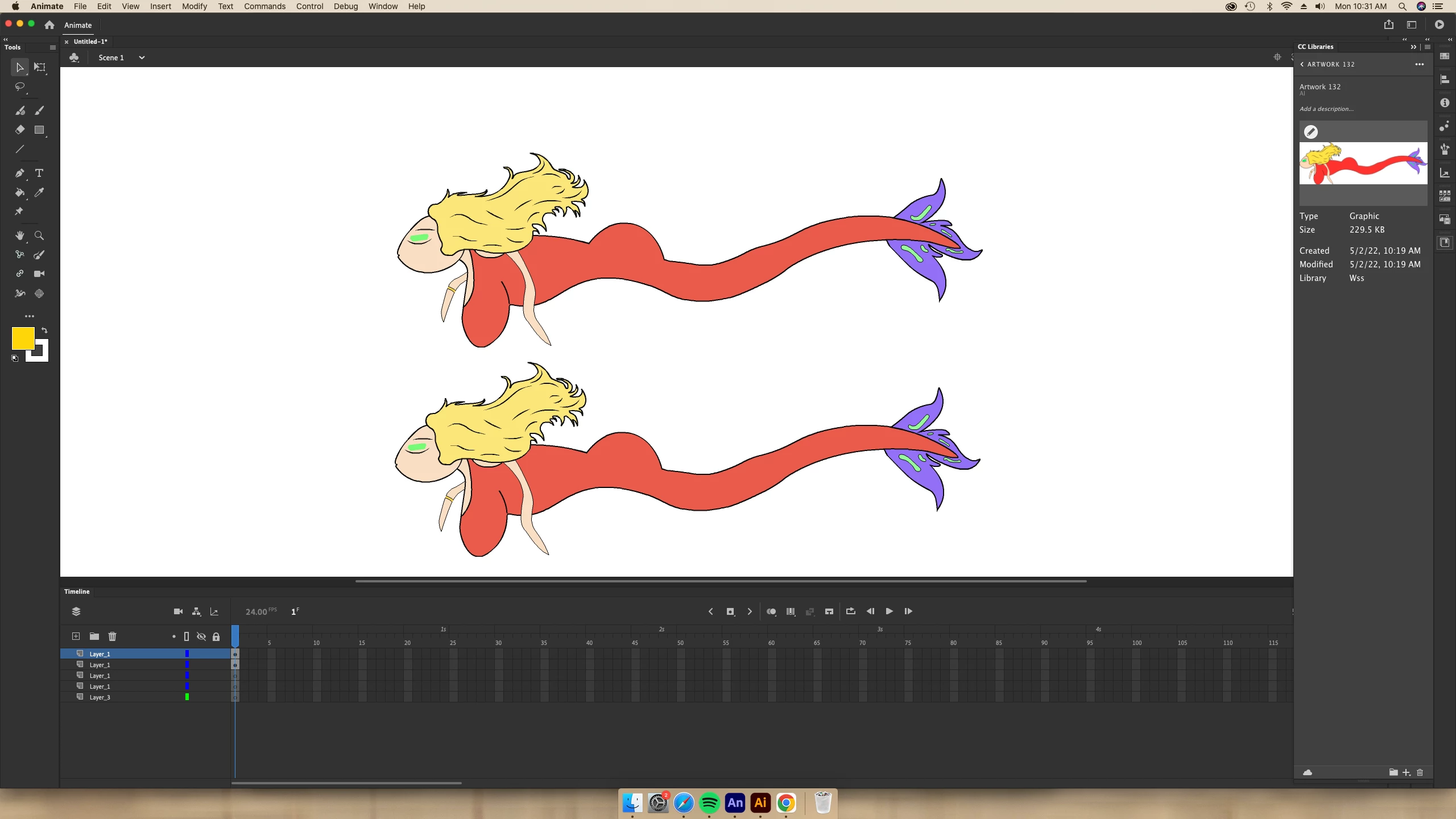
Illustrator to Animate color washes out

  • May 2, 2022
  • 2 replies
  • 220 views

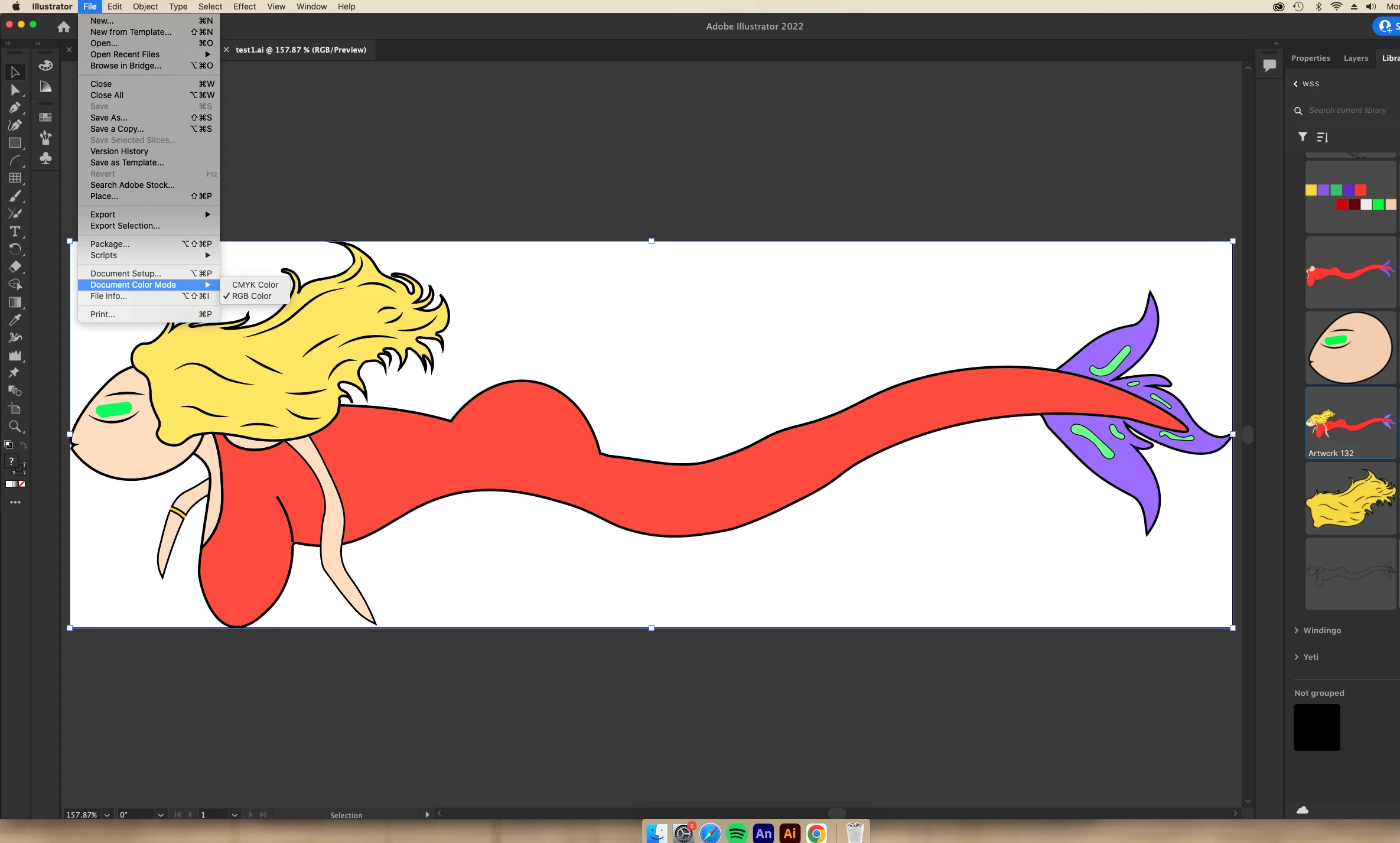
I have tried both saving to my CCLibrary and To my desktop, when I transfer both versions to Animate the colors get washed out. Yesterday I tested it on my friends PC and no wash out during transfer. I use a Mac and would like to get the CC library transfer working. Everything is set to RGB, why is this happening?
    This topic has been closed for replies.

    2 replies

    Community Expert
    May 4, 2022

    That is weird. Try copying the art from adobe illustrator and paste it right into animate. see if that transfers better. If that doesn't work create a new illustrator file making sure that is RGB then take your art to paste it into the RGB file and that should correct the problem then take it and paste it from that file into adobe animate. I find out if you just copy and paste from adobe illustrator and paste right into Adobe animate things transfer better than importing it through anime 

    Mohanaraj
    Adobe Employee
    Adobe Employee
    May 4, 2022

    Hi - can you please follow the below settings and see if it helps

    1.Make sure your ai file is in rgb mode.
    2.Under Edit/ColorSetting set Illustrator to emulate Illustrator 6.0
     
    Thanks!
    Mohan