
arkadelic
Participant
November 20, 2018
Question

Images warping when testing animation

  • November 20, 2018
  • 1 reply
  • 169 views

Hi there,

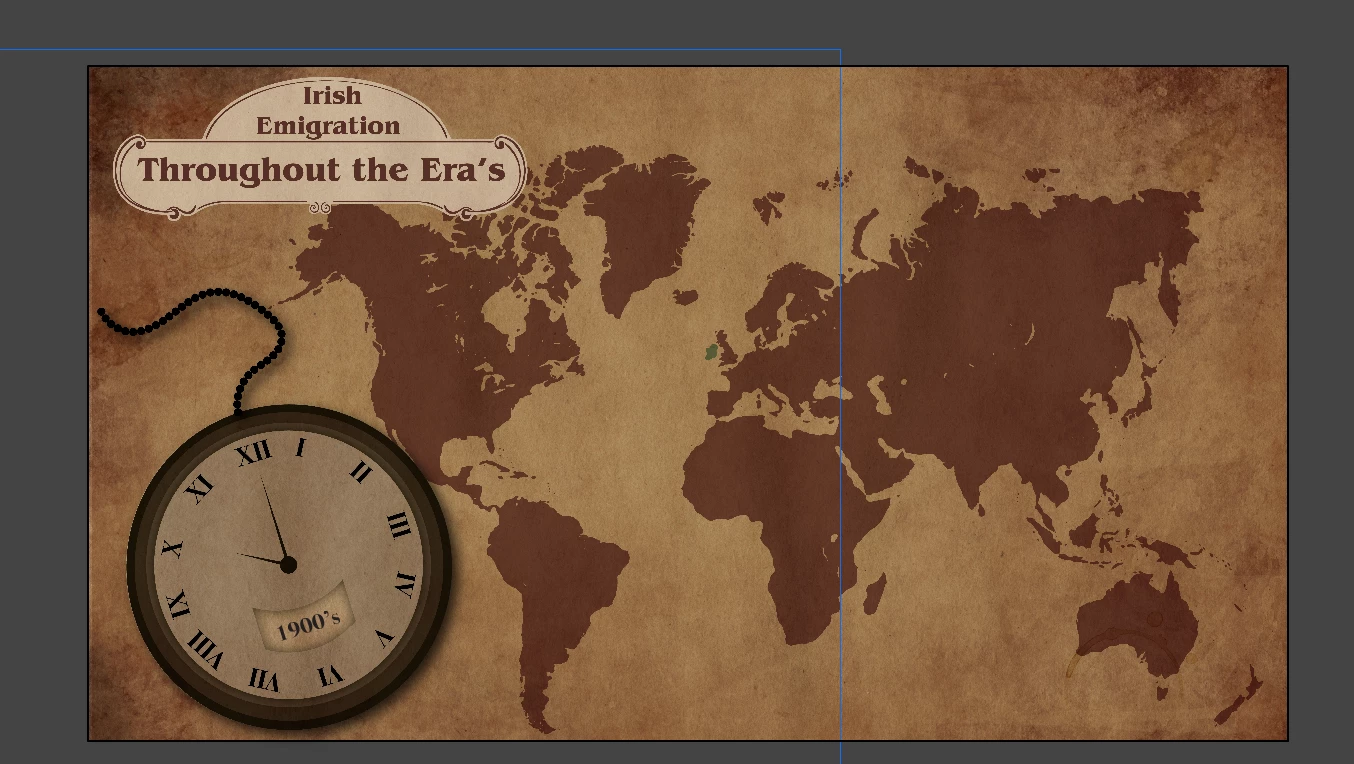
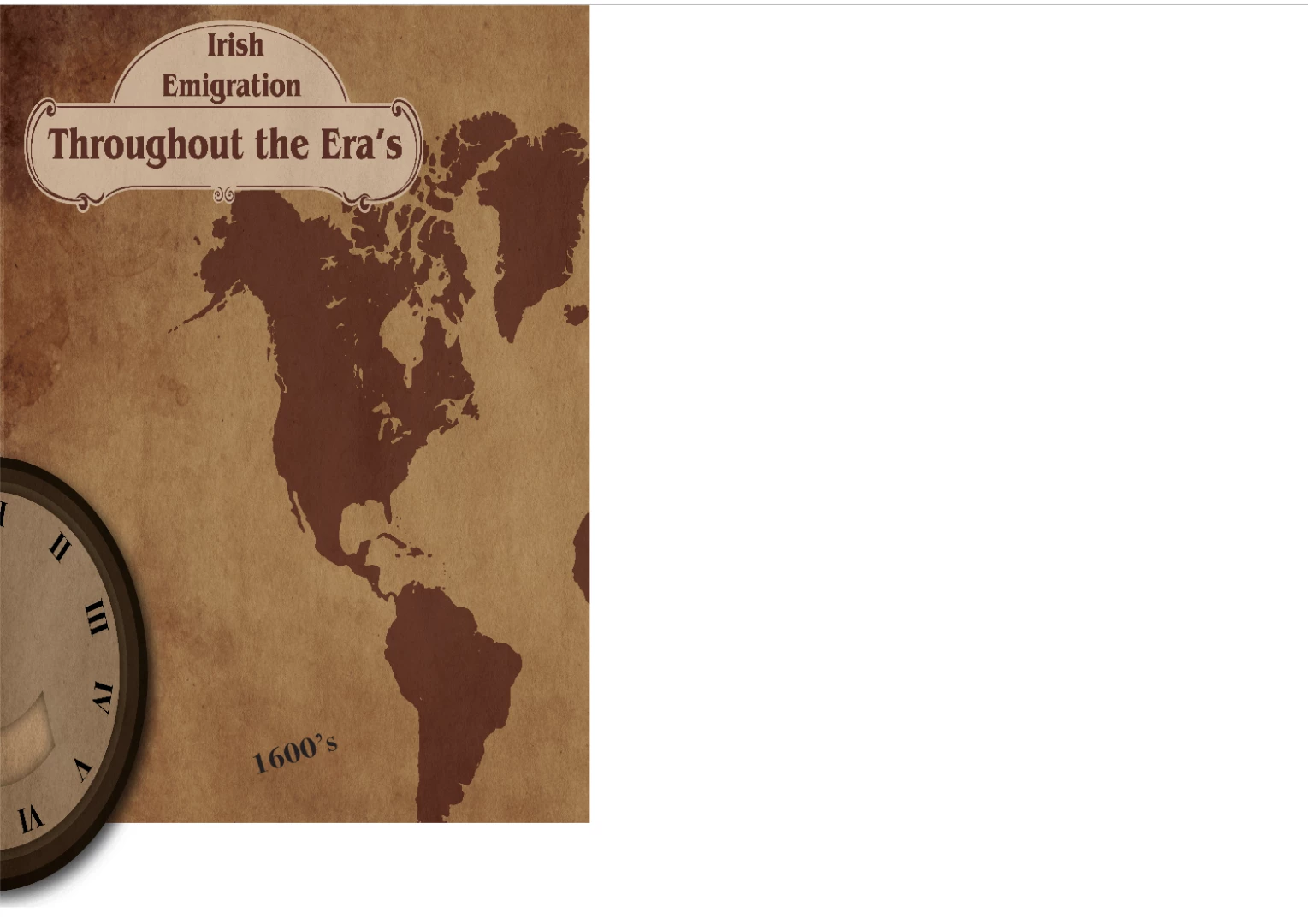
Unfortunately, I am very new to this software, I'm coming from illustrator and photoshop with no background in UX / UI. I have a simple animation with code from code snippets to trigger the animation stopping and starting. Everything works properly, but when I test my animation in a browser window, any png's I've imported are severely distorted and none of my components line up, see the comparison below.

I'm sure this is a simple fix but I can't seem to find a solution, hope someone can help!

     In Animate:
   In browser:
      

    This topic has been closed for replies.

    1 reply

    kglad
    Community Expert
    Community Expert
    November 20, 2018

    what are your publish settings?

    arkadelic
    arkadelicAuthor
    Participant
    November 20, 2018

    Everything is at default for the HTML5 canvas, but I disabled combine images into spritesheets because I read that could have an effect, enabling/disabling it seems to have no effect

    kglad
    Community Expert
    Community Expert
    November 20, 2018

    attach a screenshot showing your publish settings panel>js/html>basic

    what are the blue line in your first post?

    did you convert the distorted map into an object or is it still a png?