Participant
September 17, 2018
Answered

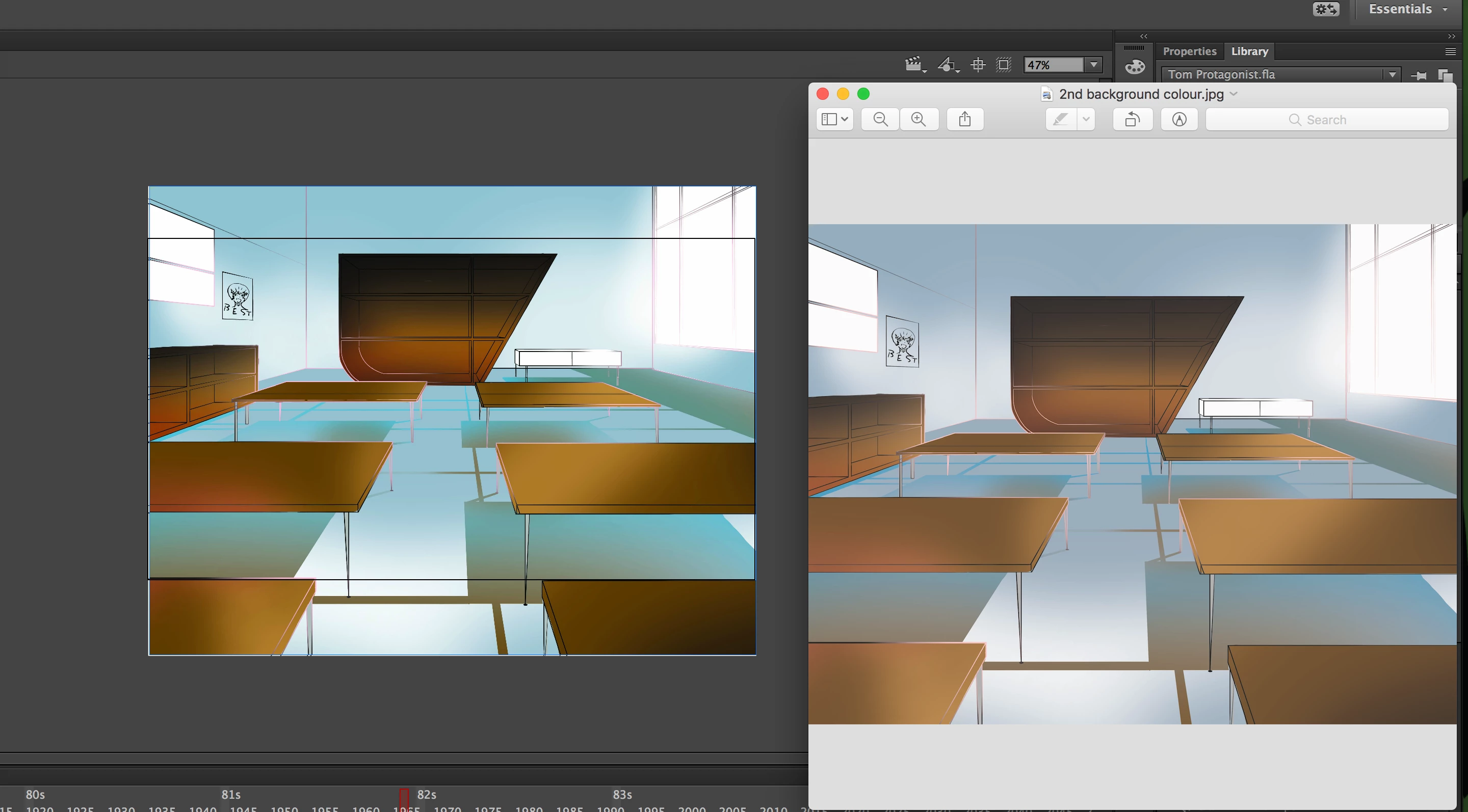
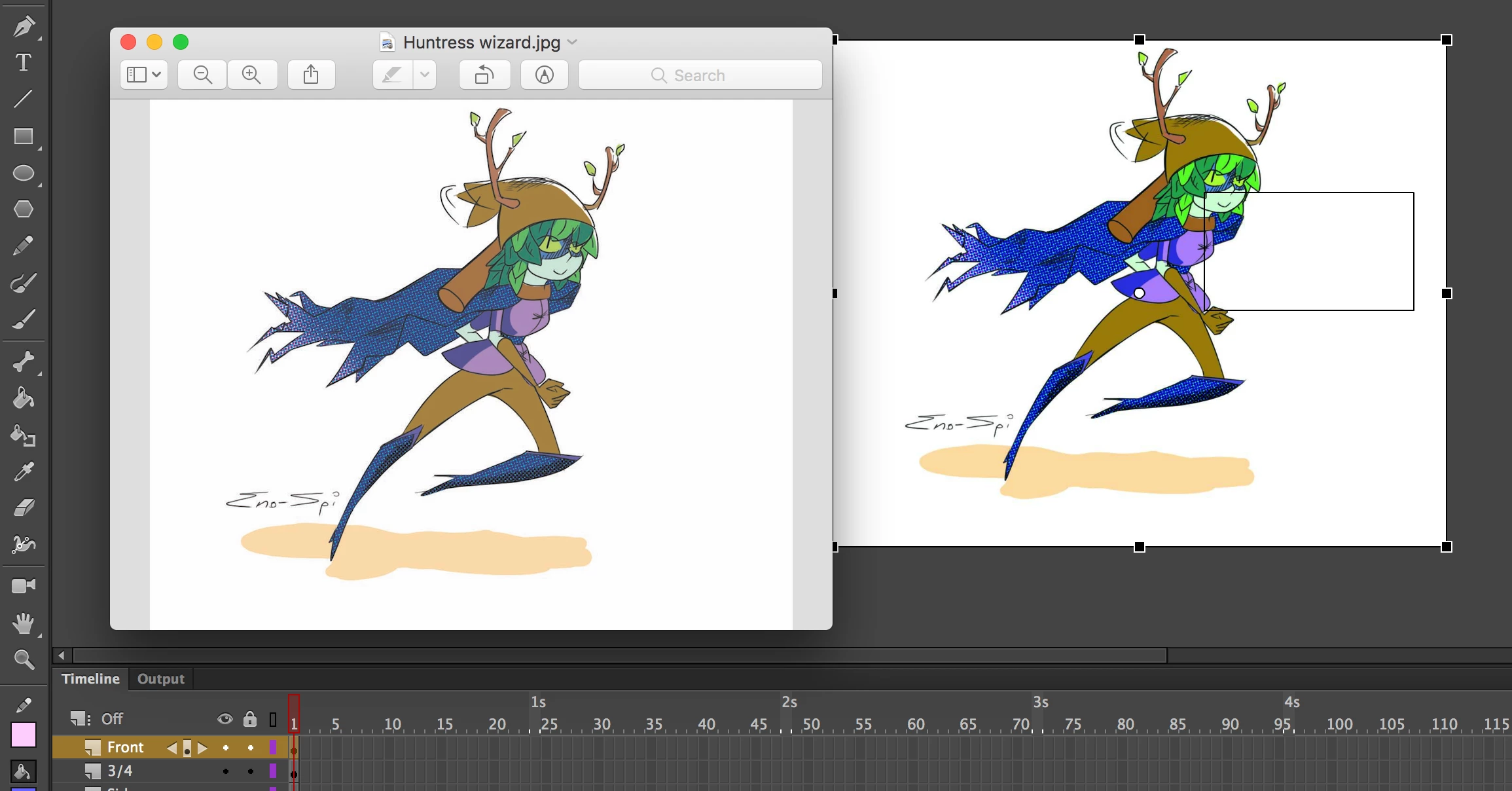
Imported images have higher contrast

  • September 17, 2018
  • 1 reply
  • 1000 views

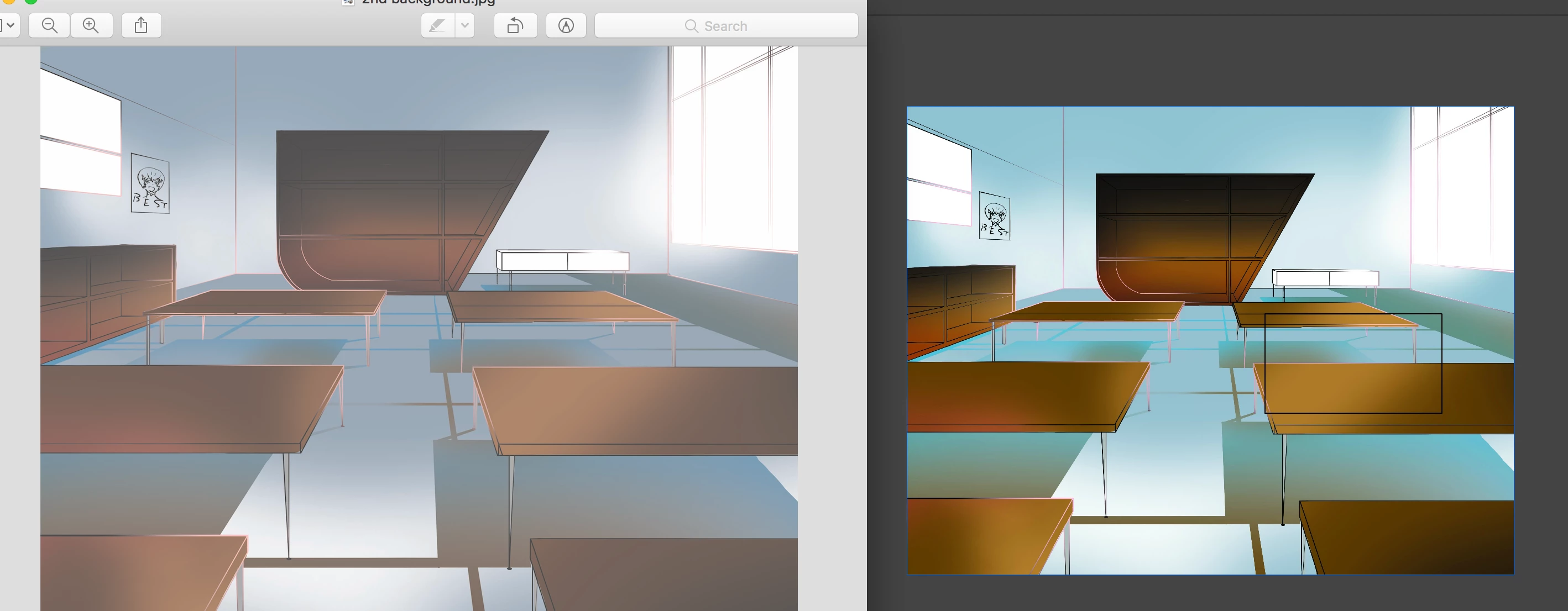
When I went to import a background I noticed that the software seemed to have heightened the contrast somehow. I've tried testing the footage, with the background continuing to come out higher contrast. I don't know why it happens but I am operating on a 2017 macbook pro. The weirdest thing is that even when uploading artwork to social media platforms the artwork comes out blindingly high-key. Any tips to resolve this issue would be much appreciated.
This topic has been closed for replies.
Correct answer enochs16606983

I've had similar issues with other files as well.

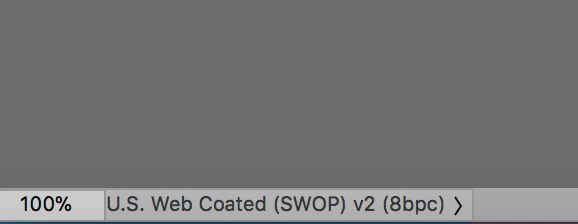
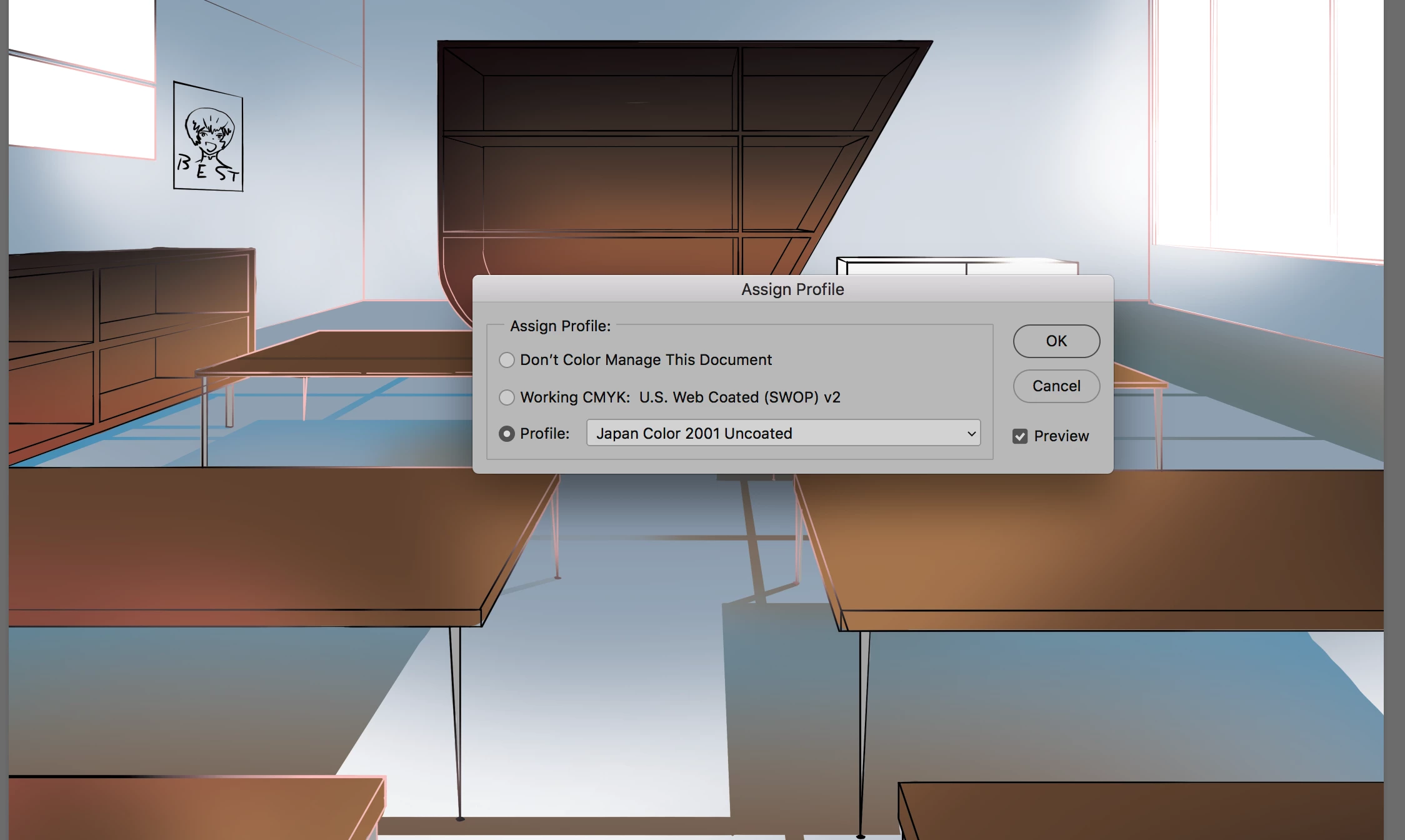
This document has these Color settings

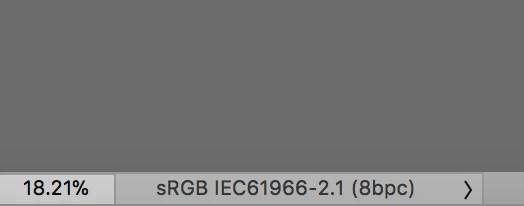
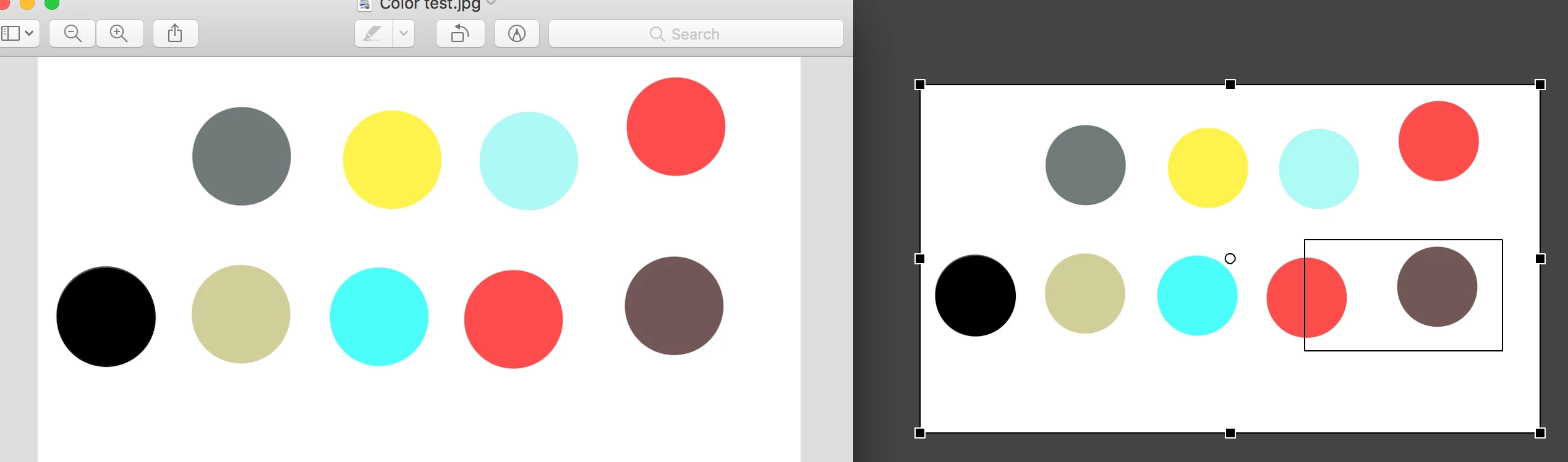
Meanwhile a picture that works across all programs has these settings

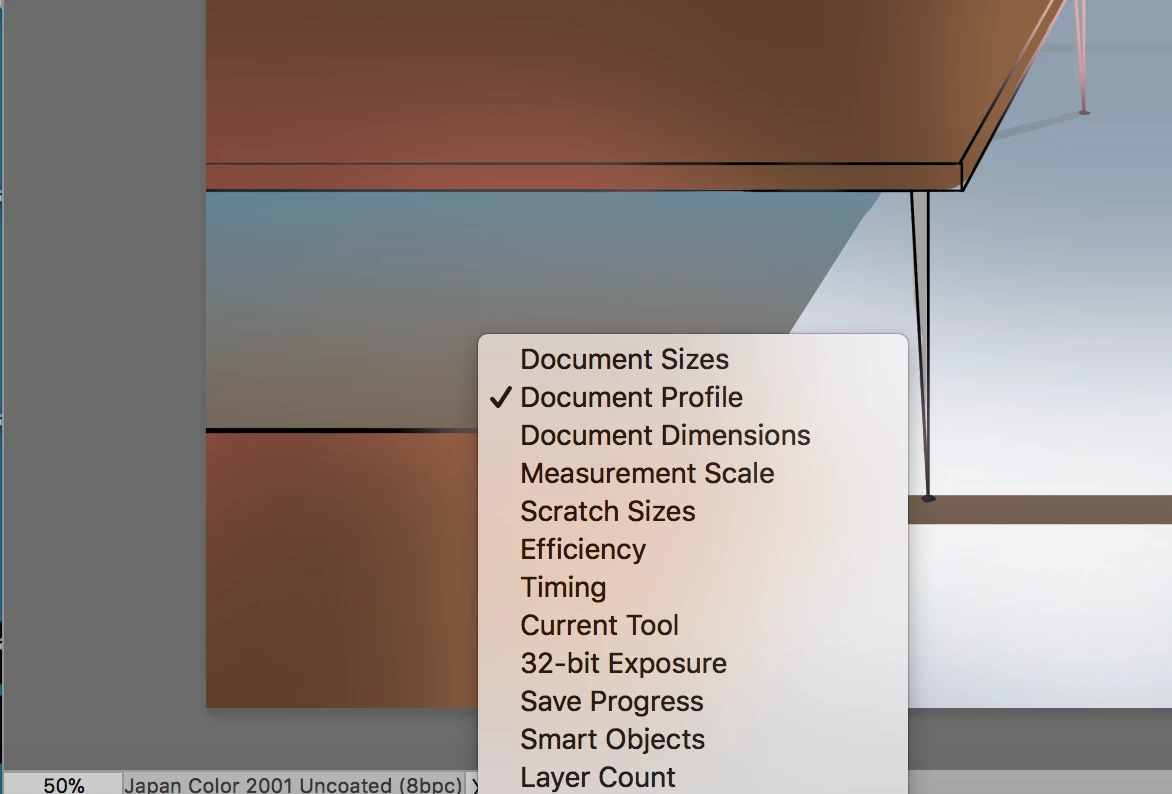
I made a new document after I changed my settings on the original file to view the color profile

New file seems to be working out

So far, so good...

So I went back to change the color profile on my original background file...

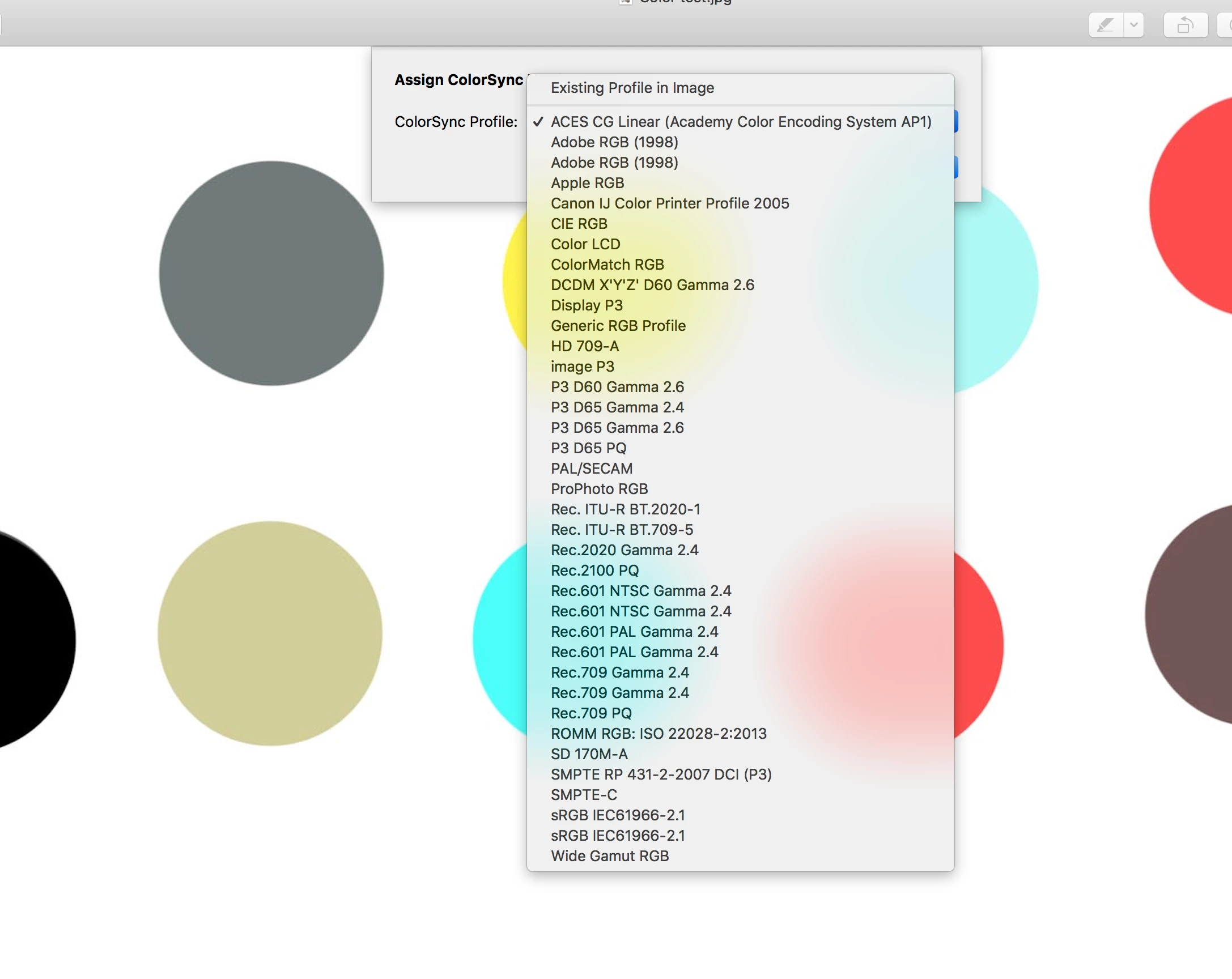
And changing the color settings seems to have no effect


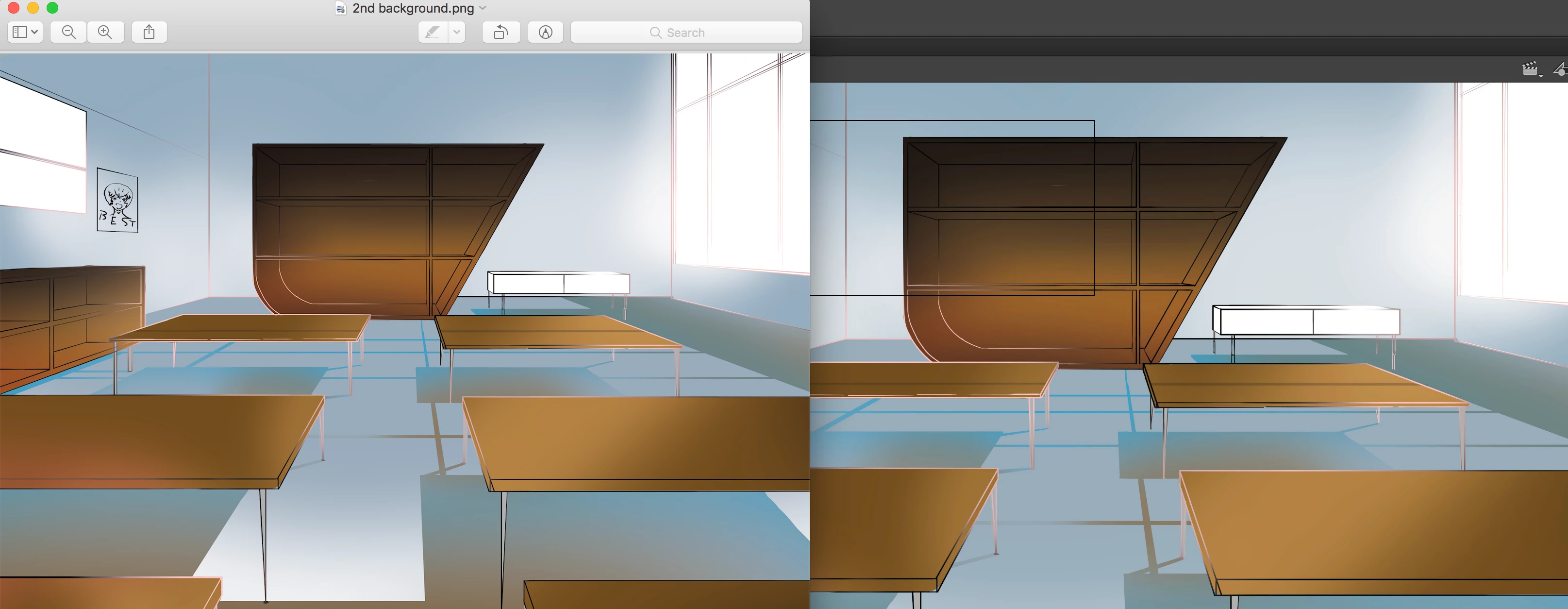
Never mind all of that, it works When I save it as a PNG

1 reply

Legend
September 17, 2018

That JPG doesn't have an ICC color profile embedded, does it?

Participant
September 18, 2018

I have no idea, how do you check that?

Legend
September 18, 2018

Google is a wonderful tool for those sort of questions.

https://www.p4pictures.com/2012/01/check-you-document-colour-profile-in-photoshop/

Have you tested with other images to see if the lightening is happening to them too, or is it just this image?