
Participant
February 24, 2020
Question

importing images into Animate 2019

  • February 24, 2020
  • 1 reply
  • 559 views

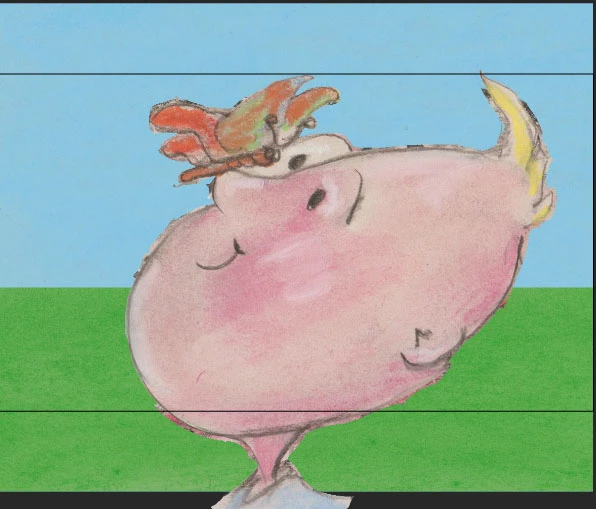
I import images that I have polished the edges in Photoshop, but once in Animate the images contain the rough edges that I took care of in Photoshop. Can someone tell me what I am doing wrong? Thank you. valera2@msn.com

 

This topic has been closed for replies.

1 reply

Legend
February 24, 2020

So are you going to tell us what image file format you're saving them as?


If it's not PNG... it should be PNG. Or JPG, if you're willing to cut out the transparent parts manually in Animate.

oliveoil8Author
Participant
February 24, 2020
Thank you for your response. I was importing them as part of a photoshop file. I will try as a jpeg or png. Thank you.
_keyframer
Community Expert
Community Expert
February 25, 2020

In P'shop, export your layers to PNG-24 format with transparency. Import them into AnCC.
Importing the PSD should have worked as intended though. It might be the bit depth of your P'shop file?

Animator and content creator for Animate CC