Known Participant
December 28, 2018
Question

iphone x issue

  • December 28, 2018
  • 2 replies
  • 896 views

testing app on iphone x using aie 32 i do not get full screen. black areas on top and bottom.

how can i fix it?

    This topic has been closed for replies.

    2 replies

    udikAuthor
    Known Participant
    December 29, 2018

    hi.

    i did implement the resize event, but maybe i did something wrong.

    it is in fullscreen setting.

    i was sure there is a simple way that application will fit to several devices.

    JoãoCésar17023019
    Community Expert
    Community Expert
    December 29, 2018

    Can you show us your code or even share your FLA?

    There is a workaround in which you leave extra spaces around the stage if you don't want to code the resize manually. Also, make sure your phone is allowiing your app to go fullscreen.

    This thread may help you:

    Re: How to make Responsive Resolution in Adobe Flash CS6 or AS3?

    Regards,

    JC

    JoãoCésar17023019
    Community Expert
    Community Expert
    December 28, 2018

    Hi.

    Don't forget to choose Full screen in the AIR for iOS Settings dialog window.

    And if you want to make sure your app will display correctly in any screen or device you have to make your layout responsive using AS3.

    Please let us know if this is not the answer you are looking for or if you still need more information.

    Regards,

    JC

    udikAuthor
    Known Participant
    December 28, 2018

    sorry for silly question - where do i  make responsive using AS3.

    JoãoCésar17023019
    Community Expert
    Community Expert
    December 28, 2018

    Hi.

    There are several approaches to create a responsiive UI. What I suggest is to:

    - Set the stage to not scale automatically and to align from the top left corner;

    - Set the stage scale according to the current stage height divided by the initial stage height - if the actual document height is bigger than the document width;

    - Calculate the position of each object based on the stage width and height divided by the stage scale.

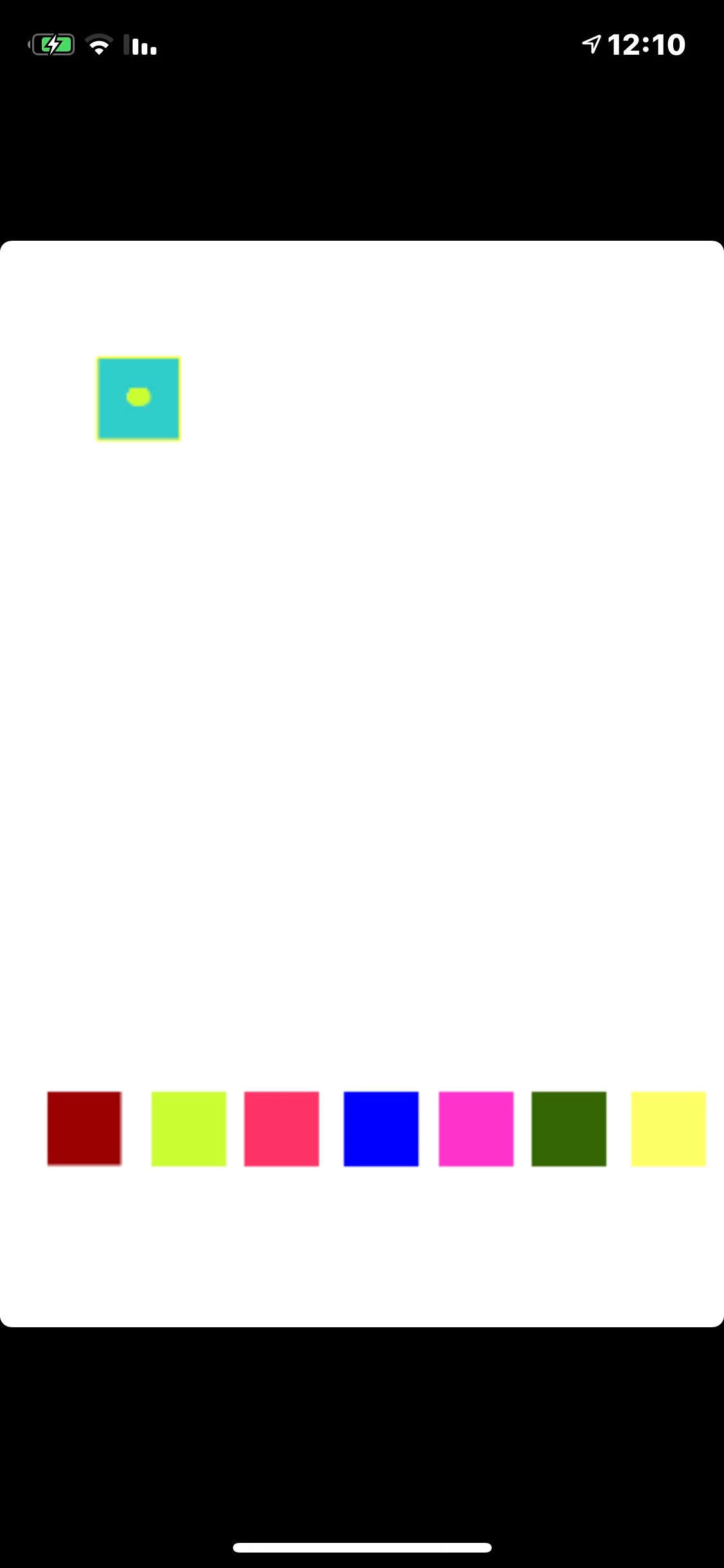
    Preview:

    AS3 code:

    [Frame 1]

    import fl.motion.easing.*;

    import fl.transitions.Tween;

    import flash.display.MovieClip;

    import flash.display.StageAlign;

    import flash.display.StageDisplayState;

    import flash.display.StageScaleMode;

    import flash.events.Event;

    import flash.events.MouseEvent;

    import flash.geom.Rectangle;

    var scale:Number;

    var fullWidth:Number;

    var fullHeight:Number;

    var minWidth:uint = 300;

    if (!this.started)

    {

         var initialStageWidth:int;

         var initialStageHeight:int;

         var menuToggled:Boolean = false;

    }

    var onResize:Function = function(e:Event):void

    {

         homeText.x = (fullWidth - homeText.width) * 0.5;

         homeText.y = (fullHeight - homeText.height) * 0.5;

         highlight.x = homeButton.x;

         highlight.y = homeButton.y + homeButton.height * 0.65;

    };

    var start:Function = function():void

    {

         resizeHandler(null);

         stop();

    };

    function resizeHandler(e:Event):void

    {

         // resize code for all screens

         var headerMiddleY:Number;

         fullWidth = stage.stageWidth / scale;

         fullHeight = stage.stageHeight / scale;

         scaleX = scaleY = scale;

         header.width = fullWidth;

         header.y = fullHeight - header.height;

         headerMiddleY = header.y + header.height * 0.5;

         menu.protection.width = fullWidth;

         menu.protection.height = fullHeight;

         if (fullWidth >= minWidth)

              menu.x = menuToggled ? 0 : -fullWidth;

         homeButton.x = fullWidth * 0.2;

         homeButton.y = headerMiddleY;

         searchButton.x = fullWidth * 0.4;

         searchButton.y = headerMiddleY;

         playlistButton.x = fullWidth * 0.6;

         playlistButton.y = headerMiddleY;

         filesButton.x = fullWidth * 0.8;

         filesButton.y = headerMiddleY;

         if (menu.scroll.height <= fullHeight)

              menu.scroll.y = 0;

         // resize code for the current screen

              onResize(e);

    }

    function toggleMenu(e:MouseEvent):void

    {

         var finalX:int = menuToggled ? -stage.stageWidth : 0;

         const TWEEN:Tween = new Tween(menu, "x", Sine.easeInOut, menu.x, finalX, 0.35, true);

         if (menuToggled)

              menu.scroll.y = 0;

         resizeHandler(null);

         menu.mouseChildren = !menuToggled;

         menuToggled = !menuToggled;

    }

    function changeScreen(e:MouseEvent):void

    {

         const TWEEN:Tween = new Tween(highlight, "x", Sine.easeInOut, highlight.x, e.currentTarget.x, 0.35, true);

         gotoAndStop(e.currentTarget.name.replace("Button", ""));

    }

    function beginScroll(e:MouseEvent):void

    {

         if (menu.scroll.height > fullHeight)

         {

              e.currentTarget.startDrag(false, new Rectangle(0, 0, 0, -menu.scroll.height * 0.35));

              stage.addEventListener(MouseEvent.MOUSE_UP, endScroll);

         }

    }

    function endScroll(e:MouseEvent):void

    {

         stopDrag();

         stage.removeEventListener(MouseEvent.MOUSE_UP, endScroll);

    }

    if (!this.started)

    {

         stage.align = StageAlign.TOP_LEFT;

         stage.scaleMode = StageScaleMode.NO_SCALE;

         initialStageWidth = 540;

         initialStageHeight = 960;

         scale= stage.stageHeight / initialStageHeight;

         menu.mouseChildren = false;

         stage.addEventListener(Event.RESIZE, resizeHandler);

         menuButton.addEventListener(MouseEvent.MOUSE_DOWN, toggleMenu);

         menu.protection.addEventListener(MouseEvent.MOUSE_DOWN, toggleMenu);

         homeButton.addEventListener(MouseEvent.MOUSE_DOWN, changeScreen);

         searchButton.addEventListener(MouseEvent.MOUSE_DOWN, changeScreen);

         playlistButton.addEventListener(MouseEvent.MOUSE_DOWN, changeScreen);

         filesButton.addEventListener(MouseEvent.MOUSE_DOWN, changeScreen);

         menu.scroll.addEventListener(MouseEvent.MOUSE_DOWN, beginScroll);

         this.started = true;

    }

    start();

    [Frame 2]

    start = function():void

    {

         onResize = function(e:Event):void

         {

              searchText.x = (fullWidth - searchText.width) * 0.5;

              searchText.y = (fullHeight - searchText.height) * 0.5;

              highlight.x = searchButton.x;

              highlight.y = searchButton.y + searchButton.height * 0.65;

         };

         onResize(null);

    };

    start();

    [Frame 3]

    start = function():void

    {

         onResize = function(e:Event):void

         {

              playlistText.x = (fullWidth - playlistText.width) * 0.5;

              playlistText.y = (fullHeight - playlistText.height) * 0.5;

              highlight.x = playlistButton.x;

              highlight.y = playlistButton.y + playlistButton.height * 0.65;

         };

         onResize(null);

    };

    start();

    [Frame 4]

    start = function():void

    {

         onResize = function(e:Event):void

         {

              filesText.x = (fullWidth - filesText.width) * 0.5;

              filesText.y = (fullHeight - filesText.height) * 0.5;

              highlight.x = filesButton.x;

              highlight.y = filesButton.y + filesButton.height * 0.65;

         };

         onResize(null);

    };

    start();

    Please notice how I reused the resize function instead of adding the resize event listener multiple times. Also notice that I could have calculated the position of the highlight and the text fields in a single frame but I chose to calculate in each individual frame so you can understand how you can apply responsive code for objects that are always available and for objects that may be not available.

    FLA download:
    animate_cc_as3_responsive_layout.zip - Google Drive

    * I don't have an Apple device so I based my sample on my Android phone.

    I hope this helps.

    Regards,

    JC