
JavaScript problem with Object dissapearing
I am working on a project using JavaScript using Adobe Animate. I tried entering the JavaScript by hand coding which did not work. Next I went to a code wizard with not much luck either.
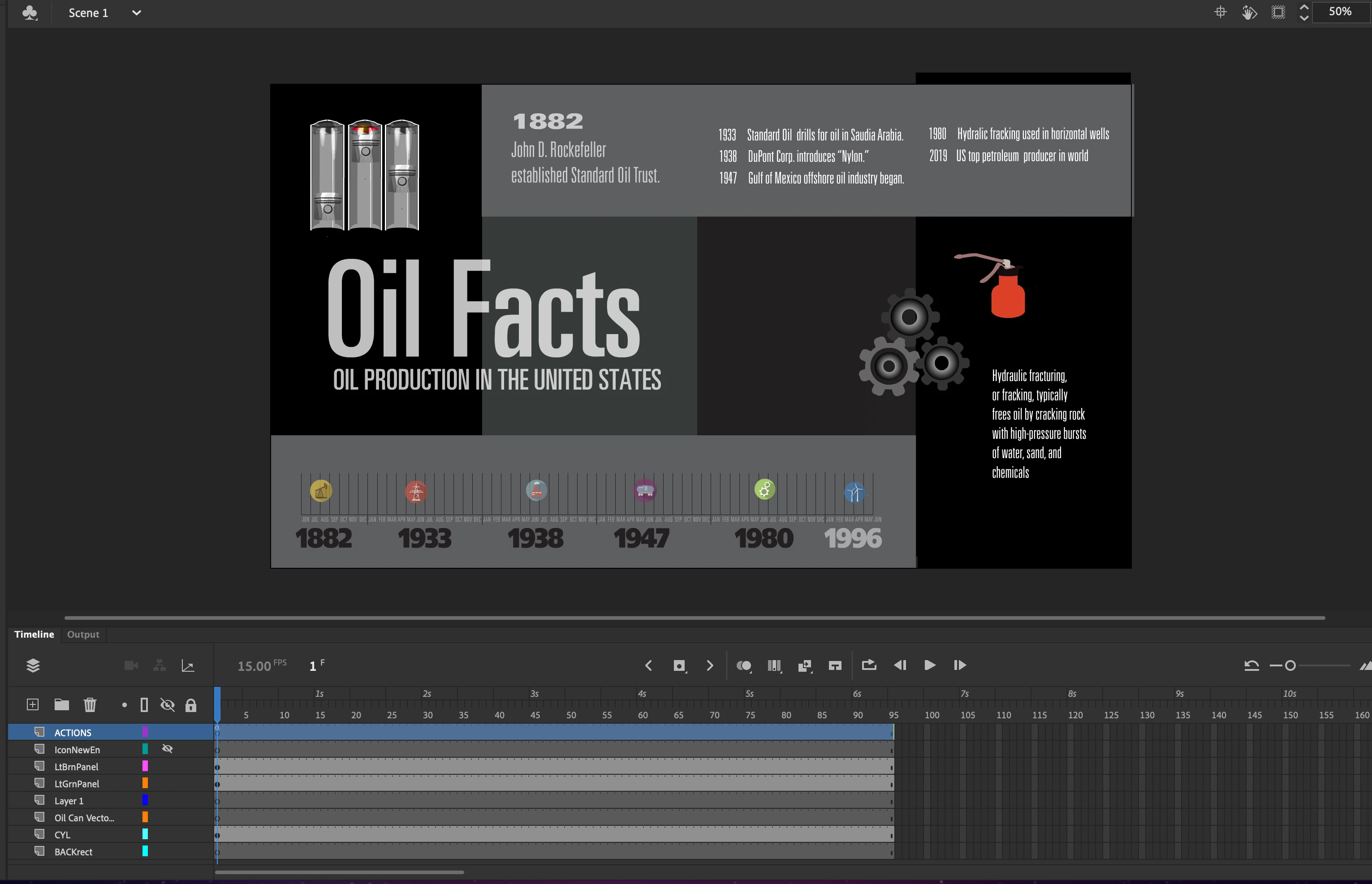
What I have is a interface Called Oil Facts which is landscape view. In the top left corner I have a clip saved as a movie which shows a cutaway of a engine running. I don't want the engine to be visible until the user clicks a button called engineRun. The movie of the engine running is called engine. The problem is when the engineRun button is clicked the engine appears and is animated but for a few seconds. I want the engine to stay visible and animated after the user clicks the button.
Any ideas what could be done here please. I am using Code snippets, also I created
a label in the first frame of the movie clip named engine which I called motorGo but the animation again appears working for a few seconds then dissapears.
I want the engine to continue running.
this.engine.visible = false;
this.engineRun.addEventListener("click", fl_ClickToShow_4.bind(this));
function fl_ClickToShow_4()
{
this.engine.visible = true;
this.gotoAndPlay(motorGo);
}
Below is the project image which is created in Adobe Animate which uses JavaScript for its scripting language, Animate is basically Adobe Flash with a tuxedo,..rebranded.
Both the engine and the oil can are animations I do not want to appear until the user clicks the button associated.



 AdChoices