
Participant
November 11, 2018
Answered

Layer modal content within canvas?

  • November 11, 2018
  • 1 reply
  • 399 views

I've come across a problem that I can't seem to find a solution for, and am hoping someone here can help, or explain why it's not possible.

So here goes..

I have a canvas created in Animate CC where when you mouse over the dock it pops up, you click the button and it  opens a frame:
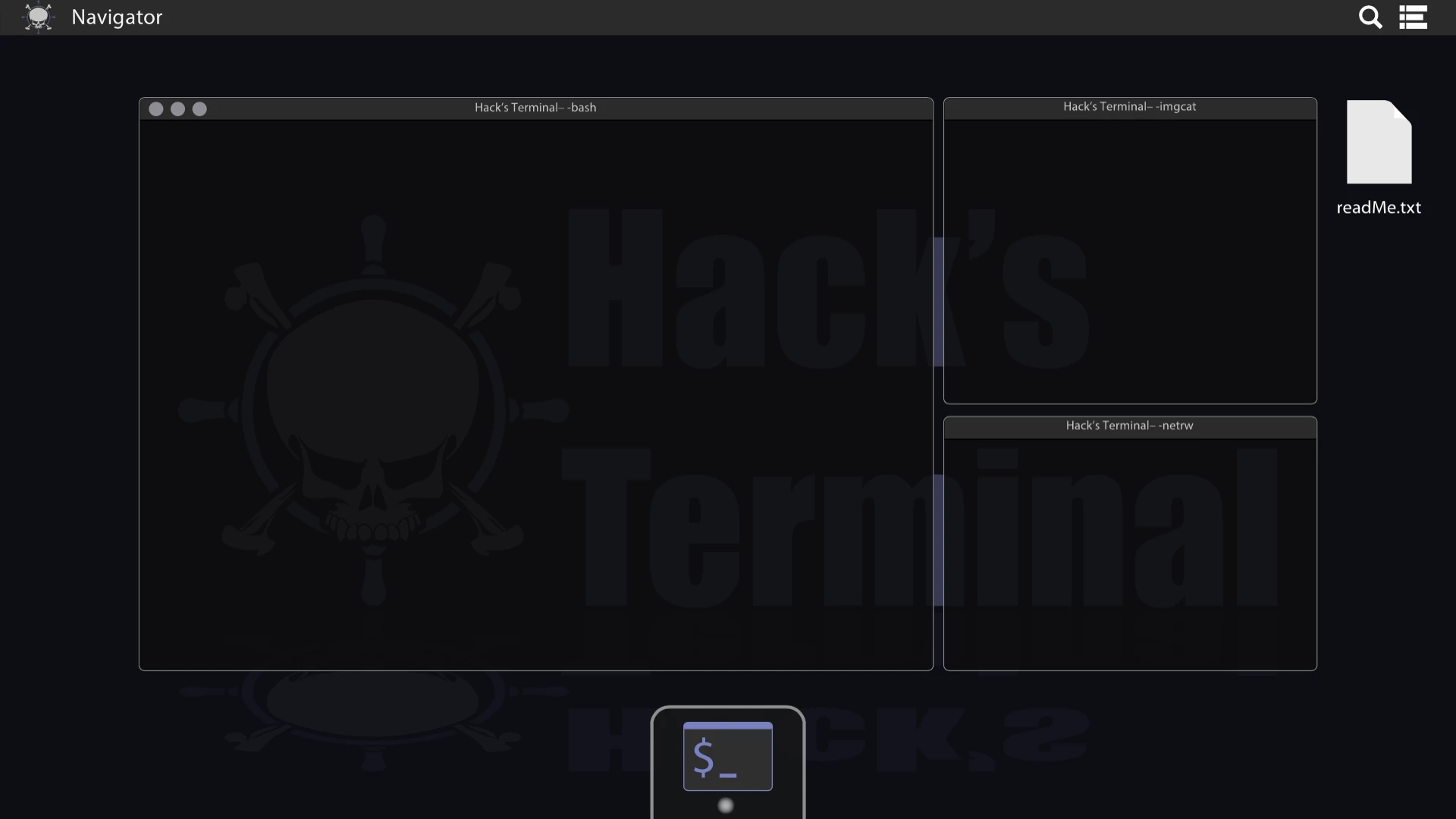
With that I have a modal containing a javascript terminal emulator that overlays the canvas:
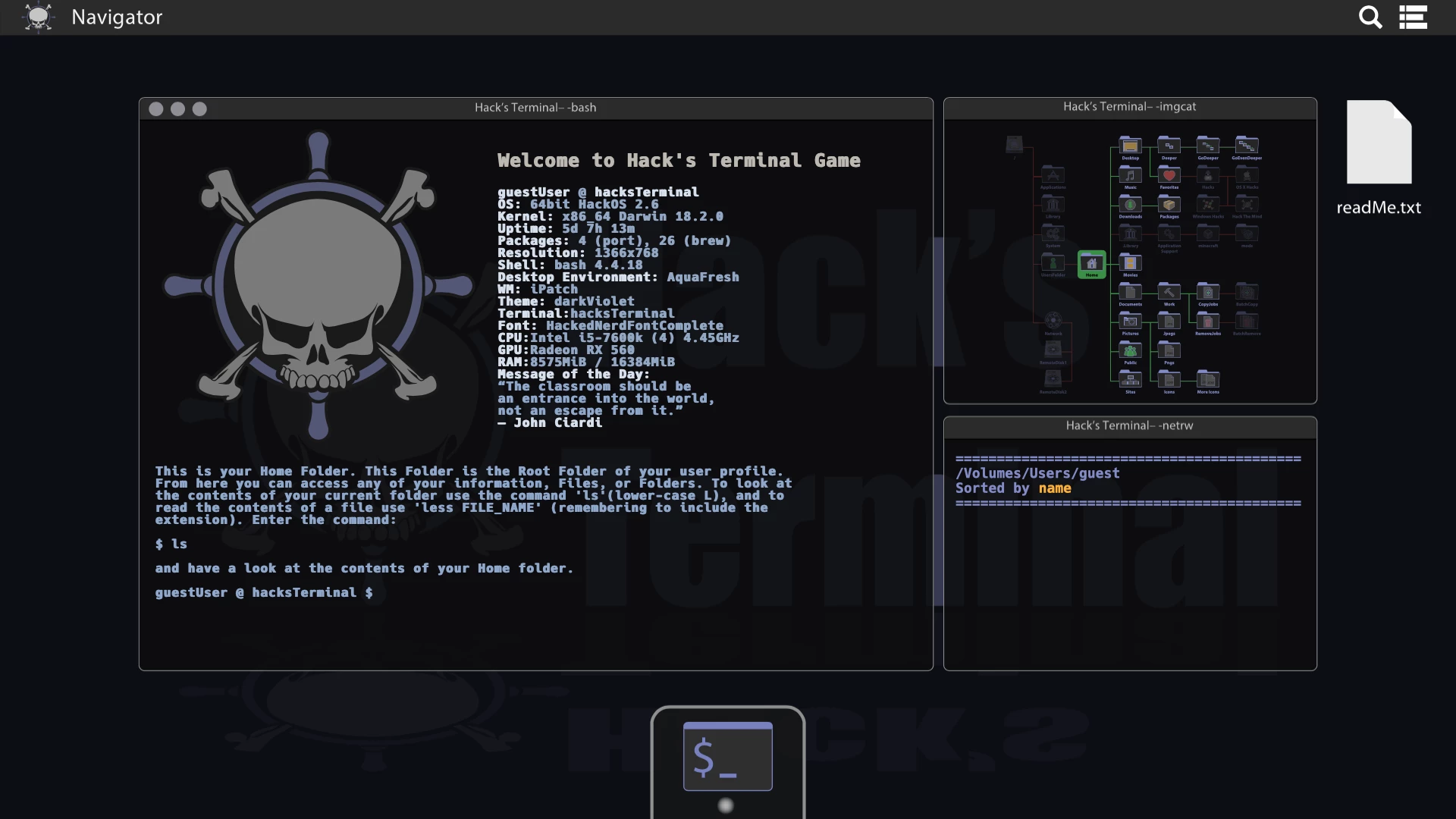
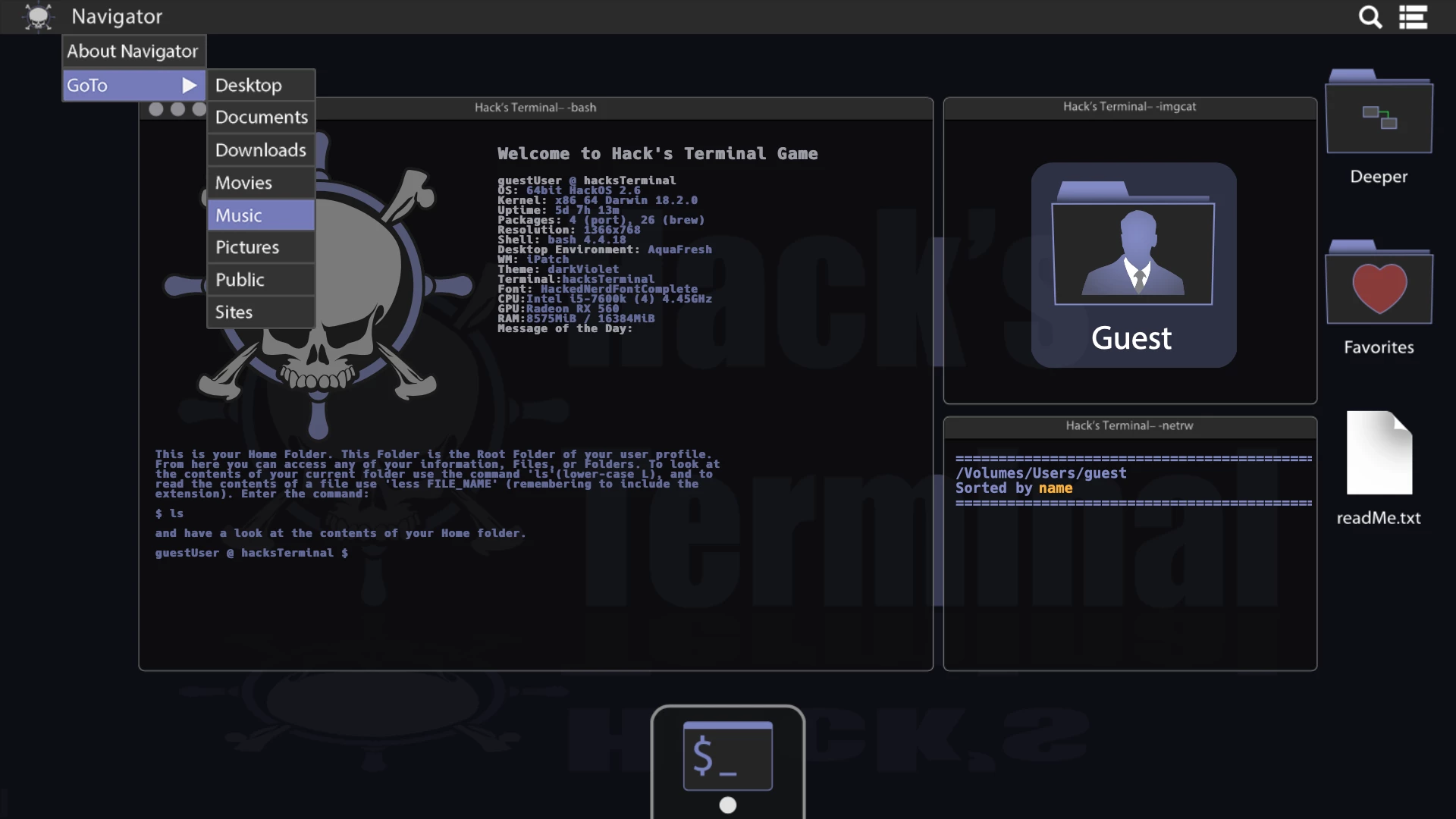
However  I also have a flyout(dropdown) menu created in the canvas:
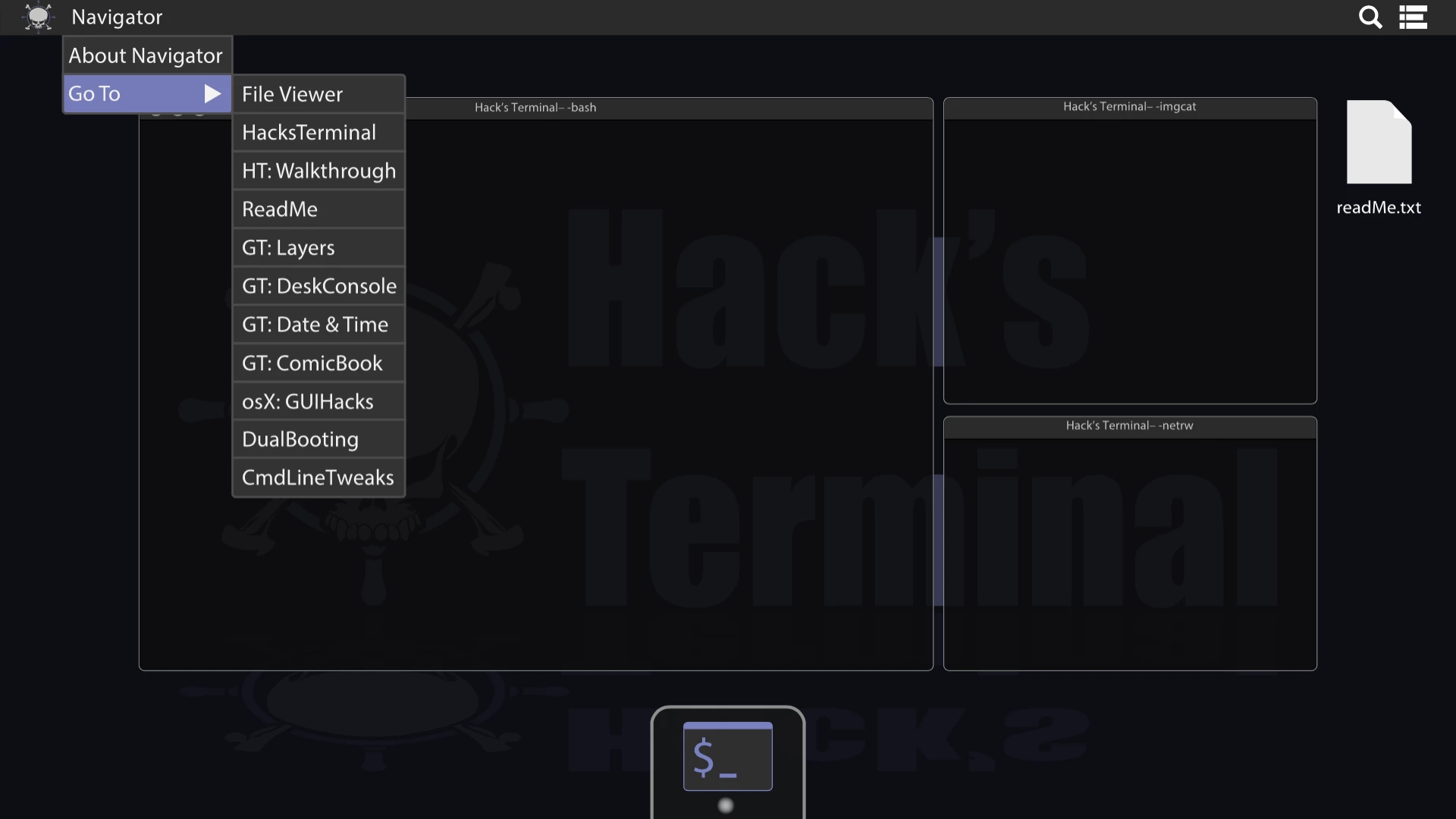
Which gets obstructed by the modal contents:
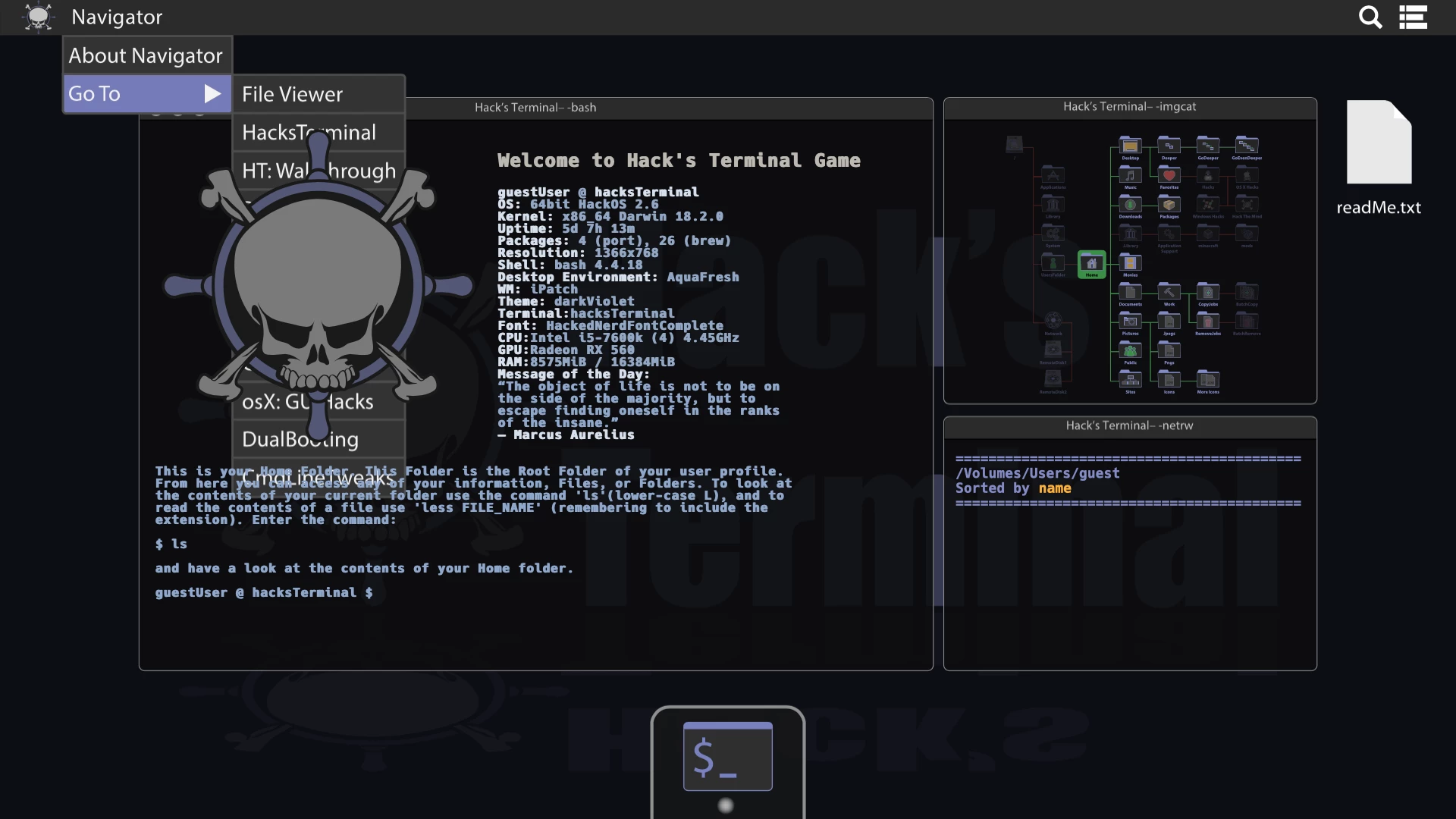
Is there a way to either include my terminal emulator within the canvas, or to add a second animate canvas (just containing my flyout buttons) to my page which sits above my modal?
This topic has been closed for replies.
Correct answer ericv55917637

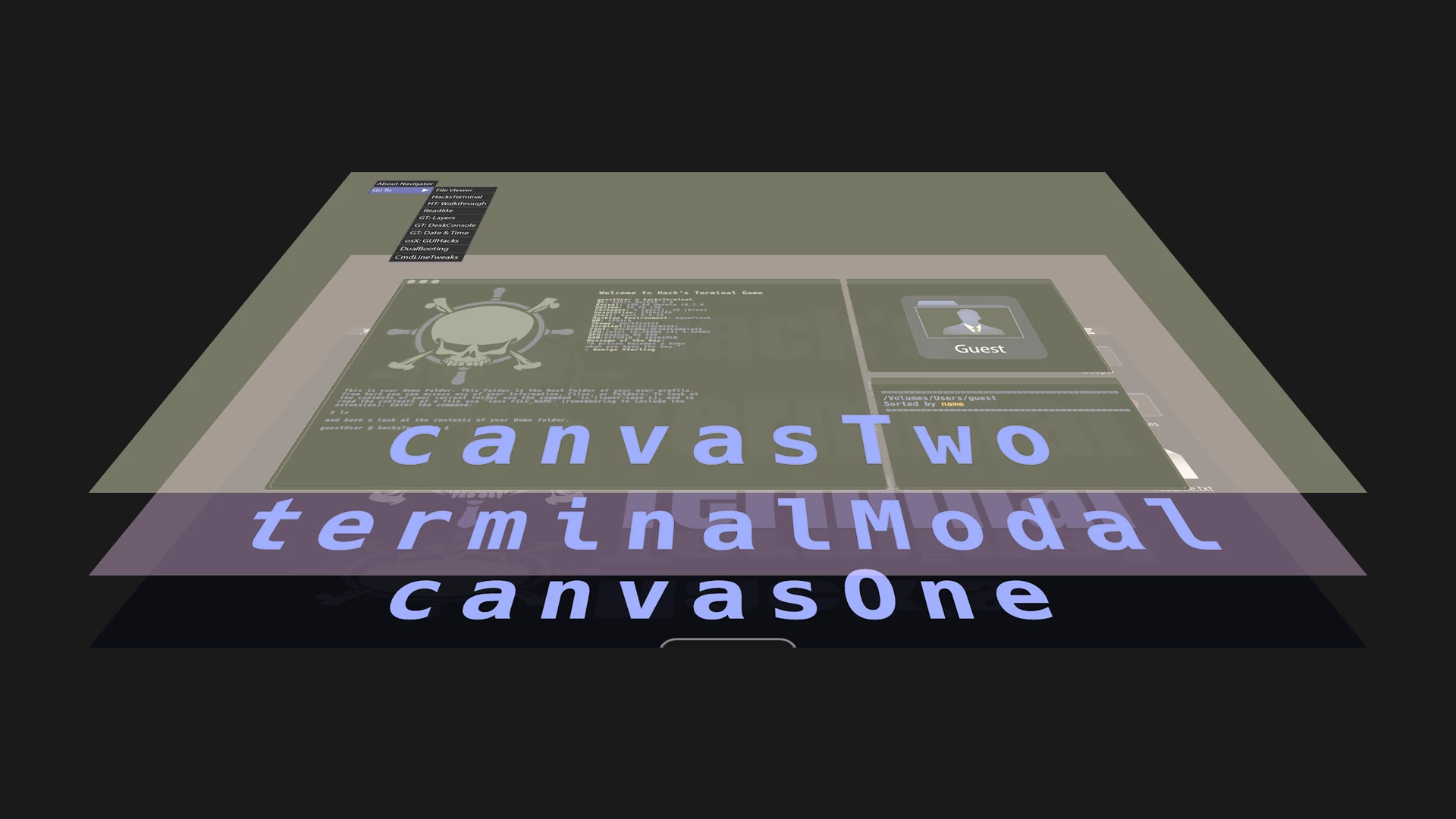
Thank you for your response. Your link led me down a rabbit hole that was a fun learning experience. I'm really new to all this and am enjoying the problem solving. So I ended up creating a second canvas to layer over the modal like so:

However I found that it made me unable to interact with the command line that rested below it. As far as i can tell this is actually the canvas working as intended.

The work around I found was to make a css drop menu within its own modal, and trigger the modal to load at the specified frame. I added "document.canvasTimeline = this" to the first frame and access control over the timeline from the modal buttons while closing the dropdown menu with " onclick="document.canvasTimeline.gotoAndStop("frameNumber); $('#buttonModal').modal('close');" '

So far it works as intended. I'll update should I find any issues.

1 reply

Preran
Legend
November 14, 2018

Not the expert, doing my best to help. Have a look at this link Canvas inside canvas of html5 - Stack Overflow

ericv55917637AuthorCorrect answer
Participant
November 16, 2018

Thank you for your response. Your link led me down a rabbit hole that was a fun learning experience. I'm really new to all this and am enjoying the problem solving. So I ended up creating a second canvas to layer over the modal like so:

However I found that it made me unable to interact with the command line that rested below it. As far as i can tell this is actually the canvas working as intended.

The work around I found was to make a css drop menu within its own modal, and trigger the modal to load at the specified frame. I added "document.canvasTimeline = this" to the first frame and access control over the timeline from the modal buttons while closing the dropdown menu with " onclick="document.canvasTimeline.gotoAndStop("frameNumber); $('#buttonModal').modal('close');" '

So far it works as intended. I'll update should I find any issues.