
Inspiring
November 17, 2021
Answered

Layer Parenting Causing Unnecessary Movement

  • November 17, 2021
  • 1 reply
  • 1312 views

I'm having a problem where, when I parent my layers, my child symbols move in a completely wrong direction. I want the whole speaker and the words to move as one unit while the words slide out. 


This is my first frame:
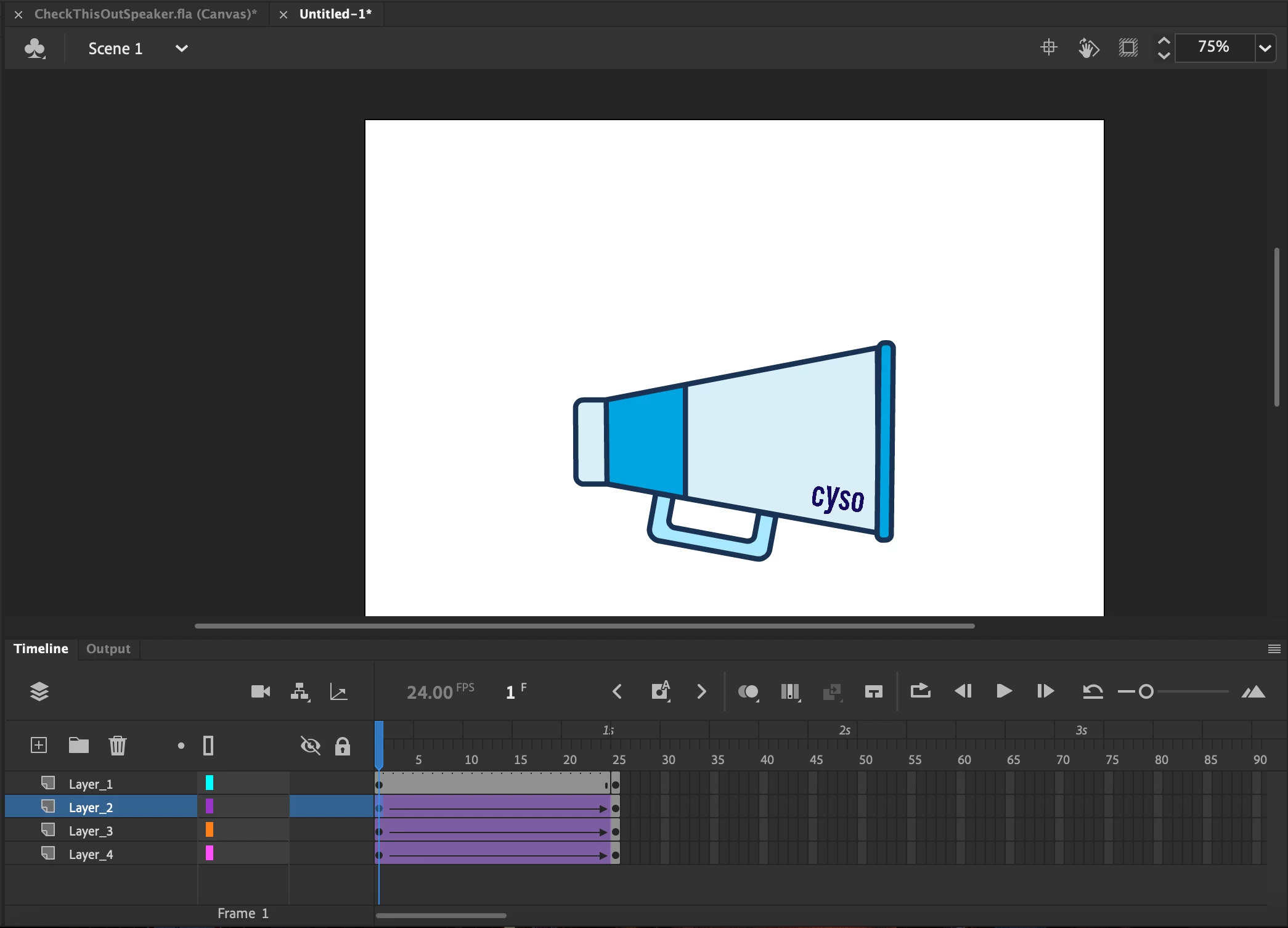
And this is my last (the words slide out from behind the speaker): 
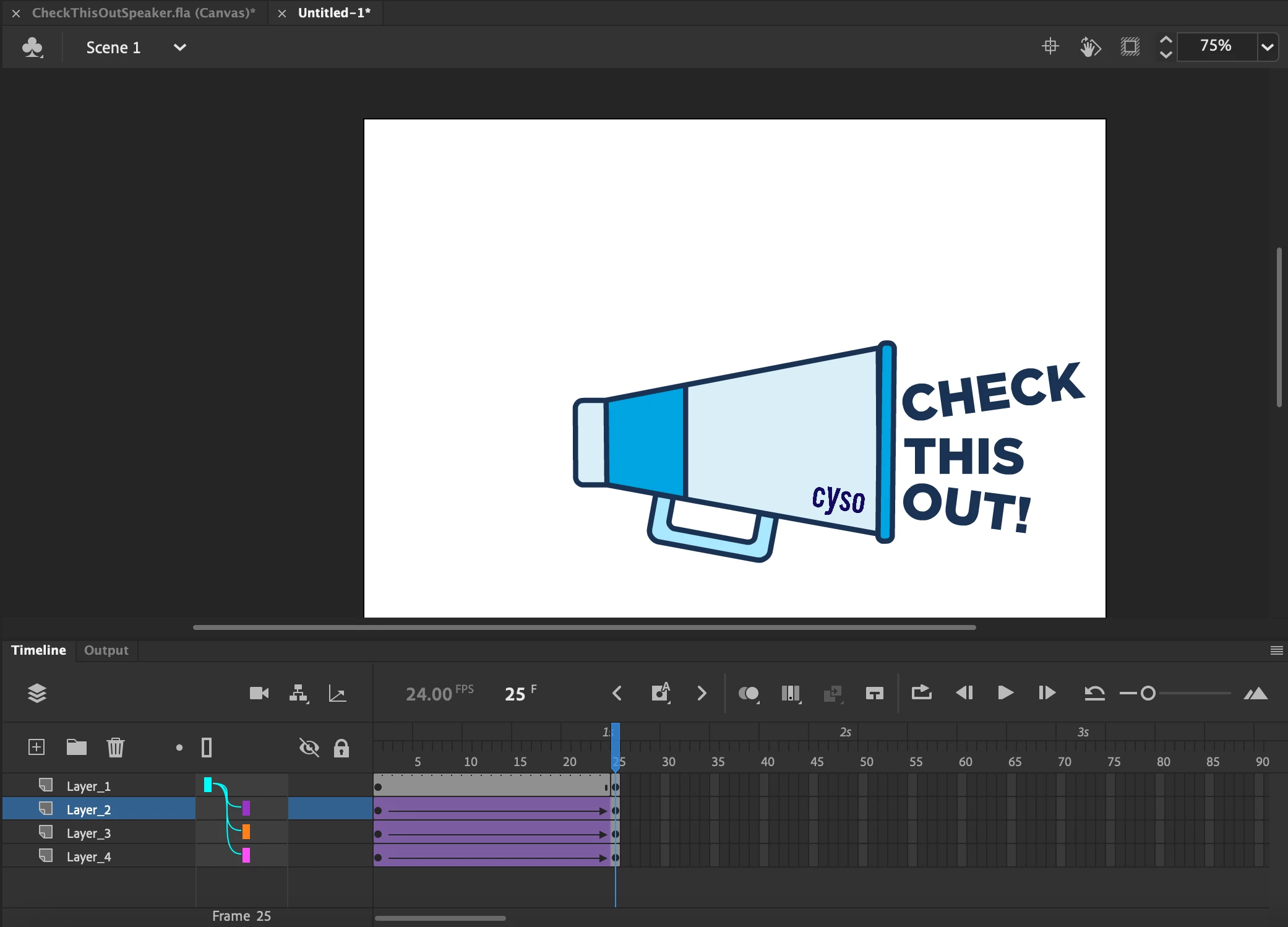
 

I have the words set to Tween < Ease In-Out Quart. When I don't parent the layers, the words slide out along their angle just fine. But, when I parent the layers, this is what one of the tweened slides look like:
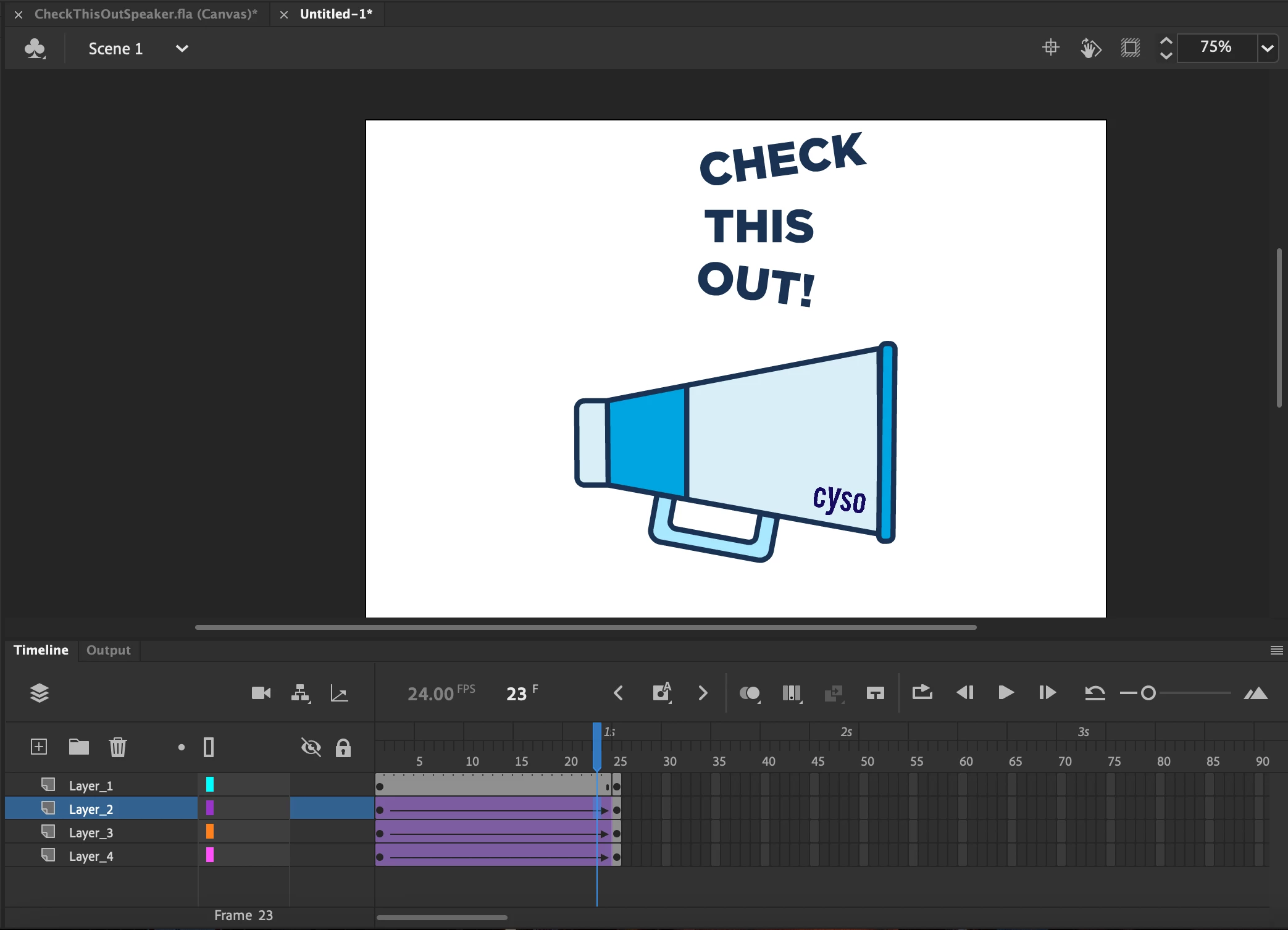
 

I have no idea why it does that but the words are no where near the speaker. This is what the words look like without parenting:
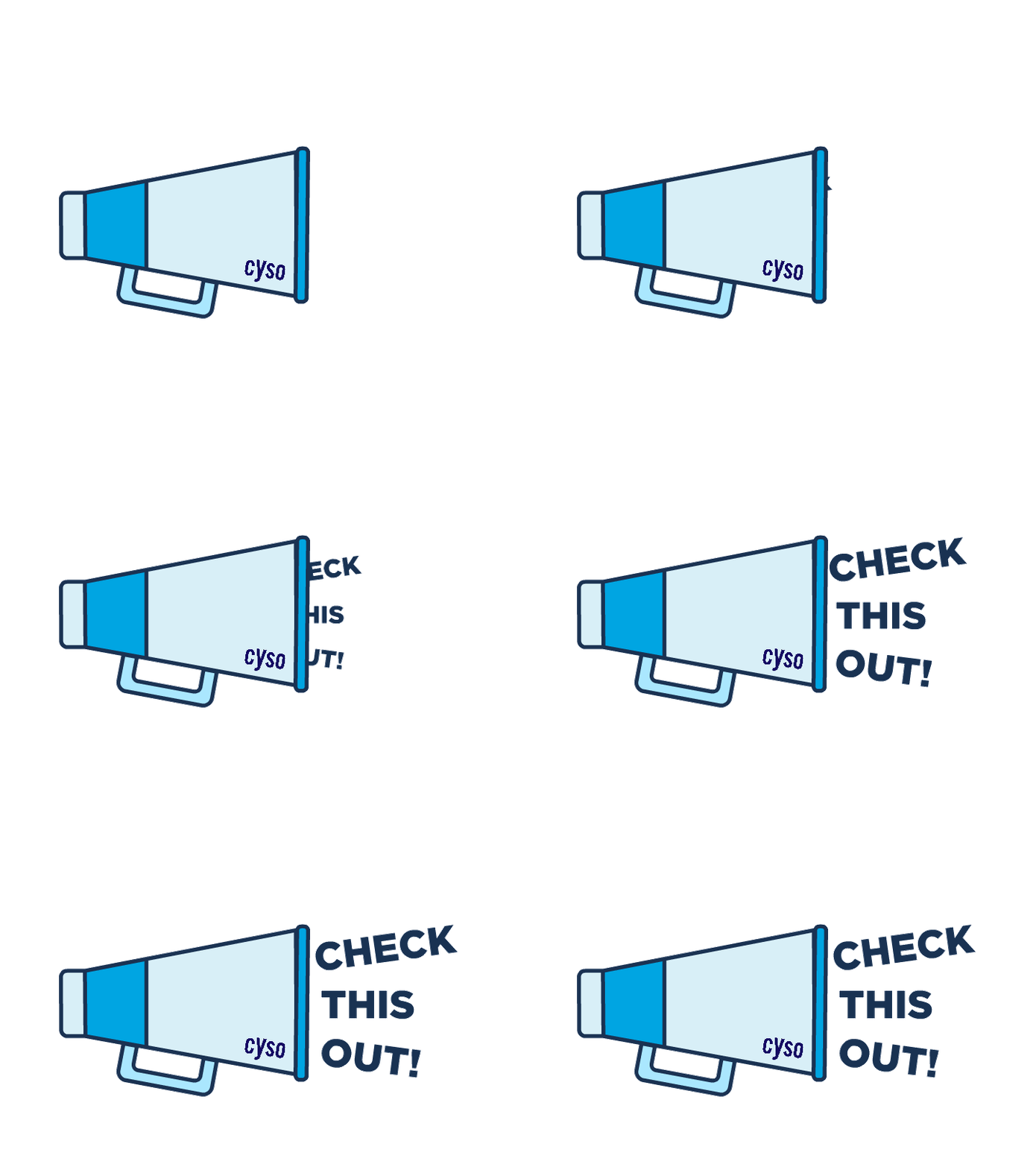
 I'm trying to have both the speaker and words move in tandem without interrupting the movement of the words sliding out. 

 

This topic has been closed for replies.
Correct answer Mario_CR

They're already set as symbols 😞


They're not nested though, i see 4 layers. Nesting means taking those 4 symbols and put them inside a newly created symbol.

1 reply

Inspiring
November 17, 2021

I realized I forgot to set parenting in the first keyframe and only had it set to the last keyframe. But, even then the words are nowhere near. I haven't changed the last keyframe with the final position


Mario_CR
Community Expert
Community Expert
November 17, 2021

Try this, take the text layers and nest them in a symbol by selecting them, right-click and choosing 'Convert Layers to Symbol' from the contextual menu.

Once done parent that to the speaker.


You could also just nest everything including the speaker and it'll work just as well.

Inspiring
November 17, 2021

They're already set as symbols 😞