Participant
October 1, 2022
Answered

Line tool lines not snapping

  • October 1, 2022
  • 3 replies
  • 508 views

So I'm trying to make a shape with the line tools, so I go to shade my drawing.
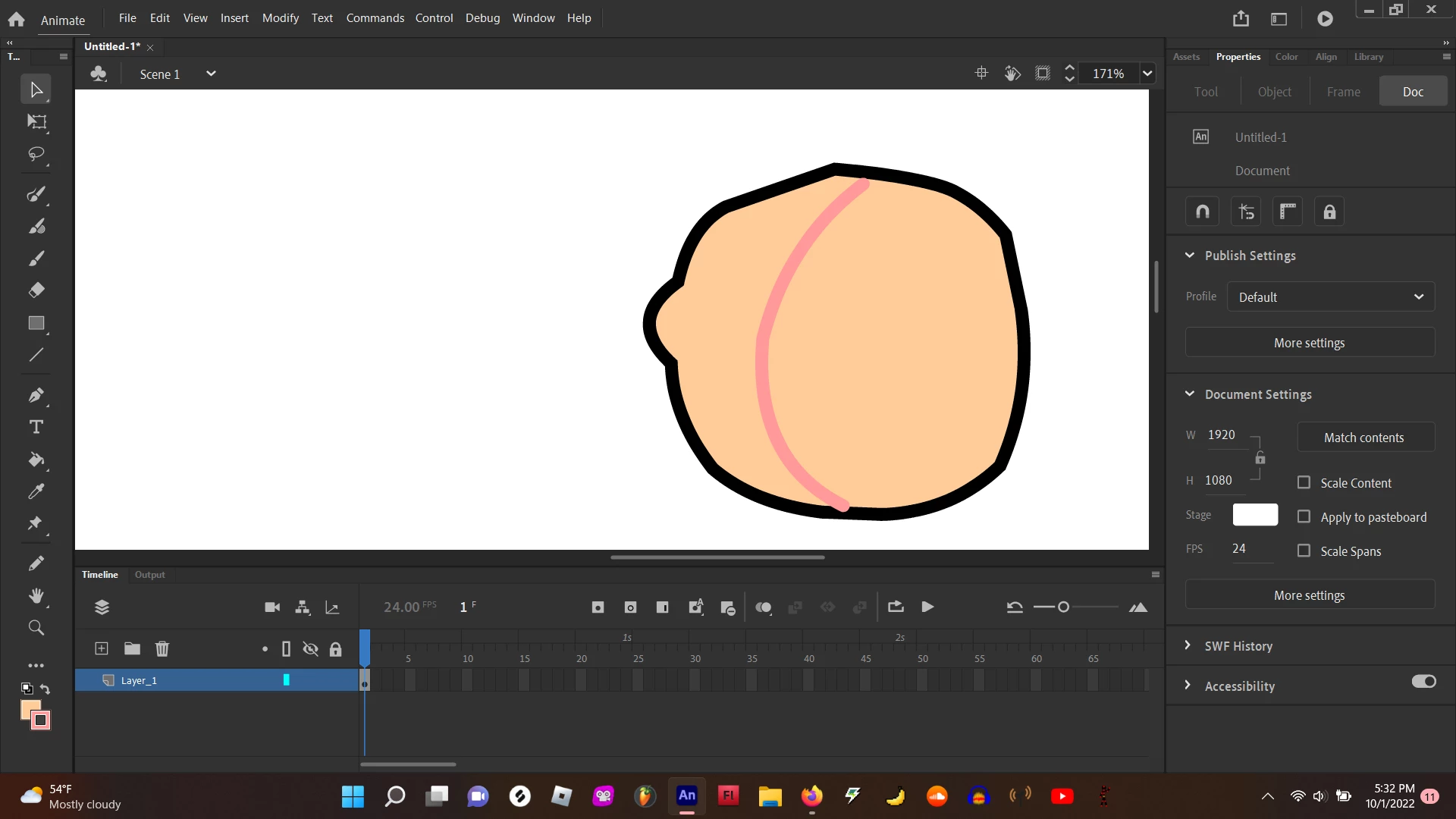
but I can't fill it in because my different color line is not snapping to the black lines.

how do I fix this?

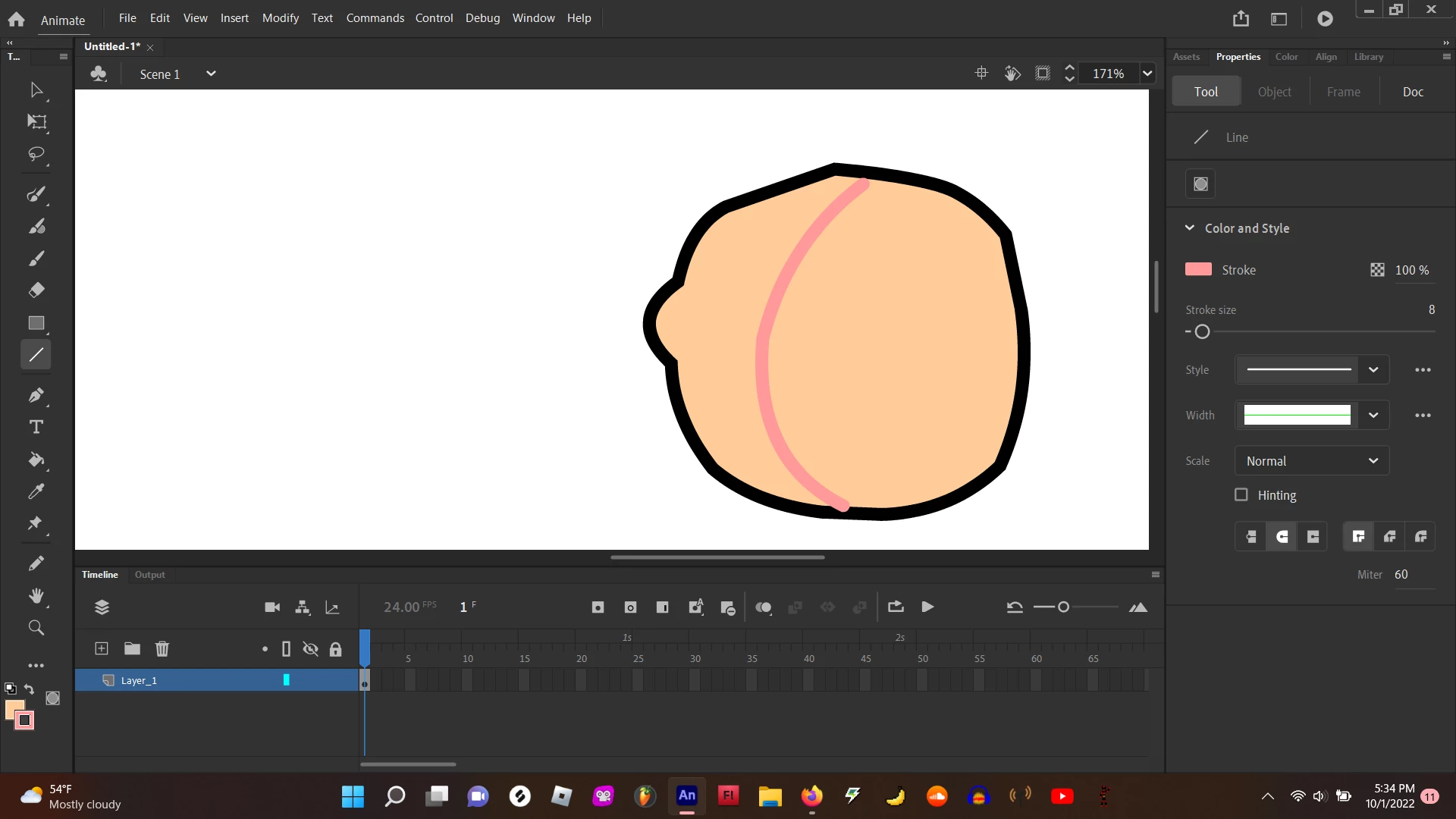
here are my line tool settings.
 

This topic has been closed for replies.
Correct answer Mario_CR

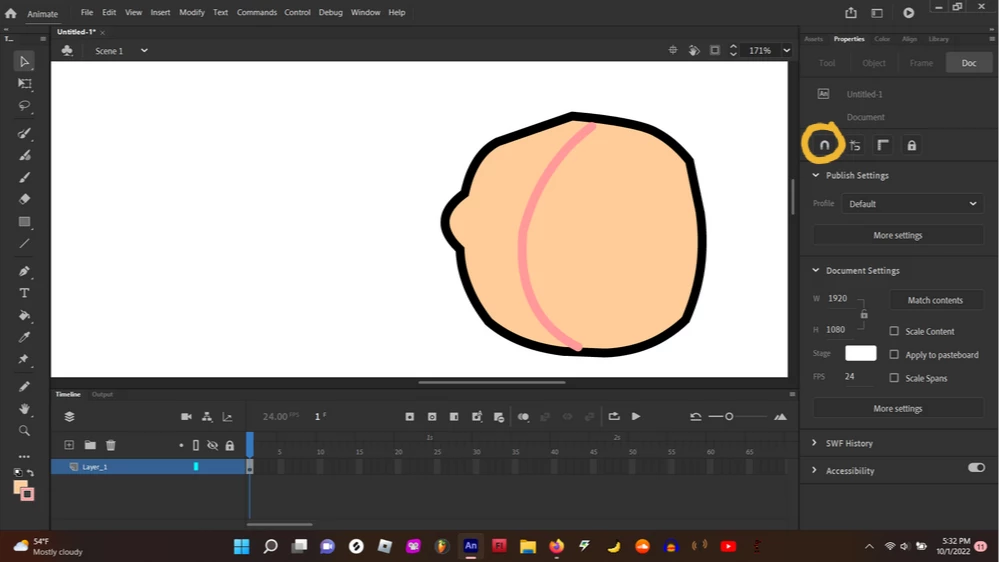
Click the magnet button to enable snapping, it's currently off per your screenshot.

Try to overshoot the color line, you can delete it later. The bucket tool also has a fill gaps function, it's in the properties panel under the tool tab when you have the bucket tool selected.

3 replies

doitoverAuthor
Participant
October 1, 2022

it still didnt work 😞

Mario_CR
Community Expert
Mario_CRCommunity ExpertCorrect answer
Community Expert
October 2, 2022

Click the magnet button to enable snapping, it's currently off per your screenshot.

Try to overshoot the color line, you can delete it later. The bucket tool also has a fill gaps function, it's in the properties panel under the tool tab when you have the bucket tool selected.

TaylorMarvin
Participant
October 1, 2022

Try right click and open the Snapping settings. "Snap to objects" should fix it. 


TaylorMarvin
Participant
October 1, 2022

If you right click, you should be able to access the snapping settings.