
Participant
November 19, 2016
Answered

Lines keep splitting into smaller lines

  • November 19, 2016
  • 2 replies
  • 1554 views

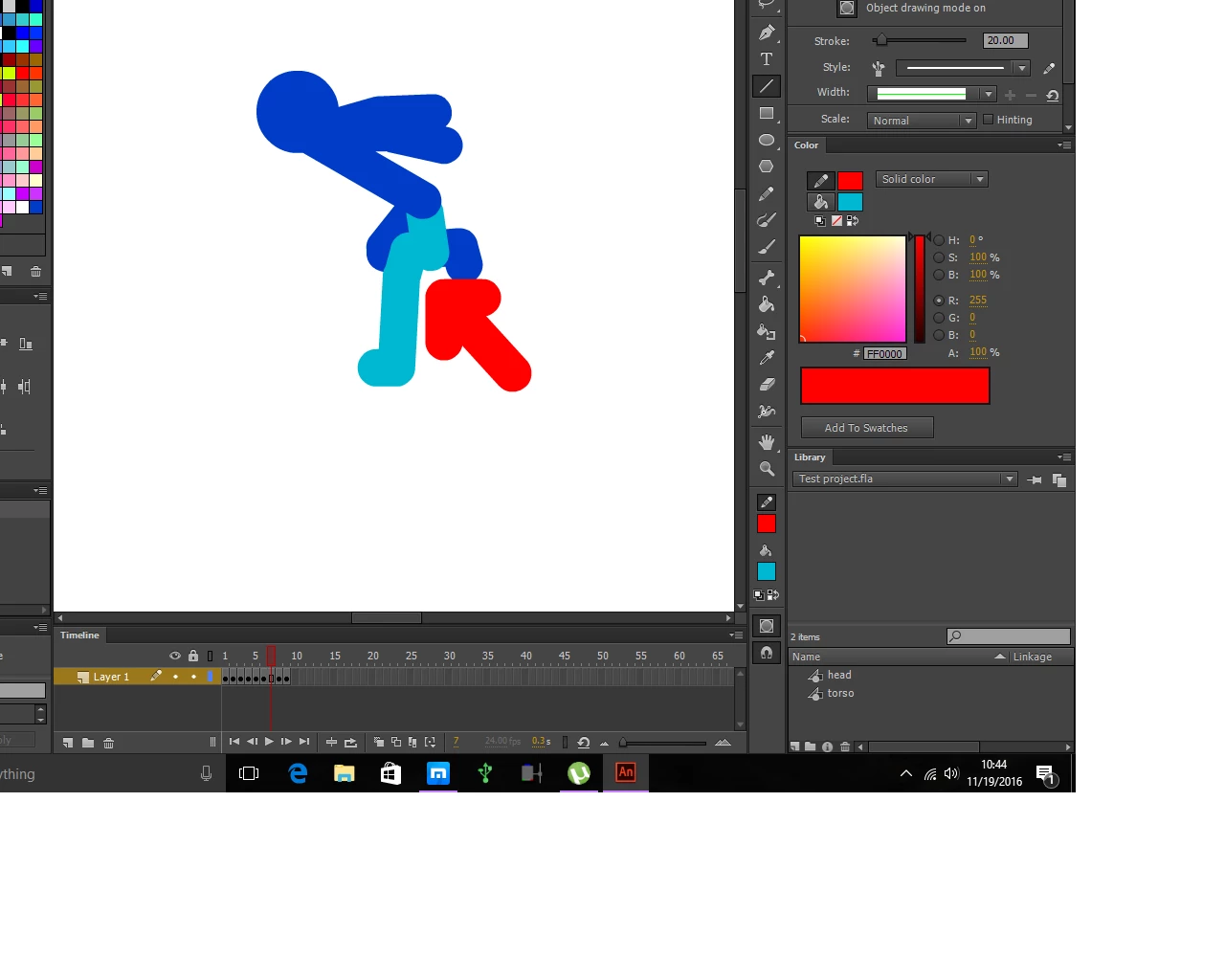
I was trying to create a stick figure animation in Animate CC and I was using the line tool to create stick figures. It seems that whenever I rotate a limb, that limb with break up into smaller parts. Like I'll be moving the thigh and the thigh will break in half on its own. I'm not sure if it's due to the Free Transform Tool itself or if there's a setting that causes that to happen. Any ideas?
    This topic has been closed for replies.
    Correct answer ClayUUID

    The lines are "splitting" because you're drawing them all onto the same layer and they're merging with each other. To prevent vector objects from merging you have to either group them after drawing, or turn on object drawing mode.

    Draw and create objects with Animate CC

    2 replies

    ClayUUIDCorrect answer
    Legend
    November 19, 2016

    The lines are "splitting" because you're drawing them all onto the same layer and they're merging with each other. To prevent vector objects from merging you have to either group them after drawing, or turn on object drawing mode.

    Draw and create objects with Animate CC

    XANDER180Author
    Participant
    November 19, 2016

    Object Drawing Mode was on. Still did it. Though I didn't think to create seperate layers for individual parts so I guess I'll try that.

    robdillon
    Participating Frequently
    November 19, 2016

    In order to control the individual parts of the character that you want to animate, you'll need to put each part into a separate layer. Here's a good tutorial that should help to get you started: How to create 2D animation using Animate CC