Inspiring
August 18, 2013
Answered

load PDF file inside the application (Android and Ipad)

  • August 18, 2013
  • 1 reply
  • 6582 views

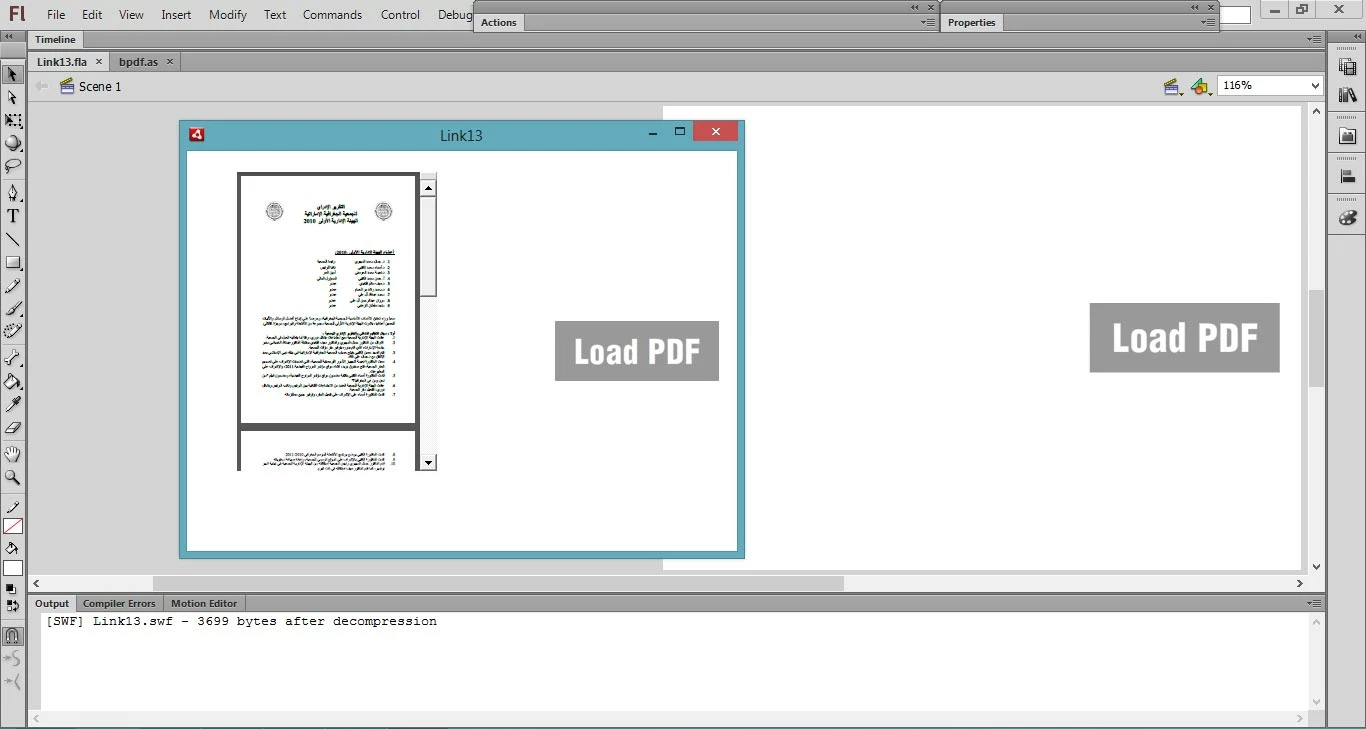
Want to open PDF file inside the application. I try this code, its working in the PC but when I publish this, as an APK file it’s not working in my android device

package {

                import flash.display.SimpleButton;

                import flash.events.MouseEvent;

                import flash.events.Event;

                import flash.html.HTMLLoader;

                import flash.net.URLRequest;


                public class bpdf extends SimpleButton {


                                public function bpdf() {

                                                // constructor code

                                                 this.addEventListener(MouseEvent.MOUSE_DOWN,downF) ;

                                }


                                private function downF(e:Event):void {

                                                var htm:HTMLLoader= new HTMLLoader();

                                                htm.load(new URLRequest("test.pdf"));

                                                htm.width=200;

                                                htm.height=300;

                                                htm.x=50;

                                                htm.y=20;

                                                this.parent.addChild(htm);

                                                // create a close button for htm and add it (to this.parent) and its listener here

                                }


                                function onCloseEvent(e:Event) {

                                                if(!HTMLLoader.isSupported){

                                                                this.alpha=.1;

                                                }

                                }

                }

}
This topic has been closed for replies.
Correct answer kglad

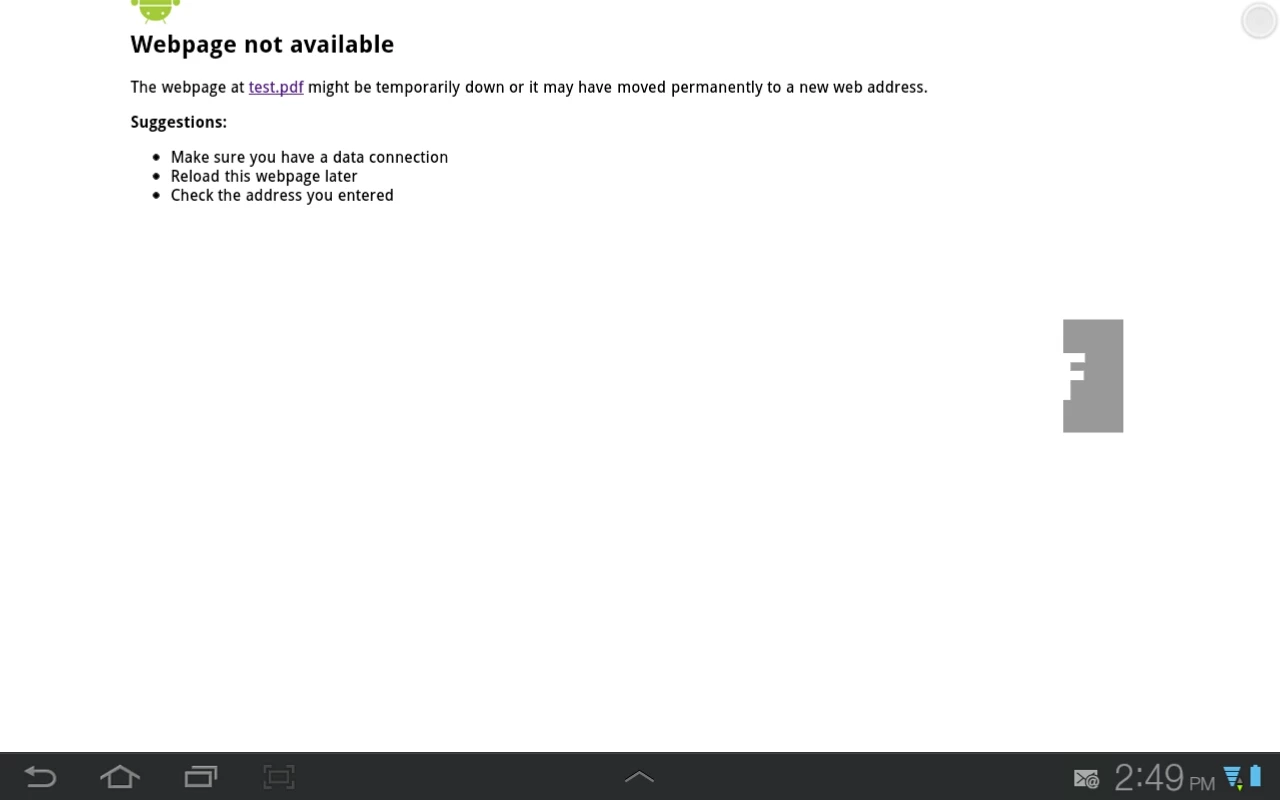
i try but when i check in my android device i got this


use:

import flash.media.StageWebView;

import flash.geom.Rectangle;

import flash.desktop.NativeApplication;

import flash.events.MouseEvent;

import flash.filesystem.File;

var swv: StageWebView = new StageWebView();

swv.viewPort = new Rectangle(0, 0, 500, 250); // 500px width, 450px height

swv.stage = this.stage; // set stage of StageWebView to document class

var templateFile:File = File.applicationDirectory.resolvePath("test.pdf" );

var workingFile:File = File.createTempFile();

templateFile.copyTo(workingFile, true );

try{

    swv.loadURL( workingFile.url );

} catch (e:Error){

    trace( e );

}

1 reply

kglad
Community Expert
Community Expert
August 18, 2013

use stagewebview instead of htmlloader.

71081Author
Inspiring
August 19, 2013

I try StageWebView

package  {

     import flash.display.SimpleButton;

     import flash.media.StageWebView;

     import flash.geom.Rectangle;

     import flash.events.KeyboardEvent;

     import flash.ui.Keyboard;

     import flash.desktop.NativeApplication;

     import flash.events.MouseEvent;

    public class bpdf extends SimpleButton {

          private var webView:StageWebView = new StageWebView();

          public function bpdf() {

               this.addEventListener(MouseEvent.CLICK,clickF);

           }

          public function clickF(e:MouseEvent):void {

               var swv:StageWebView = new StageWebView();

               swv.viewPort = new Rectangle(0,0,500,250); // 500px width, 450px height

               swv.stage = this.stage; // set stage of StageWebView to document class

               swv.loadURL("test.pdf"); // load any content

               stage.addEventListener( KeyboardEvent.KEY_DOWN, onKey );

          }

          private function onKey( event:KeyboardEvent ):void {

               if( event.keyCode == Keyboard.BACK && webView.isHistoryBackEnabled ) {

                     trace("Back.");

                     webView.historyBack();

                     event.preventDefault();

               }

                if( event.keyCode == Keyboard.SEARCH && webView.isHistoryForwardEnabled ) {

                     trace("Forward.");

                     webView.historyForward();

               }

           }

     }

}

but got this error

kglad
Community Expert
Community Expert
August 20, 2013

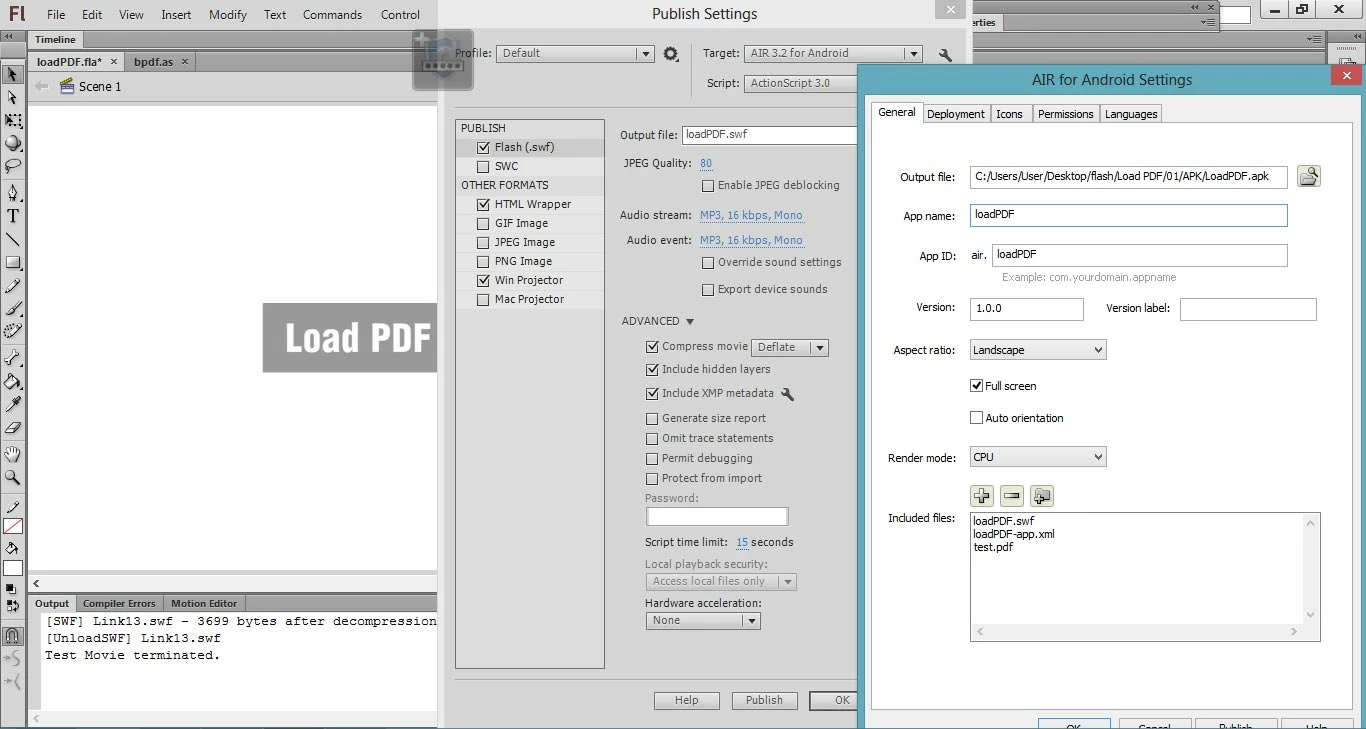
your pdf must be added to your include files list in the android publish settings.  your pdf needs to be in the same directory as your published files when you specify no path.

also, add error listeners.