oprie_ma
Inspiring
March 19, 2017
Answered

Mark a keyframe?

  • March 19, 2017
  • 2 replies
  • 696 views

Hi there,

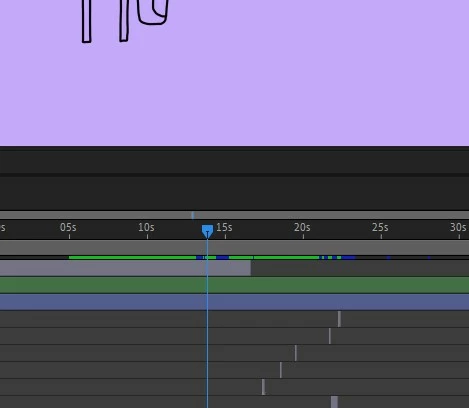
is it possible to mark or color a keyframe? My charakter has different mouthshapes and it would be much easier if i could color the keyfames.

Thank you!

    This topic has been closed for replies.
    Correct answer travisbrainerd

    You can label a keyframe with text:

    Select a keyframe and in the Properties panel, enter a name for the Label. It will show up with a flag in the timeline.

    2 replies

    oprie_ma
    oprie_maAuthor
    Inspiring
    March 19, 2017

    Thank you! it`s always the same flag, but thats good for starters   I figuered out, that there are two more symbols. Better than nothing!

    Colin Holgate
    Inspiring
    March 19, 2017

    If you have a recent version of Animate you should look at the Frame Picker. Then you can see visually what each frame is like. Also the timeline has a menu in the upper right, where you set the zoom amount for the timeline. One option there is Preview in Content. With that you see each frame in the timeline.

    oprie_ma
    oprie_maAuthor
    Inspiring
    March 19, 2017

    Oh Great! There are really some new things in Animate, i need to discover Thank you!

    travisbrainerd
    travisbrainerdCorrect answer
    Participating Frequently
    March 19, 2017

    You can label a keyframe with text:

    Select a keyframe and in the Properties panel, enter a name for the Label. It will show up with a flag in the timeline.