Participant
November 19, 2016
Answered

Mask shows up when I test

  • November 19, 2016
  • 1 reply
  • 680 views

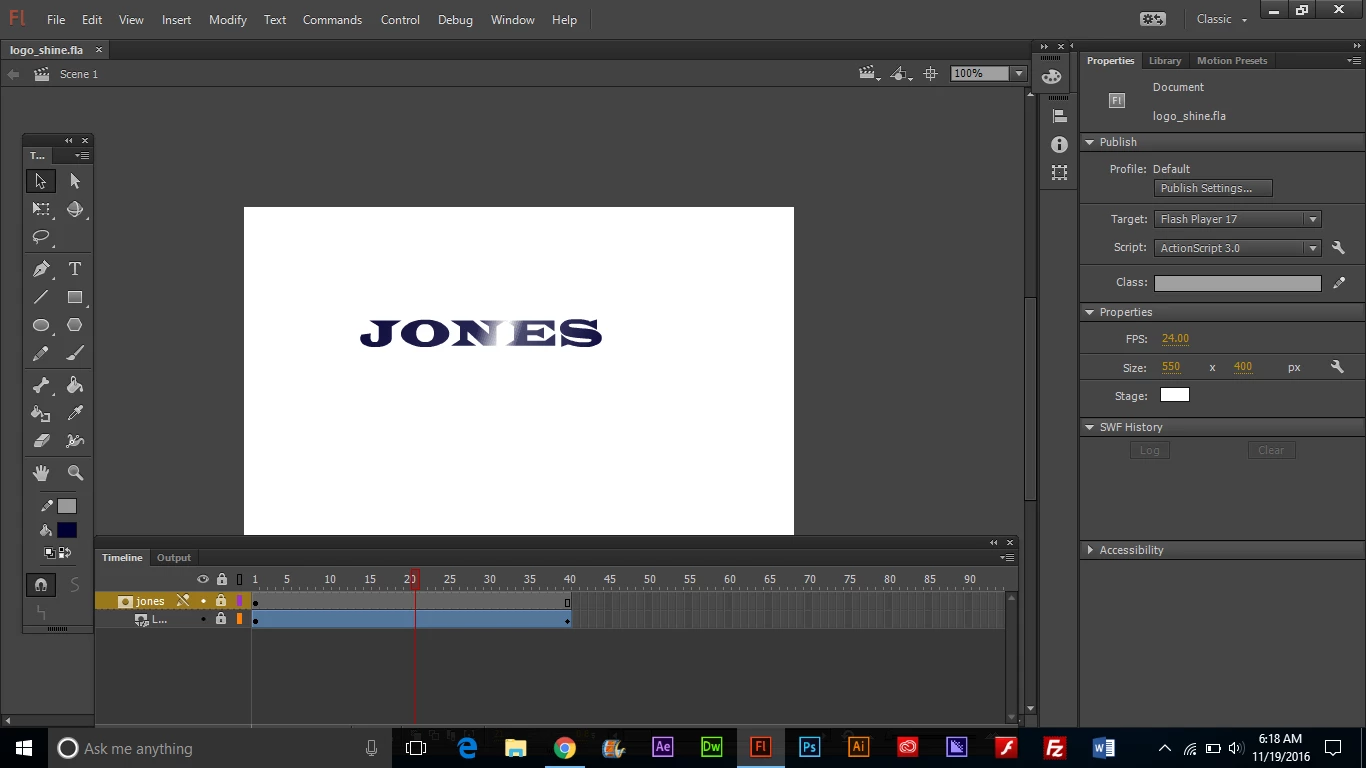
I am trying to create a glimmer, or shine effect on some text. I made a simple mask to create the shine and I got it to work fine on the time line, but when I test it, the mask shows up. 

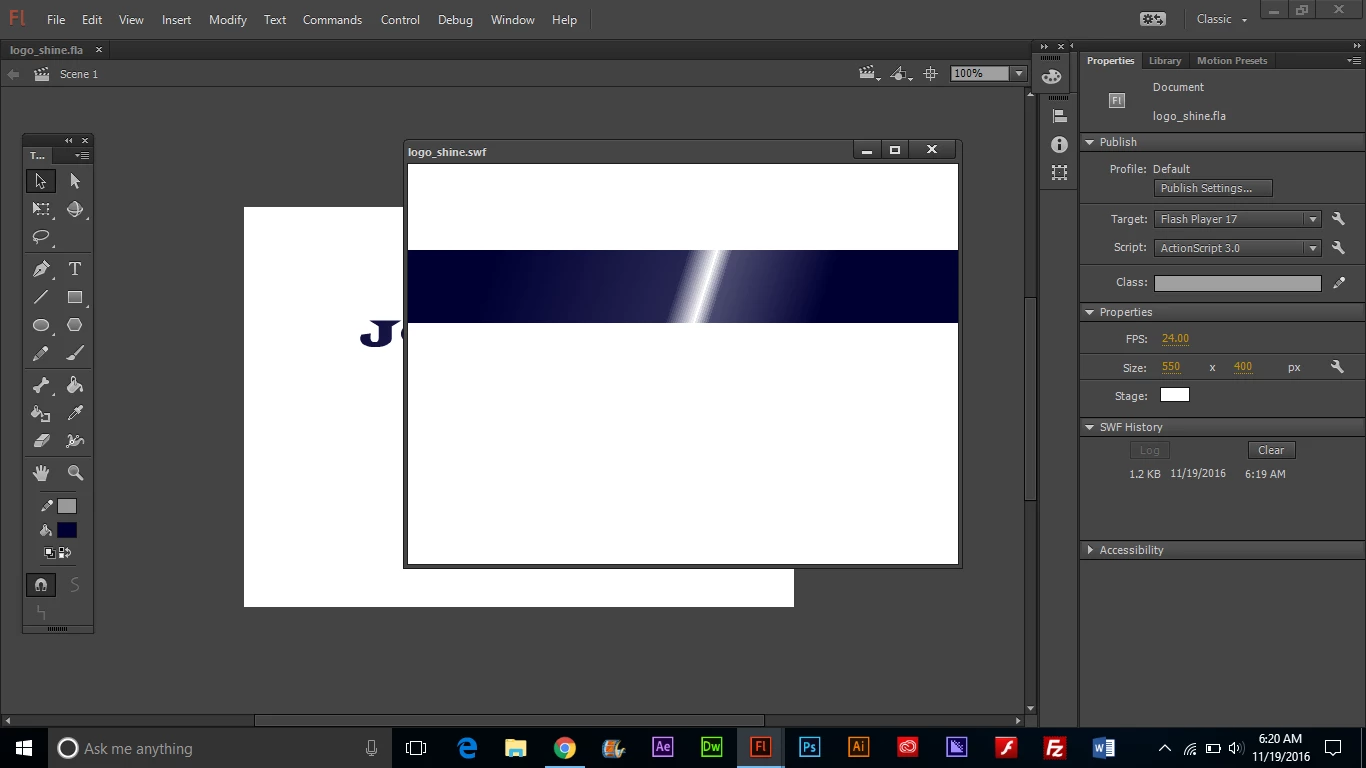
How do I hide the mask from showing when I test or publish?

this is how it looks when I test it:
This topic has been closed for replies.
Correct answer Colin Holgate

It seems that straight text won't work as a mask. Not sure why it works in the live preview.

You have two easy work arounds:

Select the text field and do a Break Apart twice, which will make it be vectors.

Select the text field and do Convert to Symbol. As a movieclip it works fine.

1 reply

just.emma
Inspiring
November 19, 2016

Can you share a copy of your Fla via Dropbox, Box, or Google Drive? 

I don't see anything obviously wrong based on the screenshot, but it would be helpful to see your actual file.

Participant
November 20, 2016

Here's the link, thanks

logoshimmer.fla - Google Drive

Colin Holgate
Colin HolgateCorrect answer
Inspiring
November 20, 2016

It seems that straight text won't work as a mask. Not sure why it works in the live preview.

You have two easy work arounds:

Select the text field and do a Break Apart twice, which will make it be vectors.

Select the text field and do Convert to Symbol. As a movieclip it works fine.