Inspiring
November 16, 2022
Question

Missing Fonts option doesn't work anymore

  • November 16, 2022
  • 2 replies
  • 2550 views

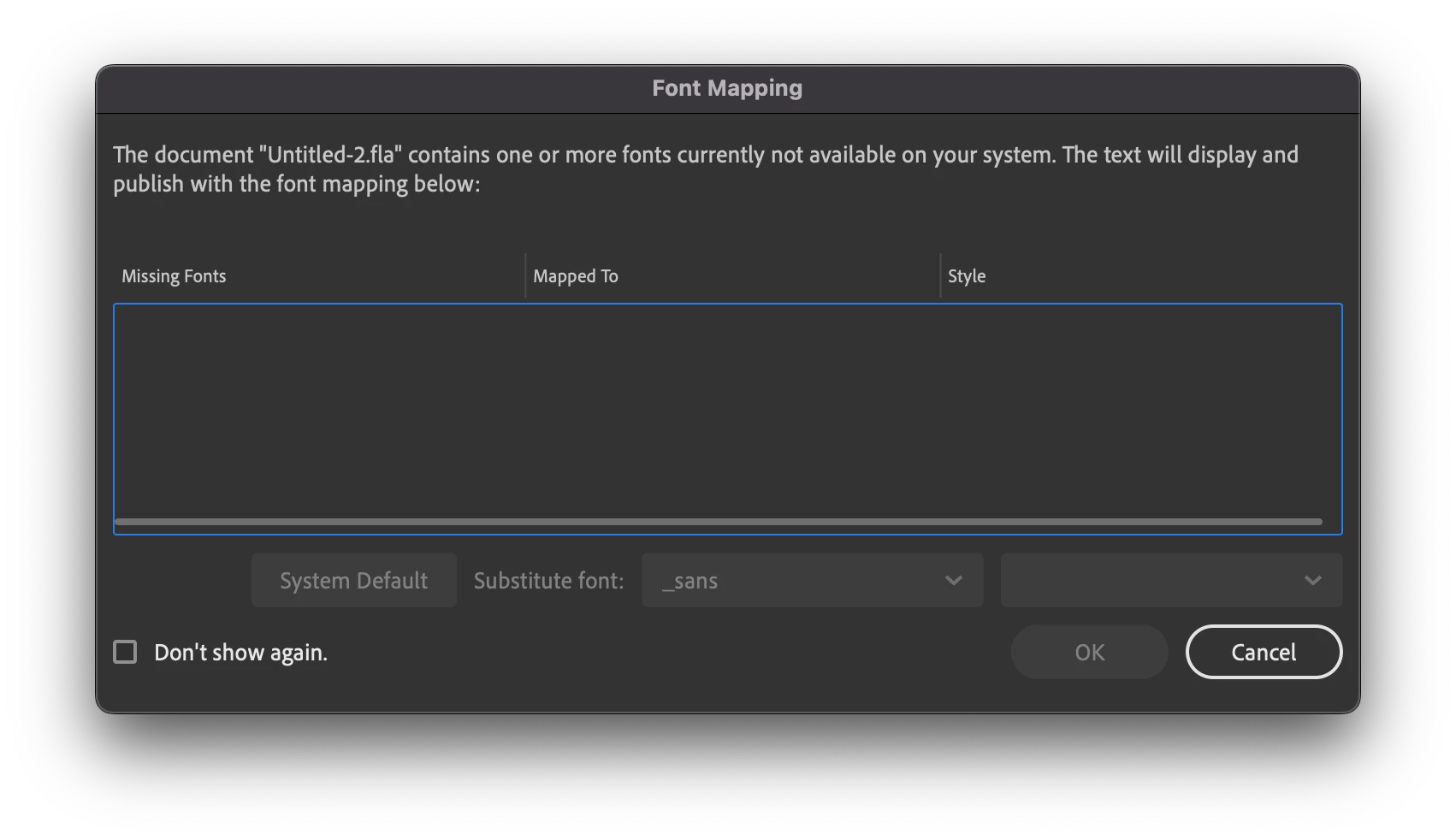
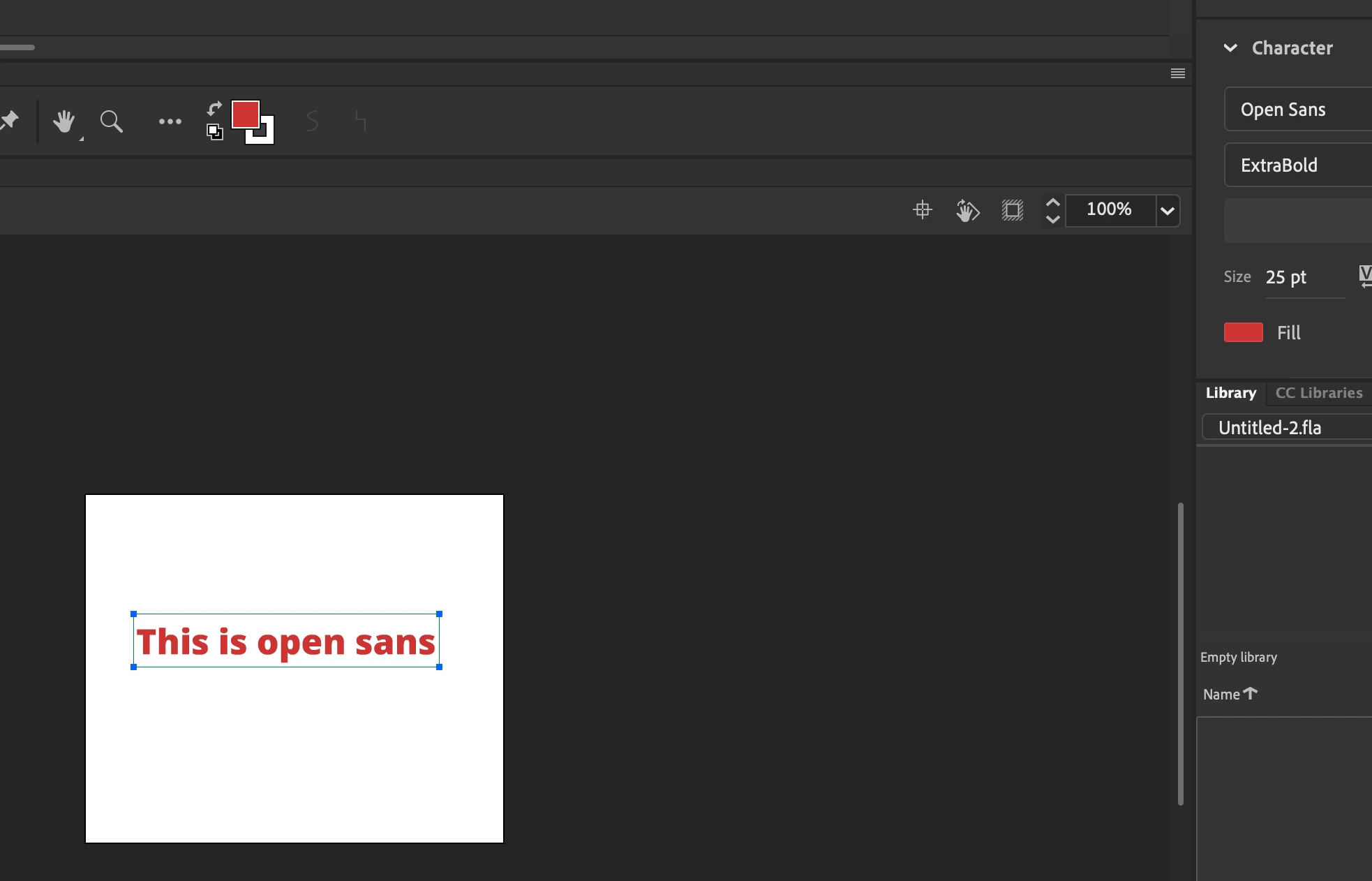
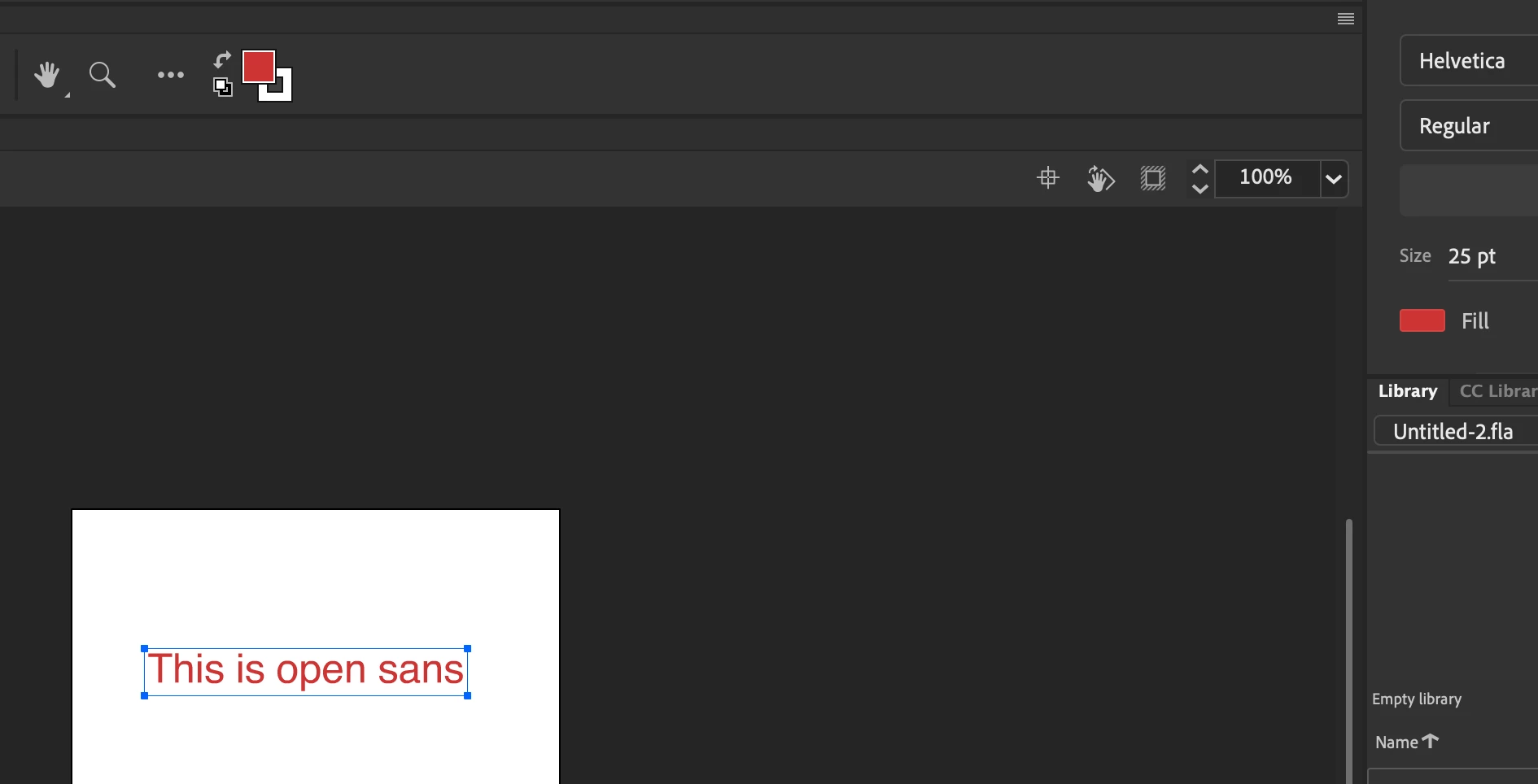
Missing fonts aren't detected anymore? As an example I have created a document with a text line set to 'Open Sans'. When I deactivate Open Sans and open the FLA file it should say that this font is missing and offer me the choice to replace it. But instead it just opens the document and turns all texts for which the fonts are missing into Helvetica. When I go to Font Mapping I also see no mention about missing fonts. This is both on my Mac at home and at work. I'm using Animate 2023 (23.0). And since this update 'missing fonts' isn't working anymore. Probably Animate needs another update?


    This topic has been closed for replies.

    2 replies

    Mohanaraj
    Adobe Employee
    Adobe Employee
    November 16, 2022

    Hi @jiggy1965 - Have you selected Dont show again anytime? Can you please try Preferences > General > Reset All Warning Dialogs and see if that help bring back the dialog next time when open a file containing missing font?


    Thanks!

    Mohan

    jiggy1965Author
    Inspiring
    November 16, 2022

    No need. Both my Mac at work and at home were only just recently updated to the 2023 version. And in both I dind't select 'Don't show again' on anything. That 'reset all warnings dialogs' is also not clickable because of that. Both have the same result. When I open a file in which fonts would be missing, instead of that missing fonts dialogue, it turns all texts which have that missing font into Helvetica. Making me think those texts were indeed Helvetica while they are not.

    thorstenv47254514
    Participating Frequently
    February 5, 2023

    I have the same problem.

    Adobe, please fix this bug.

    kglad
    Community Expert
    Community Expert
    November 16, 2022