Inspiring
December 29, 2023
Answered

Missing/Incorrect Layers on Test Scene

  • December 29, 2023
  • 2 replies
  • 350 views

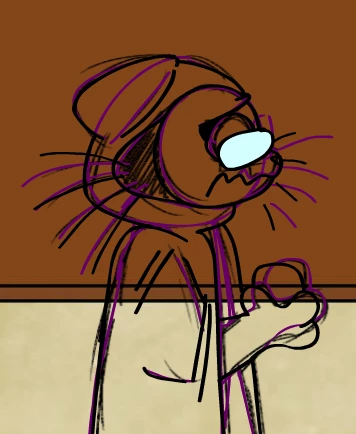
Hello. So, I have this character that wears glasses. They're drawn on a different layer and the Multiply belnd is applied to them. On the test scene however, the layer is ignored and shows nothing. I tried opening up a new file and just copying and pasting the layers, but then ALL of the layers were ignored, even the hidden ones. And the glasses layer still displayed being on Normal.  So, clearly this scene is cursed. Any ideas?



    This topic has been closed for replies.
    Correct answer Moon28094724rkyw

    Hey, so all it turns out the issue was basically I had way too many layers on the main timeline and it was causing layering issues when compiling the SWF movie. I put my scenes into symbols and it turned out fine. As for the hidden layers being shown, I simply had "Include hidden layers" checked off in publish settings.

    2 replies

    Moon28094724rkywAuthorCorrect answer
    Inspiring
    December 30, 2023

    Hey, so all it turns out the issue was basically I had way too many layers on the main timeline and it was causing layering issues when compiling the SWF movie. I put my scenes into symbols and it turned out fine. As for the hidden layers being shown, I simply had "Include hidden layers" checked off in publish settings.

    kglad
    Community Expert
    Community Expert
    December 30, 2023

    16,000 is the upper limit on layers.

    kglad
    Community Expert
    Community Expert
    December 29, 2023

    what if you use test movie?

    Inspiring
    December 29, 2023

    dont work

    kglad
    Community Expert
    Community Expert
    December 29, 2023

    did you intentionally enable smart layers?