
Question
Missing parts.. how do I get them back?
I am missing a bunch of parts from my Illustrator file when I transfer it to Animate.
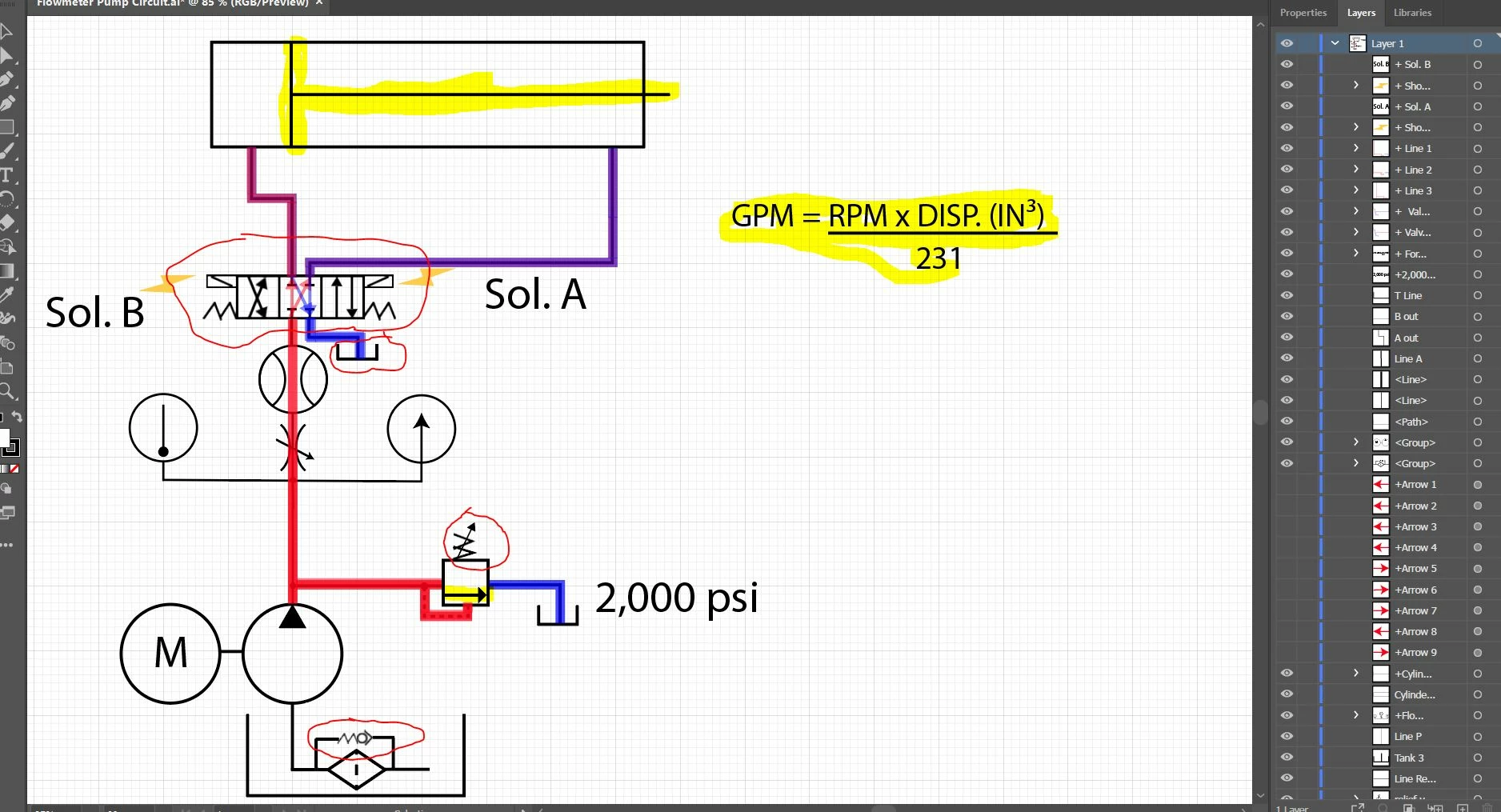
How do I get the missing parts back? I am posting a few pictures of how it looks like.. all the red circle parts seems to be missing, those are the ones I can see missing so far.... how do I make them show in Animate?
Also... as scoop of work this should be an easy to do project once I know some basics. All I need is to make the red and blue lines appear and dissapear, make one big line on top move from left to right, and one small arrow on the bottom move up and down. I want to create these movements on a trigger button.
This is the Illustrator file (without showing the red arrows that I wont need)
This is how it looks in Animate.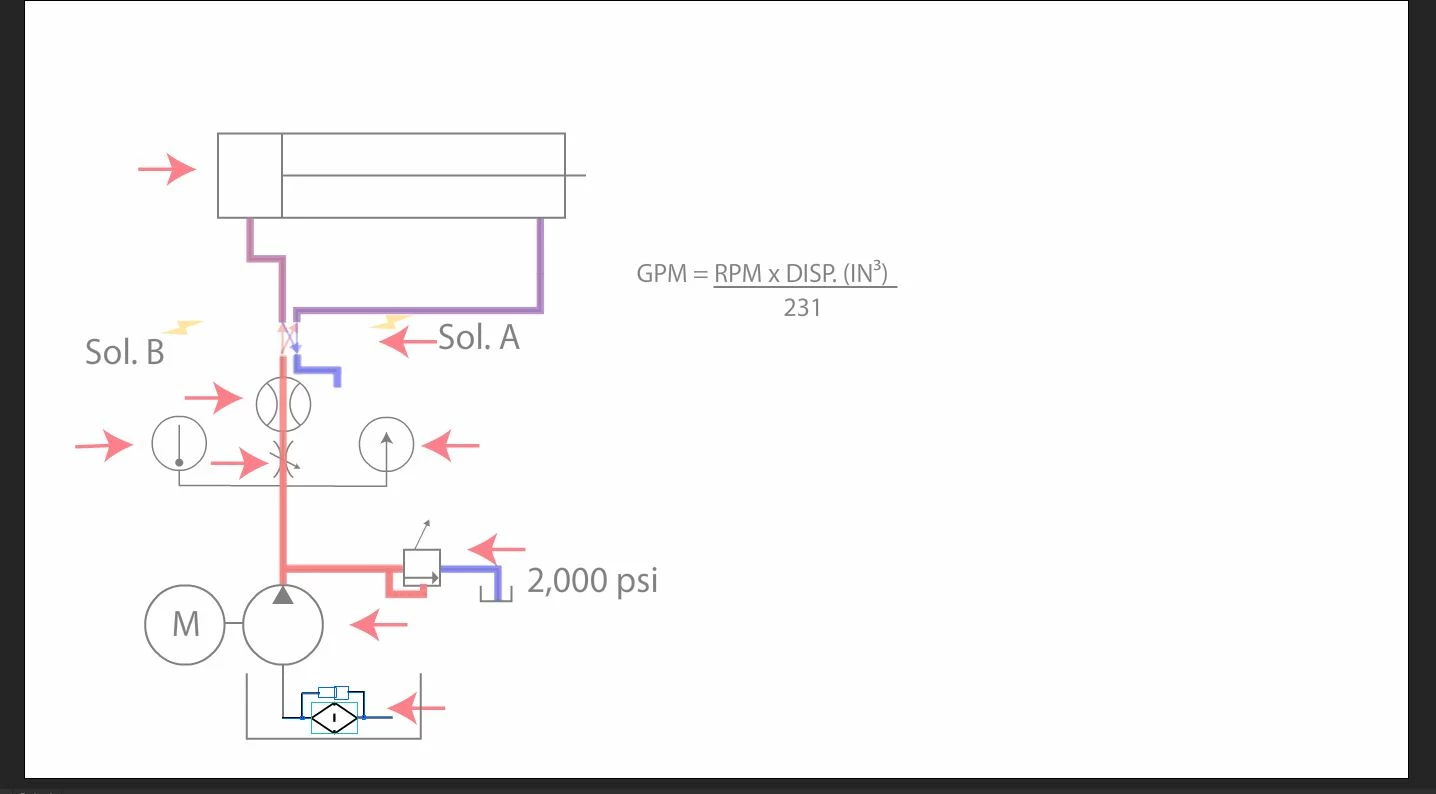


 AdChoices