woodym76459701
Participant
November 15, 2017
Answered

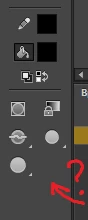
Missing pressure sensitive button in Adobe Animate.

  • November 15, 2017
  • 2 replies
  • 763 views

A week ago, I was doing fine, the button was there, BUT NOW IT'S SUDDENLY DISAPPEARED. Tablet is - wacom bamboo ctl 470, windows 10, all drivers are installed

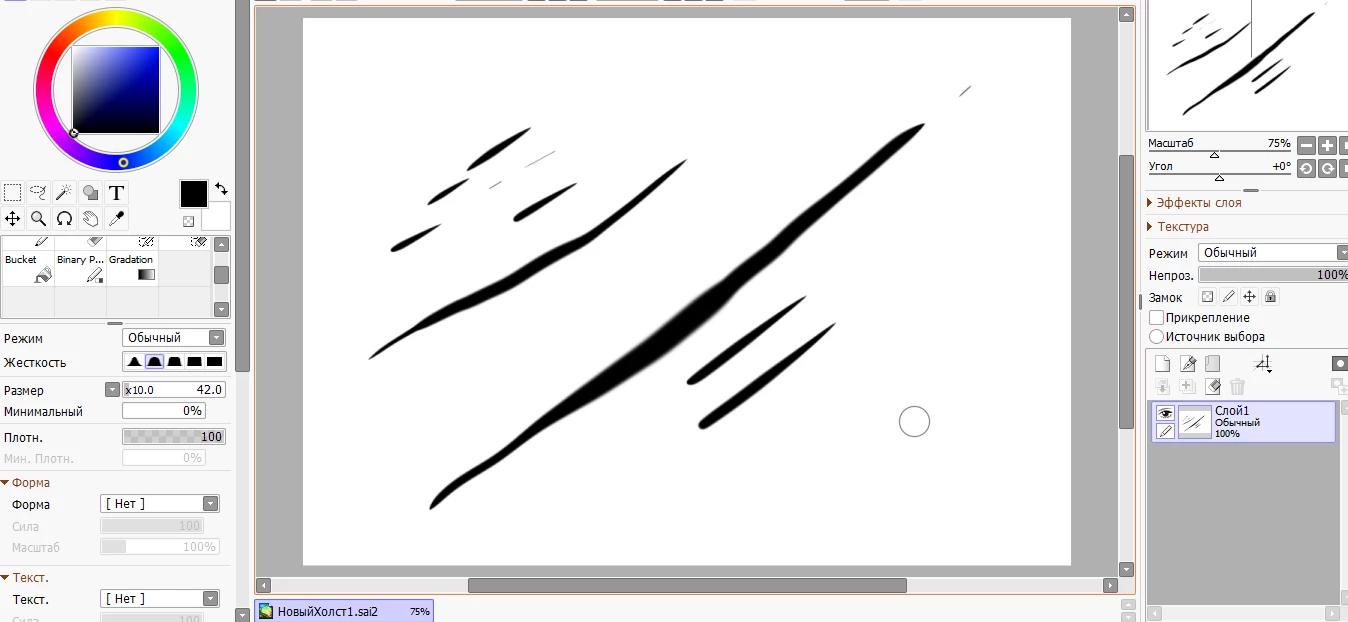
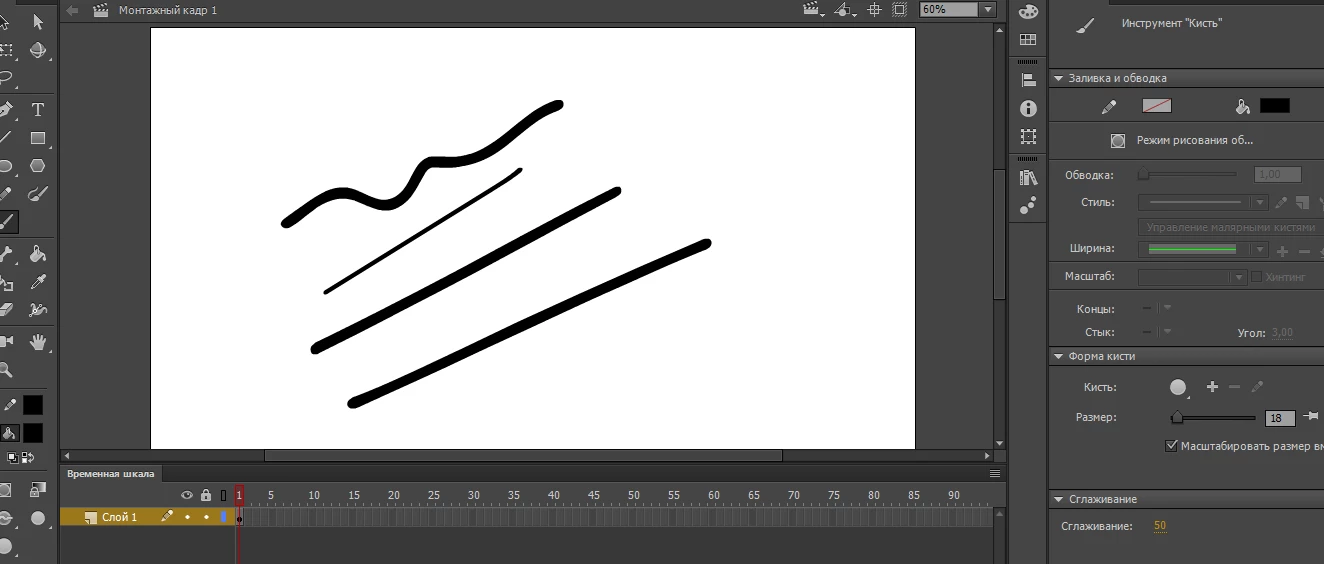
In SAI and Photoshop pressure sensitive is working, but Animate seeing my tablet like mouse apparently. Nothing was changed sinse last week, its just disappeared.

Please HELP!!!
This topic has been closed for replies.
Correct answer woodym76459701

Nothing was working and everything was fine with the drivers and stuff, so I decided to reinstall a system and everything, it took a lot of time, but now button is here again, still dont know what was cousing the problem though.

2 replies

woodym76459701
woodym76459701AuthorCorrect answer
Participant
November 17, 2017

Nothing was working and everything was fine with the drivers and stuff, so I decided to reinstall a system and everything, it took a lot of time, but now button is here again, still dont know what was cousing the problem though.

Preran
Legend
November 16, 2017

I have to admit that this is very strange. Did you try restarting your devices? You can also try restoring preferences in Adobe Animate

Re-create preferences

Thanks,

Preran

woodym76459701
Participant
November 16, 2017

Yes, I tried restart all of my devices and animate, but nothing worked. Gonna try restoring preferences as you told right now,