Participant
September 20, 2020
Question

Motion Tween not working
  • September 20, 2020
  • 3 replies
  • 3136 views

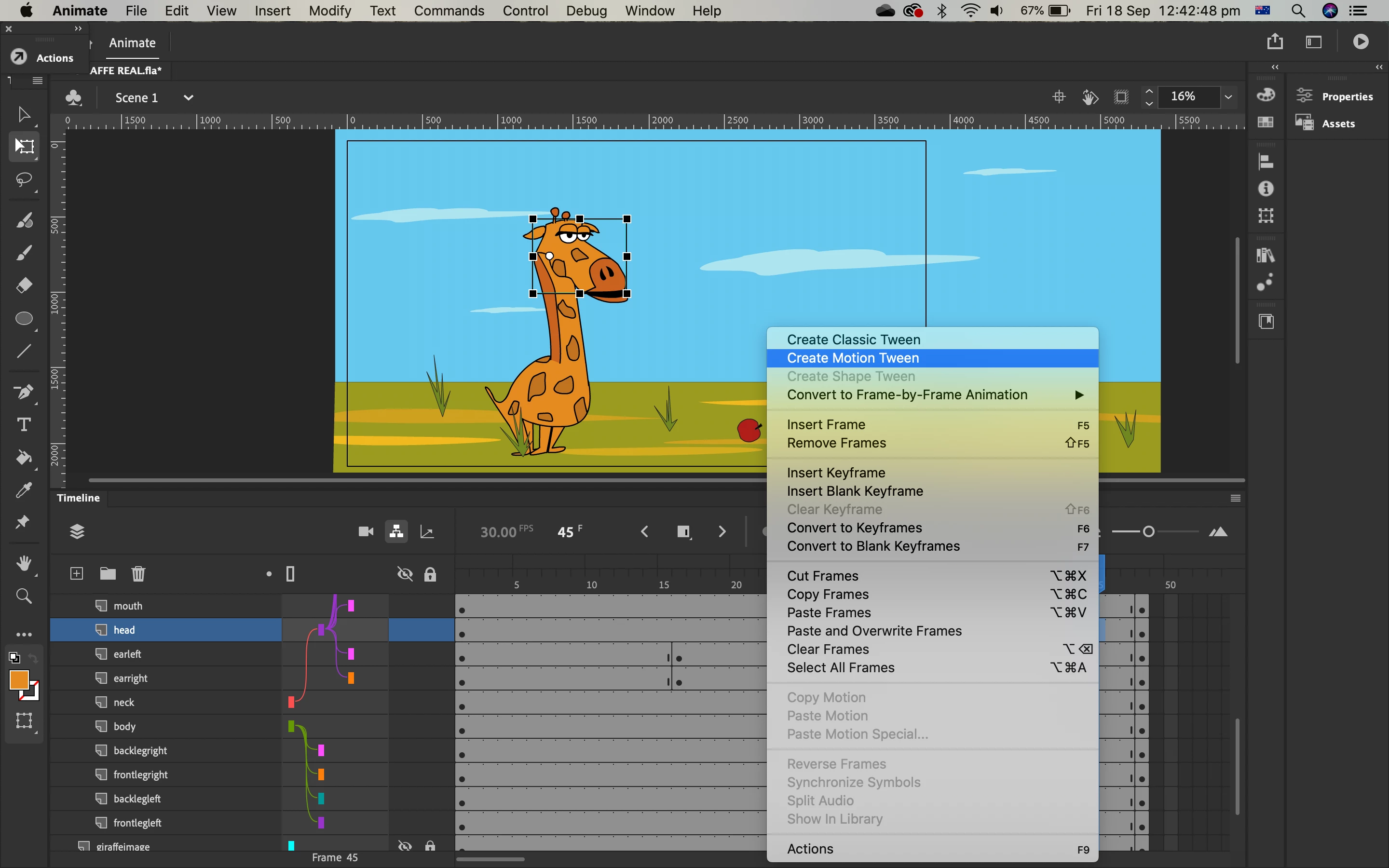
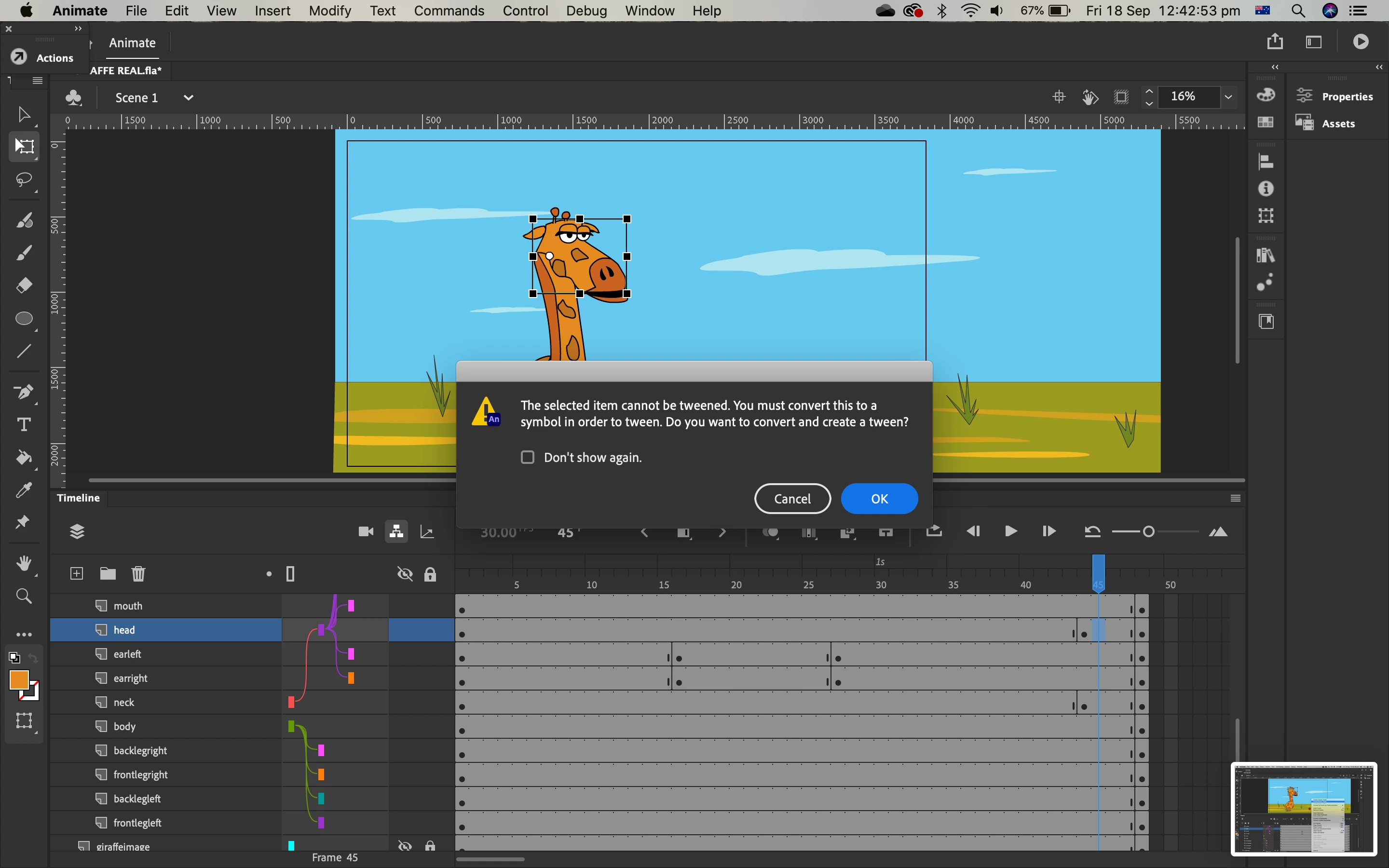
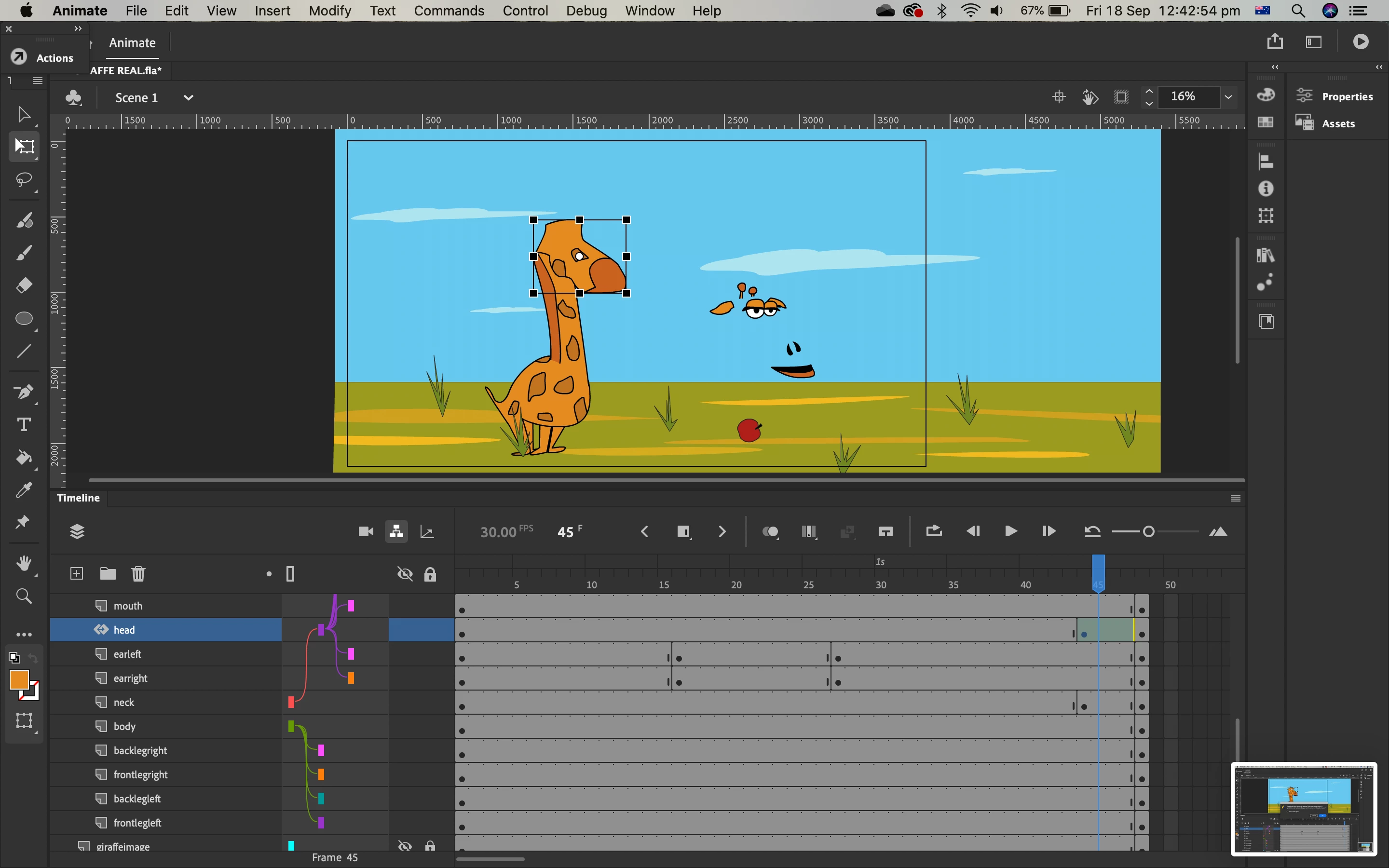
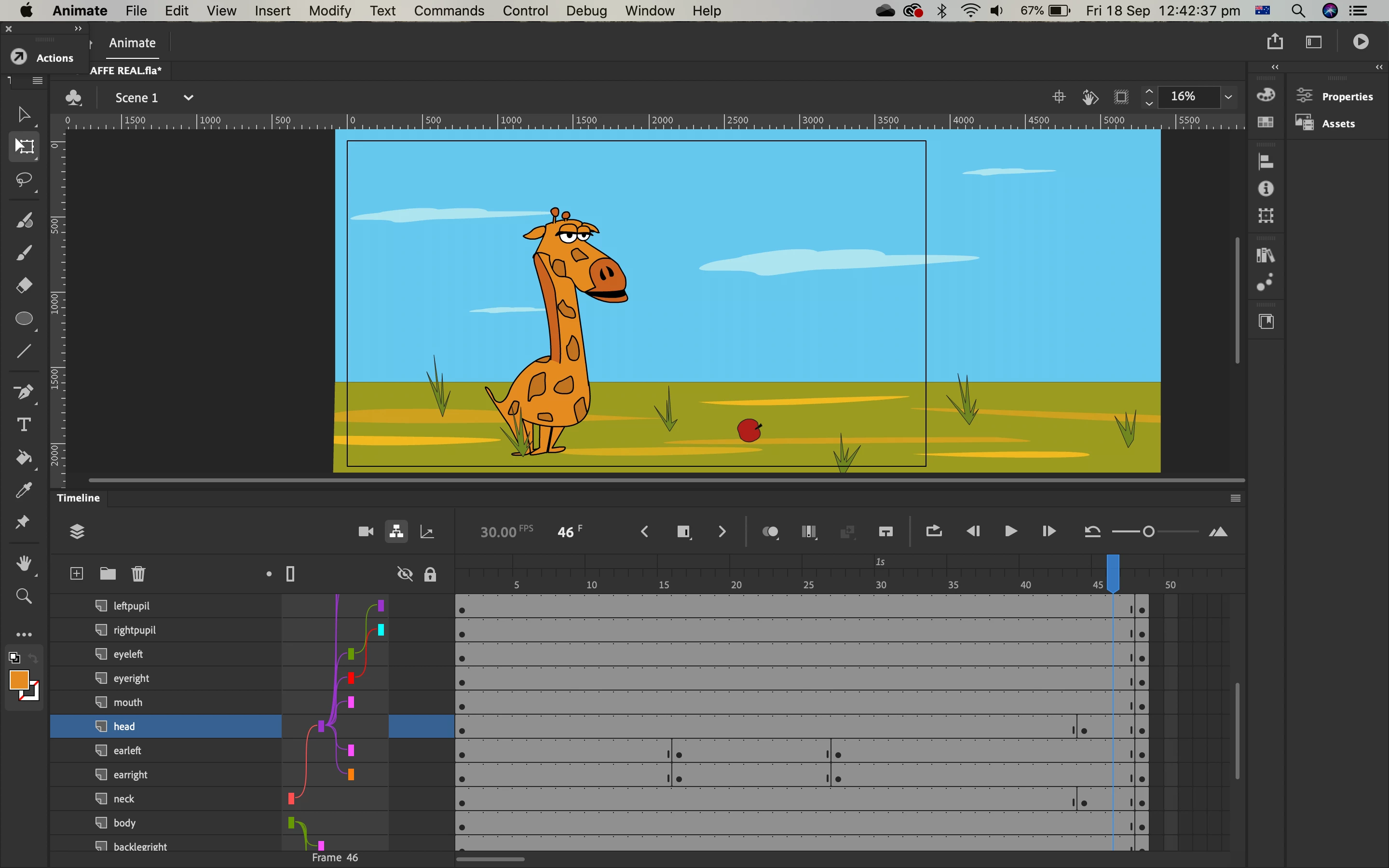
I've been trying to make a giraffe animation and the tween isn't working. I've got some images below to explain what I mean. 

    This topic has been closed for replies.

    3 replies

    Colin Holgate
    Inspiring
    September 21, 2020

    Some of what Nick said may not apply. You're doing AS3 and not Canvas, so Motion tweens should be ok. You're using layer parenting, which is an alternative way of working, rather that putting symbols inside other symbols.

    Main thing that seems wrong is that motion tweens need things to be symbols. When it asks you if you want it to be a symbol, yes, you do.

    Pari5C8AAuthor
    Participant
    September 24, 2020

    Hey

    I've converted all the parts into symbols and it still gave that pop up message. And when I pressed ok to that pop up message it still distorts.

    Thanks for your help though 

    n. tilcheff
    Legend
    September 20, 2020

    Hi mate,


    First - use Classic tweens instead of Motion.

    Second - make keyframes for all elements, not just the head.

    Third - nest the facial features inside the head.

    Fourth - there are better rigging/posing systems, namely Smart Magnet Rigs.


    Here is an in-depth article how to rig your characters.


    Good luck!


    Nick - Character Designer and Animator, Flash user since 1998 | Member of the Flanimate Power Tools team - extensions for character animation
    Participant
    September 20, 2020

    I don't know how to help but good luck 😃👍