Inspiring
February 24, 2020
Answered

Motion tween rotation problem

  • February 24, 2020
  • 2 replies
  • 7203 views

I want there to be a clockwise rotation in the distance shown below
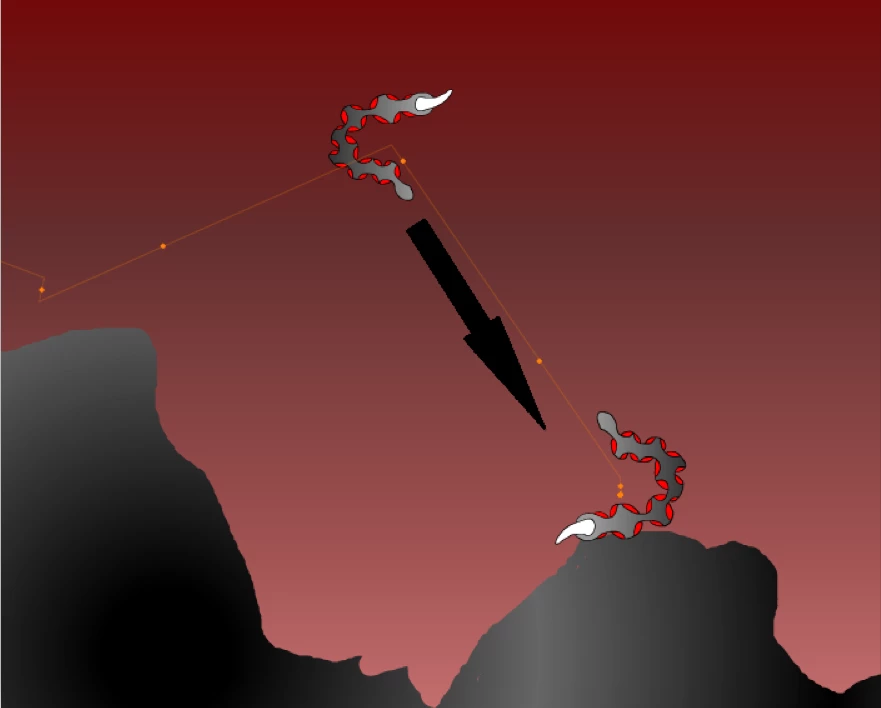
But when I set a rotation, the "tail" will rotate in the whole distance of the animation

It starts rotating when the animation starts and so does stop.

But that's not the way I want it to rotate, I want it to rotate only in the distance shown above

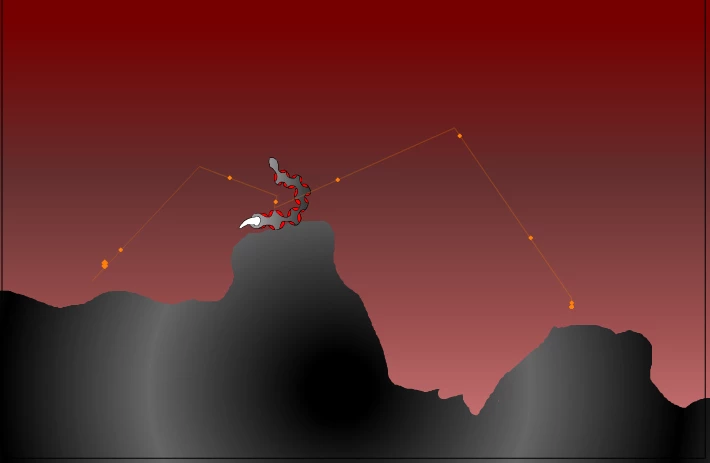
This is the whole distance
This topic has been closed for replies.
Correct answer _keyframer

It is because you are using a Motion Tween instead of a Classic Tween. There's several differences and reasons between the 2 tween modes.
But I get what you are saying and what you are trying to do. The Motion Tween is allowing you to animate along a path. But any property you animate will be applied to the ENTIRE tween span (unlike Classic tweens). So try this...


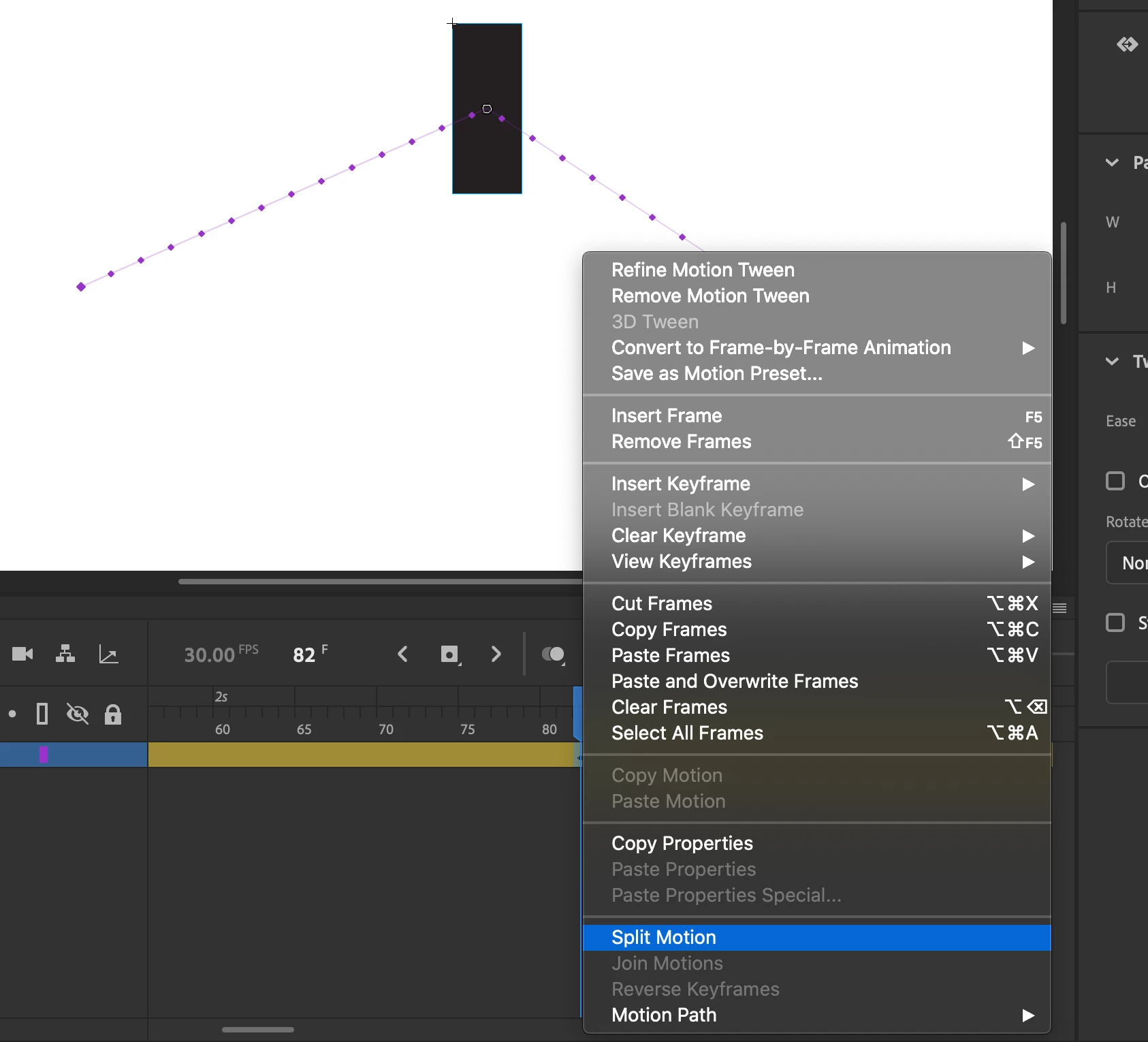
On the frame where you want the rotation to begin, select it, right-click over it and select SPLIT MOTION. Now just select a frame in the new tween span where you want to rotation to take place, and select the rotation in the Properties Panel or manually rotate it using the Free Transform tool.

2 replies

_keyframer
Community Expert
_keyframerCommunity ExpertCorrect answer
Community Expert
March 3, 2020

It is because you are using a Motion Tween instead of a Classic Tween. There's several differences and reasons between the 2 tween modes.
But I get what you are saying and what you are trying to do. The Motion Tween is allowing you to animate along a path. But any property you animate will be applied to the ENTIRE tween span (unlike Classic tweens). So try this...


On the frame where you want the rotation to begin, select it, right-click over it and select SPLIT MOTION. Now just select a frame in the new tween span where you want to rotation to take place, and select the rotation in the Properties Panel or manually rotate it using the Free Transform tool.

Animator and content creator for Animate CC
38175425Author
Inspiring
March 19, 2020

Thank you so much!

kglad
Community Expert
Community Expert
February 24, 2020

i don't understand what you're trying to convey.

38175425Author
Inspiring
March 2, 2020

This tail is rotating the whole time

But I only want it to rotate in a certain time

Sorry my English is bad

https://www.youtube.com/watch?v=ygUz1QulOb0


kglad
Community Expert
Community Expert
March 2, 2020

at some key frame number you want the rotation to stop changing, correct?


if so, check the angle of rotation at that frame and make sure it's the same at every keyframe after that initial key frame.  ie, the angle of rotation is unchanged from the keyframe where you want rotation to stop changing.