

Answered
Motion Tween won't apply curve- Adobe Animate
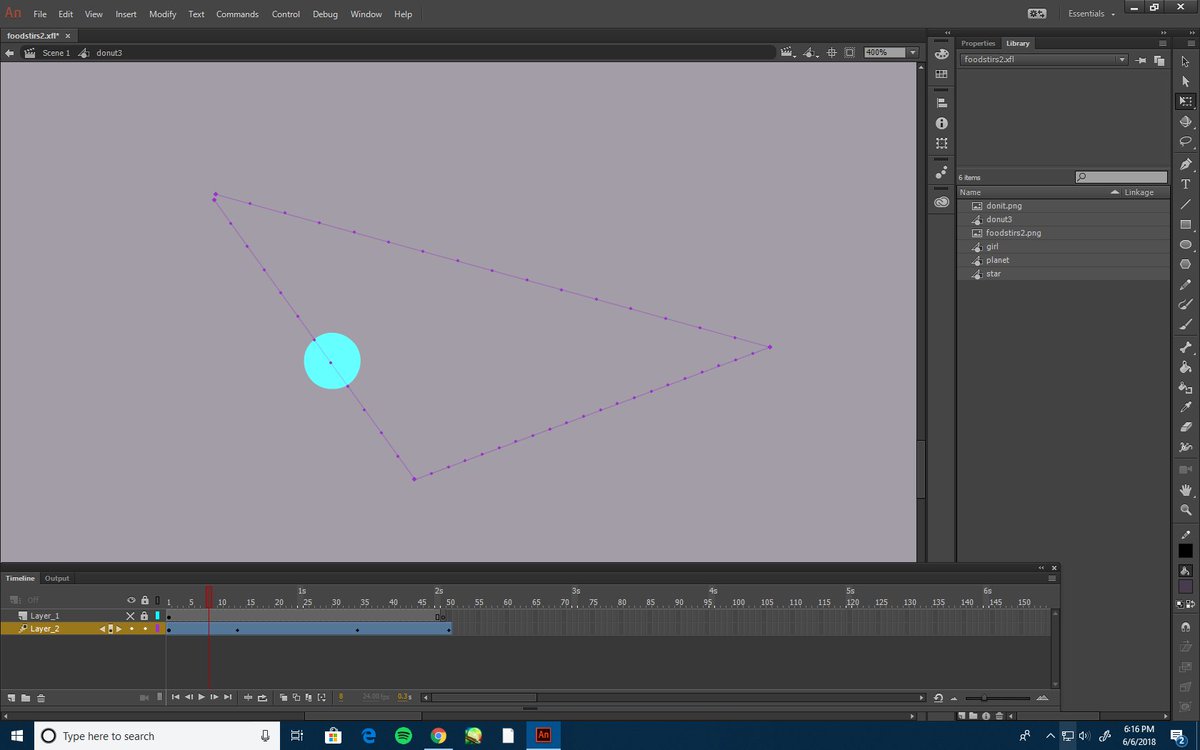
So at the moment I have a .xfl document, and a ball with a motion tween path. It's where I want it and everything, I just want to apply a curve to make it smoother and not so jagged.
But when I try to move the object to create the curve it just makes another sharp corner. I've done this before on another project where I dragged the object, or the point on the line and it made a nice curve, but I can't seem to figure out what caused that.

I had the same type of file, and everything. I'm not sure how it worked originally, because it happened automatically.


 AdChoices